No sign-up · no generation cost
Better group photos
start before “generate.”
Use the free tools before the shutter or the generation: prepare the people, poses, colors, scene, and one list everyone can follow.
What do you want to do next?
These browser tools are free. They plan, check, crop or arrange photos; they do not generate AI images.

Start with the source
Portrait readiness checker
Check resolution, light, sharpness, and crop locally. Your photos never leave the browser. Check portraits 02
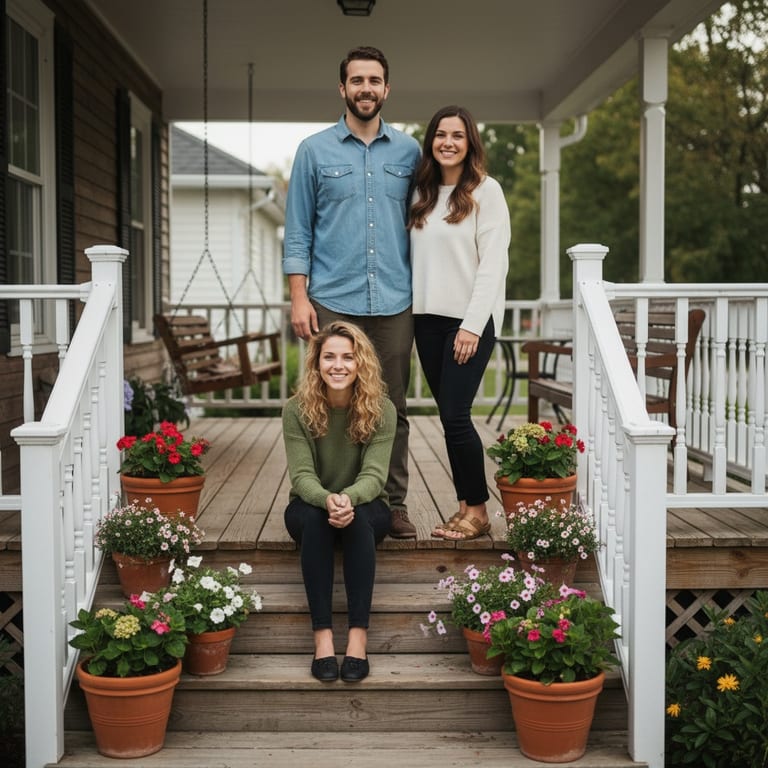
Then choose the moment
Group photo vibe finder
Match family, friends, couples, or teams to three scenes from the real TogetherLens library. Find a scene 03Plan the colors
Family outfit palette planner
Choose a season and setting. Get five coordinated family-photo colors and a simple outfit plan. Build a palette 04Keep the day moving
Wedding family photo list
Choose the groups you need, estimate the portrait time, then copy, share, or print one clean list. Build the list 05Direct the group
Family photo pose planner
Choose your family size, space, and energy. Get six arrangements with simple photographer cues. Plan the poses 06Break the default pose
Couple pose roulette
Choose a setting and mood. Get six easy couple poses, direct cues, and a plan to send to your person. Deal six poses 07Get the family there
Family reunion invitation maker
Add the date, place, and family-photo time. Download or share one photo invitation without an account or upload. Make the invitation 08Organize the whole gathering
Family reunion planning checklist
Choose the timeline, family size, and format. Get one printable plan with clear owners and a fixed family-photo time. Build the reunion plan 09Turn the reunion into a game
Family reunion photo scavenger hunt
Generate a different photo hunt for all ages, kids, or adults. Play the full hunt or race for a bingo line. Build the photo hunt 10Describe the shared scene
AI couple photo prompt generator
Choose a setting, mood, and frame. Copy or share one specific two-selfie prompt without an account or photo upload. Build a prompt 11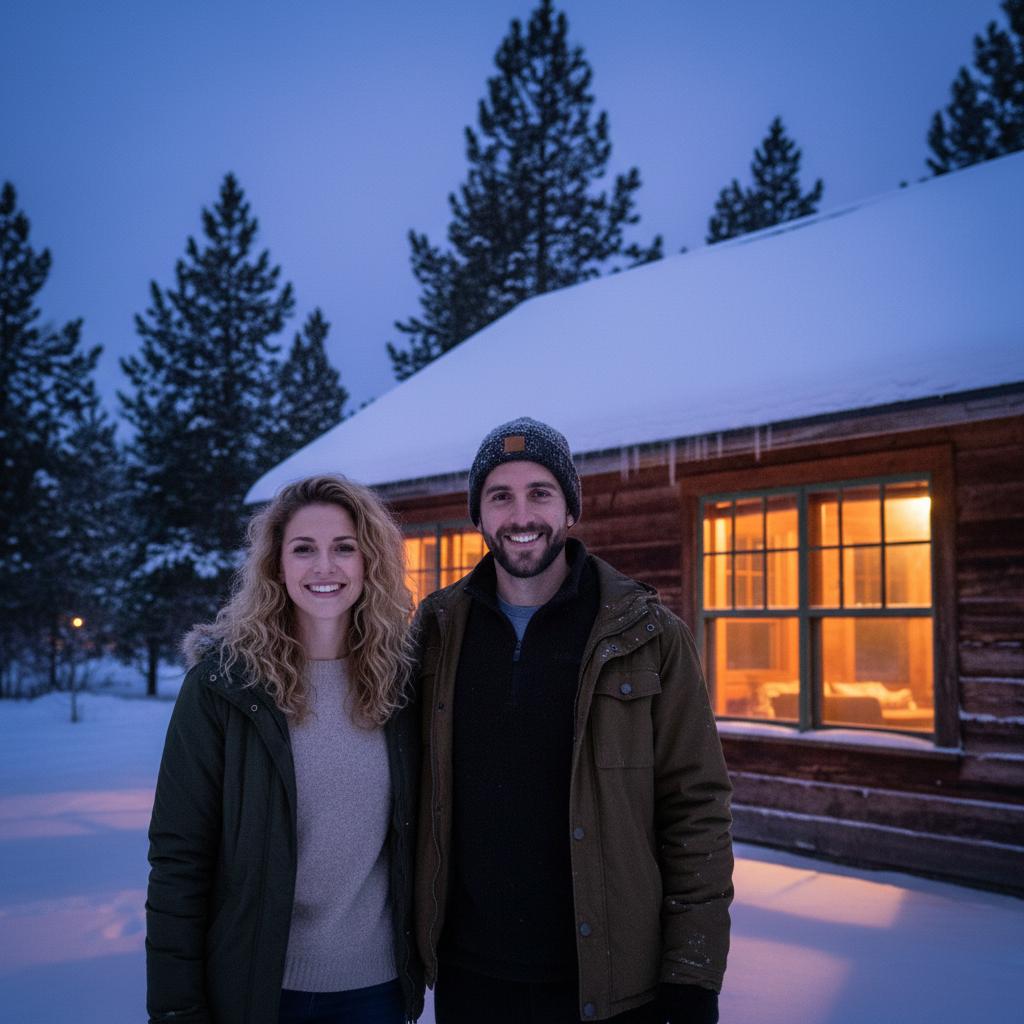
Start the holiday group chat
AI Christmas family photo planner
Build a prompt, outfit palette, permission-first selfie request, and downloadable story card with a QR back to the plan. Plan the family card 12Finish the post
Family photo caption generator
Choose the group, tone, and occasion. Get nine warm, funny, or short captions ready to copy and share. Build the captions 13



Arrange the frame privately
Group photo storyboard
Place two to five local portraits into one composition plan. Choose the order, spacing, scene, and frame without uploading a face. Build the storyboard 14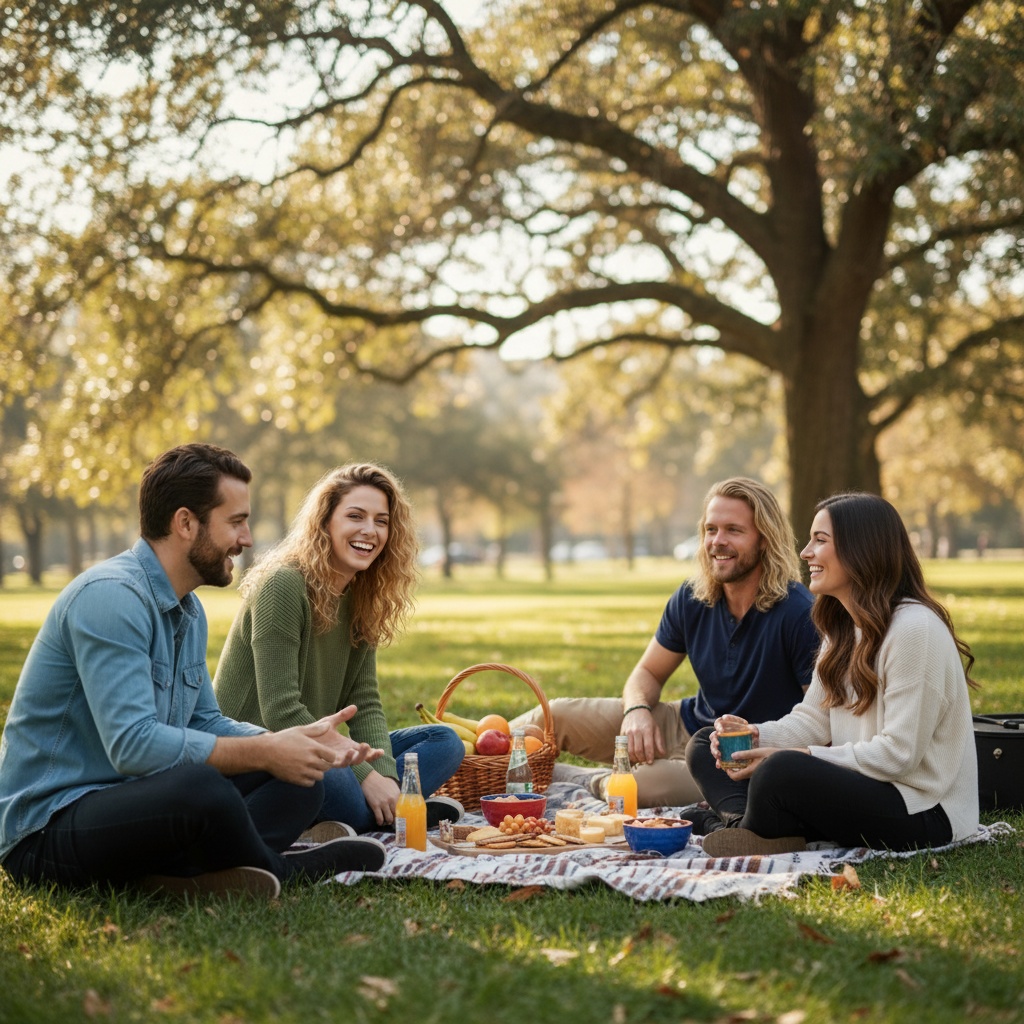
Scout the light
Family location & light planner
Choose a realistic setting, light window, and weather fallback before the group arrives. No GPS or portrait upload. Scout the session 15Protect the final crop
Family print & crop planner
Choose a print, card, or social use and keep every face inside the final frame before you generate. Plan the export 16
Keep the journey
Family travel photo journal
Turn a road trip, city weekend, or cabin escape into five story beats before you collect a portrait. Plan the journal 17Before the post
AI group portrait review checklist
Check identity, anatomy, scene, audience, disclosure, and crop before an AI-generated portrait travels beyond the group. Review the portrait 18Make the image understandable
AI group portrait alt text writer
Write useful alt text, a caption, and a clear AI disclosure locally before the portrait travels beyond the group. Write the text kit 19Make the group chat useful
WhatsApp group photo invite
Turn a vague group-photo idea into one permission-first message people can answer, without uploading a portrait or reading contacts. Open the invite 20Plan a friendship portrait
Best friend photo prompt generator
Choose a scene, pose and crop for two friends. Edit and copy a free text prompt without an account or photo upload. Image generation is separate. Build a friendship prompt 21Plan a family portrait
Family photo prompt builder
Choose 2–5 people, a scene, pose, and crop. Edit and copy text only—no sign-up or photo upload; image generation is separate. Build a family prompt 22Plan for the supported group size
Group photo prompt builder
Choose 2–5 people, a scene, arrangement and crop. Edit and copy text only—no sign-up or photo upload; app generation uses paid tokens, and Premium is optional. Build a 2–5 person prompt 23Plan a father–son portrait
Father–son photo prompt builder
Choose a young child, teenager, or adult son, then set a scene, moment, and crop. Edit and copy text only—no sign-up or photo upload; app generation uses paid tokens, and Premium is optional. Build a father–son prompt 24Start with separate photos
Couple photo from separate photos
Use a clear two-selfie prompt, four quality checks, and a direct bridge to a finished shared scene. Open the guide 25Check the source faces
Couple eye consistency checklist
Check both eyes, camera height, light, and permission before you combine two separate portraits. Check the source 26Save the finished frames
Photo strip maker
Arrange two photos side by side or three on a strip, then download one PNG locally. No upload, sign-up, image generation or live camera room. Make a free strip 27One group photo, separate portraits
Group photo portrait cropper
Crop individual portraits from a group photo with manual controls or optional on-device face suggestions. Review and save a free JPEG locally. No upload, enhancement or sign-up. Crop a portrait privatelyMore free planning tools
Turn waiting time into a photo game
Live Group Photo Prompt Wheel
Spin a privacy-safe group-photo prompt for a wedding, reunion, or team event, then share the same challenge with everyone in the room. Open the free toolDiagnose the failed generation
AI Group Photo Prompt Fixer
Fix an AI group photo prompt when faces, scale, lighting, hands, or composition look wrong. Build a precise repair prompt without uploading a photo. Open the free toolOne brief for every time zone
Remote Team Photo Brief Maker
Create a consistent remote-team photo brief for an About page, LinkedIn launch, press kit, or company announcement. Free and shareable. Open the free toolTurn one organizer into a full group
Group Selfie Request Template
Create a clear, permission-first selfie request for an AI family, friend, wedding, or team group photo. Copy or share the attributed invite free. Open the free toolBefore the portrait exists
AI Photo Permission Card
Make a clear, shareable permission checklist before creating or posting an AI group photo. Free, private, and no upload. Open the free toolMake transparency travel with the image
AI Photo Disclosure Badge Maker
Create a visible AI-generated or AI-assisted portrait disclosure badge as a downloadable PNG with an optional QR back to the creation guide. Open the free toolGive the family a reason to return
Family Photo Time Capsule Challenge
Create a 3-day, 7-day, or monthly family photo time-capsule challenge with prompts, a group-chat invite, and a shareable story card. Open the free toolTurn nostalgia into a precise brief
Recreate a Childhood Photo With AI
Plan a respectful then-and-now or childhood-photo recreation prompt. Choose the people, scene fidelity, and final format without uploading photos. Open the free toolRepair the photo the shot list missed
Missing Wedding Guest Photo Plan
Plan a careful AI wedding group photo when a relative, friend, or member of the wedding party is missing from the clean group shot. Open the free toolTurn a table card into a scan
Virtual Photo Booth Prompt Cards
Generate free printable photo-booth prompt cards for a party, team event, reunion, or wedding—with a QR route back to the shared photo plan. Open the free toolMake distance part of the format
Long-Distance Friend Photo Challenge
Start a free long-distance friend photo challenge with daily selfie prompts, one shared-scene idea, and an attributed story card for the group chat. Open the free toolDecide the scene before the upload
Group Photo Moodboard
Build a free group-photo moodboard before anyone uploads a portrait. Choose the occasion, visual direction, and layout, then share one clear scene brief with the group. Open the free toolMake the email easy to answer
Email Group Photo Invite
Create a privacy-safe group-photo invite and open it in your email client. Choose the group, the ask, and the reply window without uploading a portrait or saving contacts. Open the free toolGive the plan a date
Group Photo Calendar Invite
Create a privacy-safe calendar reminder for a group-photo plan. Choose the group, the ask, and a simple timing window, then share a standards-compatible .ics file without granting calendar or contact access. Open the free toolReach the people outside the group chat
SMS Group Photo Invite
Create a privacy-safe group-photo invite and open it in your phone's text-message composer. Choose the group, the ask, and the reply window without uploading a portrait or saving contacts. Open the free toolMake a group chat invitation travel
LINE Group Photo Invite
Create a privacy-safe group-photo invite and open LINE's user-controlled Share with screen. Choose the group, the ask, and the reply window without uploading a portrait or reading contacts. Open the free toolA call sheet people can follow
Family Photo Shot List Builder
Build a practical family photo shot list for a reunion, anniversary, birthday, holiday, or everyday session. Copy or share the call sheet without putting names or photos in the link. Open the free toolPlan the portrait together
Mother–daughter photo prompt builder
Choose a setting, pose and crop, then edit a free text prompt. No photo upload or image generation; the text is not imported into TogetherLens. Build a mother–daughter promptChoose the ages and moment
Father–daughter photo prompt builder
Choose the daughter's life stage, setting, moment and framing, then edit a free text prompt. No photo upload or image generation. Build a father–daughter promptDescribe the people you know
Mother–son photo prompt builder
Choose the son's life stage, setting, moment and framing, then edit a free text prompt. No photo upload or image generation. Build a mother–son promptMake a starting scene your own
Sisters photo prompt editor
Start with one of eight scenes and edit the wording for your sisters. This free editor makes text only, without uploading photos or generating images. Edit a sisters promptPlan for each sibling's appearance