Protect the faces at the final size
Choose the crop
before the frame chooses it for you.
Pick the finished use, the shape, and the source you expect to create. Get a simple export brief that keeps a full master, reserves safe margins, and sends the right ratio into TogetherLens.
OUTPUT-INTENT PLANNER
Keep every face inside the final frame.
- 4×6 everyday print
- Landscape
- Phone originals
02 / PRINT PLAN
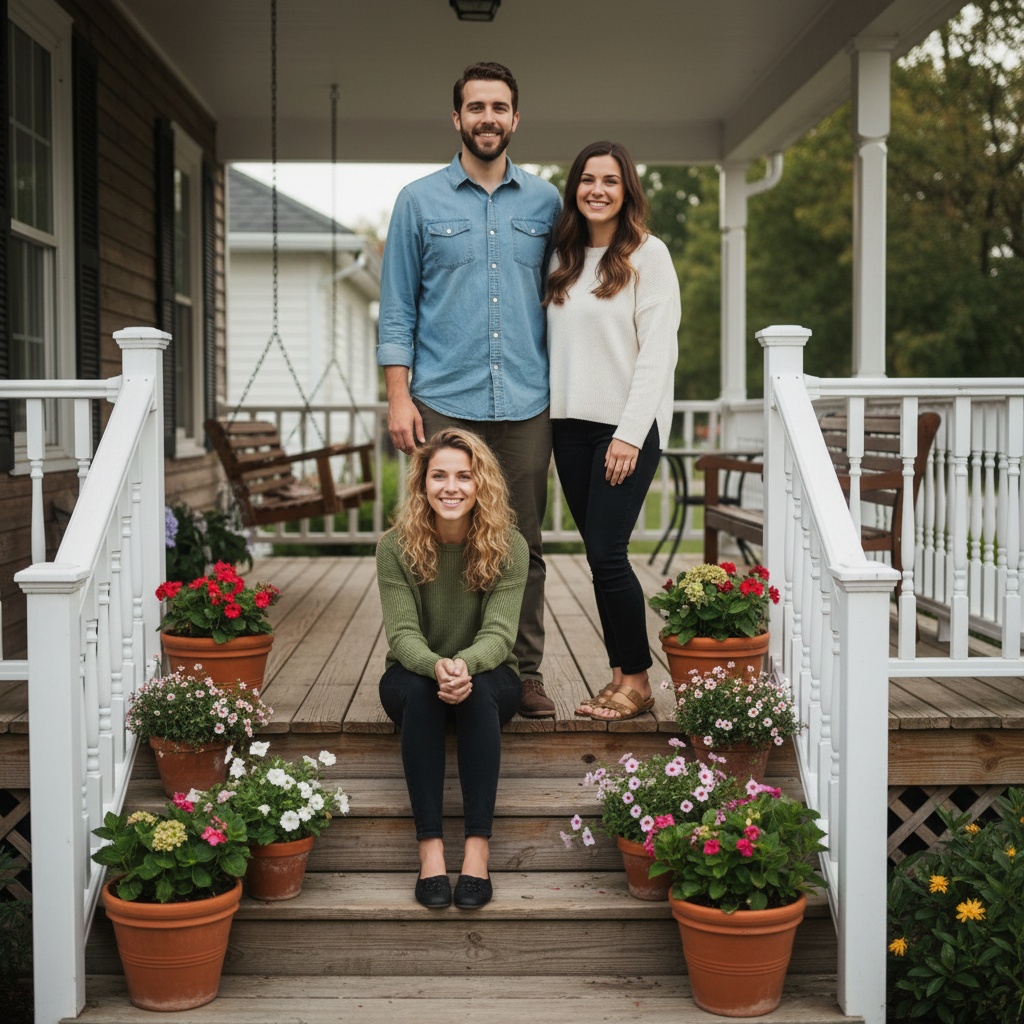
4×6 everyday print · Landscape · Phone originalsFamily photo print plan: choose the target ratio before generating, keep one uncropped master, and make the first export for the finished use rather than hoping a later crop will fit. Final use: a 4×6 print or album image where a 3:2 landscape crop usually preserves the most original width. Composition: keep the group comfortably wide with breathing room at both sides and a stable horizon. Source: keep the highest-resolution originals and avoid screenshots or repeated messaging-app compression. Keep heads, hands, and important edges inside a generous safe zone. Inspect the crop at 100 percent, create a second ratio only from the master, and label any AI-created portrait clearly when you share or print it.
Ready to use without an account.
FROM PLAN TO PHOTO
The best generation starts with the crop you need to keep.
- 01Choose
Choose the people, occasion, and details for your photo plan.
- 02Share
Send the message and plan link so everyone can see the same choices.
- 03Create
Open TogetherLens, add portraits with permission, and choose a scene. TogetherLens is free to install. Photo generation uses paid tokens; Premium is optional. Check the store for current prices and terms before purchase.
THE SAFETY BOUNDARY
Plan publicly.
Keep portraits private.
- Ask every living person before using their face.
- Keep names, private stories, and source portraits out of shared URLs.
- Inspect identity, hands, scale, clothing, and meaningful background details.
- Disclose that the result is AI-generated when context matters.
QUESTIONS
Before you use the plan.
Why does a family photo get cropped when I print it?
Print sizes use different aspect ratios. A 4×6 is 3:2, while 5×7 and 8×10 are tighter, so a crop can remove width or height unless you plan it first.
What is the safest way to make several family-photo sizes?
Keep one uncropped, highest-resolution master, then create each target ratio from that master. Check the outside faces and hands at the actual output size before ordering or sharing.
Does this crop planner upload my image?
No. It creates a crop and export brief from broad choices only. Your images stay out of the tool.