Separate selfies. One shared moment.
Every person.
One impossible photo.
Bring up to five people into one realistic group portrait—even when the original moment never happened.
Free to install. Image generation uses paid tokens; Premium is optional. Check purchase options and prices in the app.
Compare one-time packs and optional Premium
Read a guide
On a computer? Open the app on your phone
Scan the code for your phone with its camera, then open the store link.
Free to install. Photo generation uses paid tokens. Premium is optional.
Read the recording steps
- 00:00
Choose a scene in the earlier app.
- 00:03
Choose a separate portrait per person. Use photos with permission.
- 00:07
Wait sped up. Timing varies.
- 00:10
Gallery of earlier AI examples. Review faces and details.
A simple photo recipe
From camera rolls
to one believable scene.
- 01

Add clear portraits
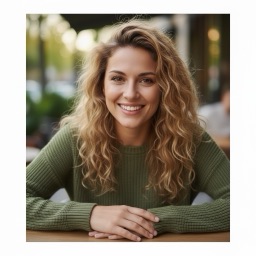
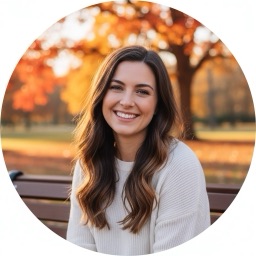
Choose well-lit, front-facing photos for two to five people. Ask everyone’s permission first.
- 02
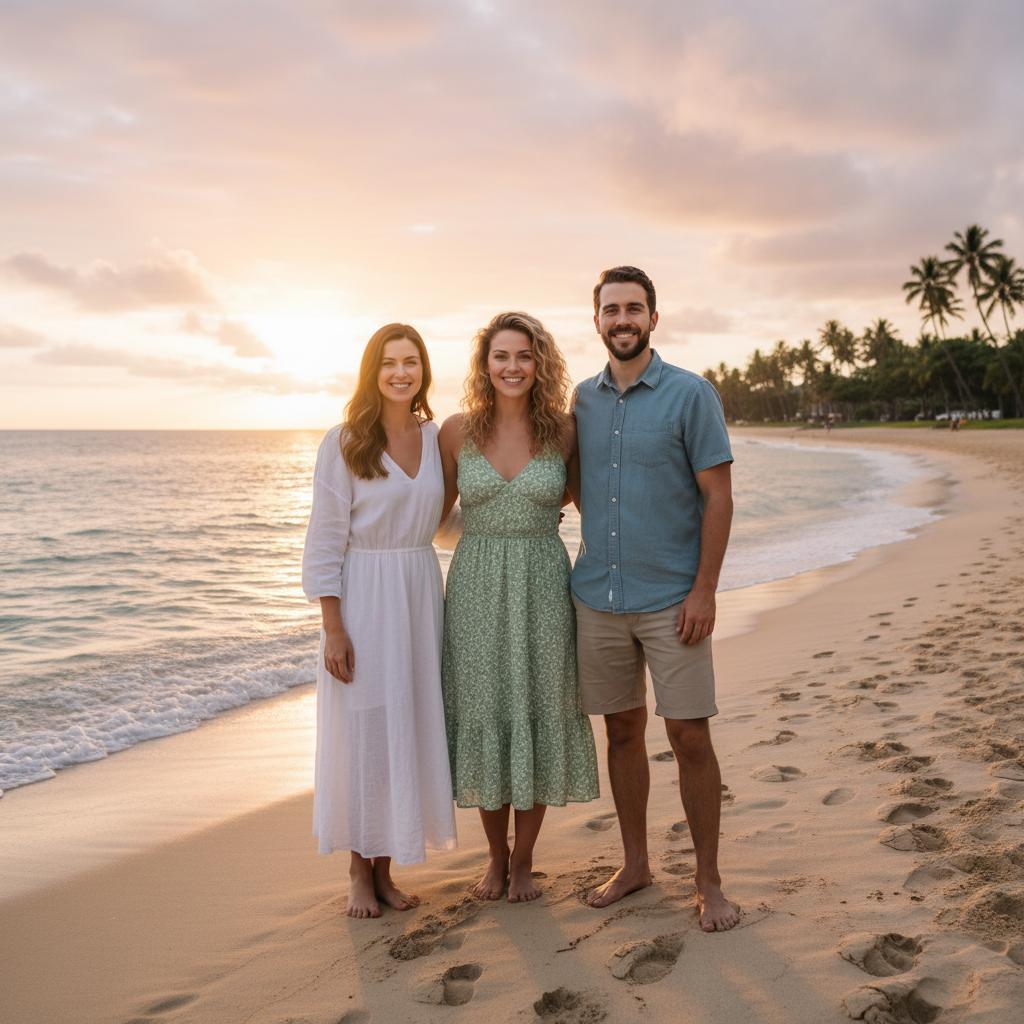
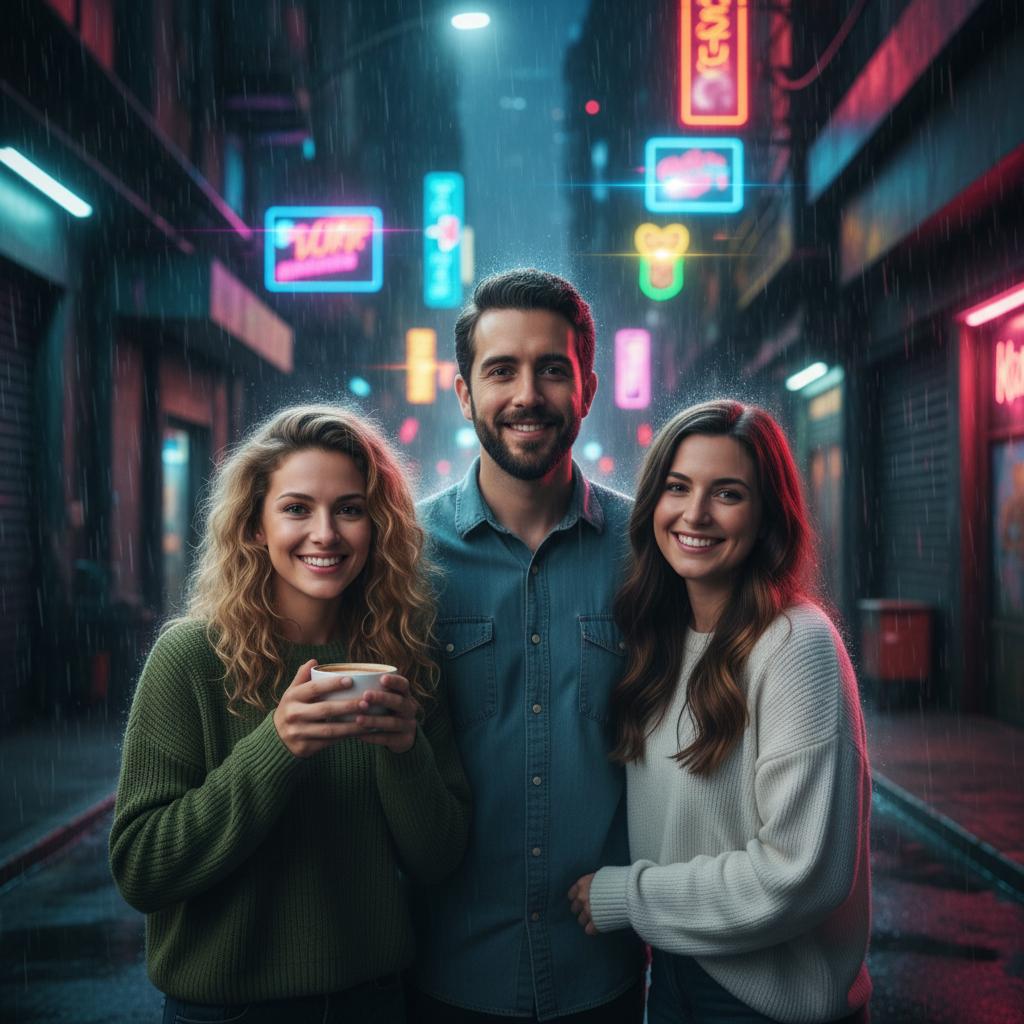
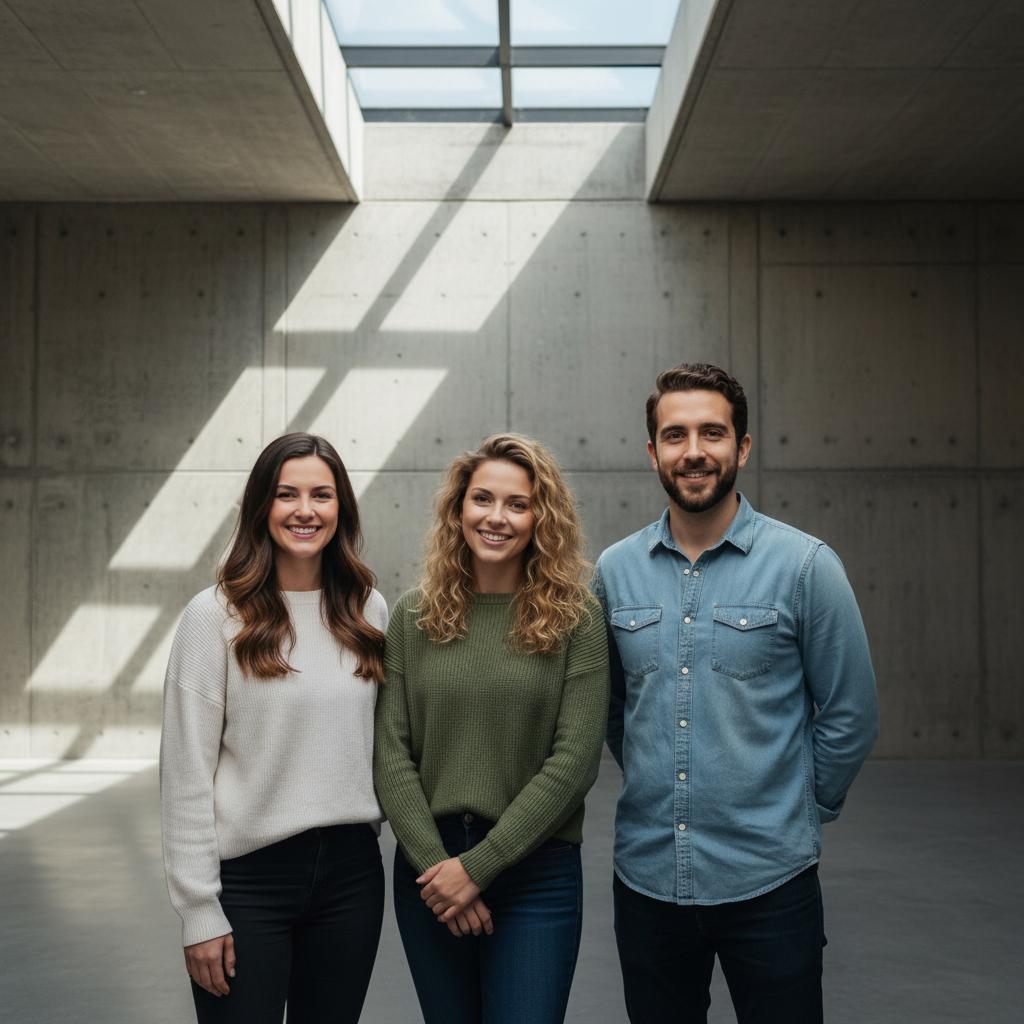
Pick the moment
Choose a place, season, or occasion. TogetherLens uses that vibe to compose the group naturally.
- 03 AI-generated example
Generate, then inspect
Review faces, hands and other details before saving or sharing. Each generation uses tokens.
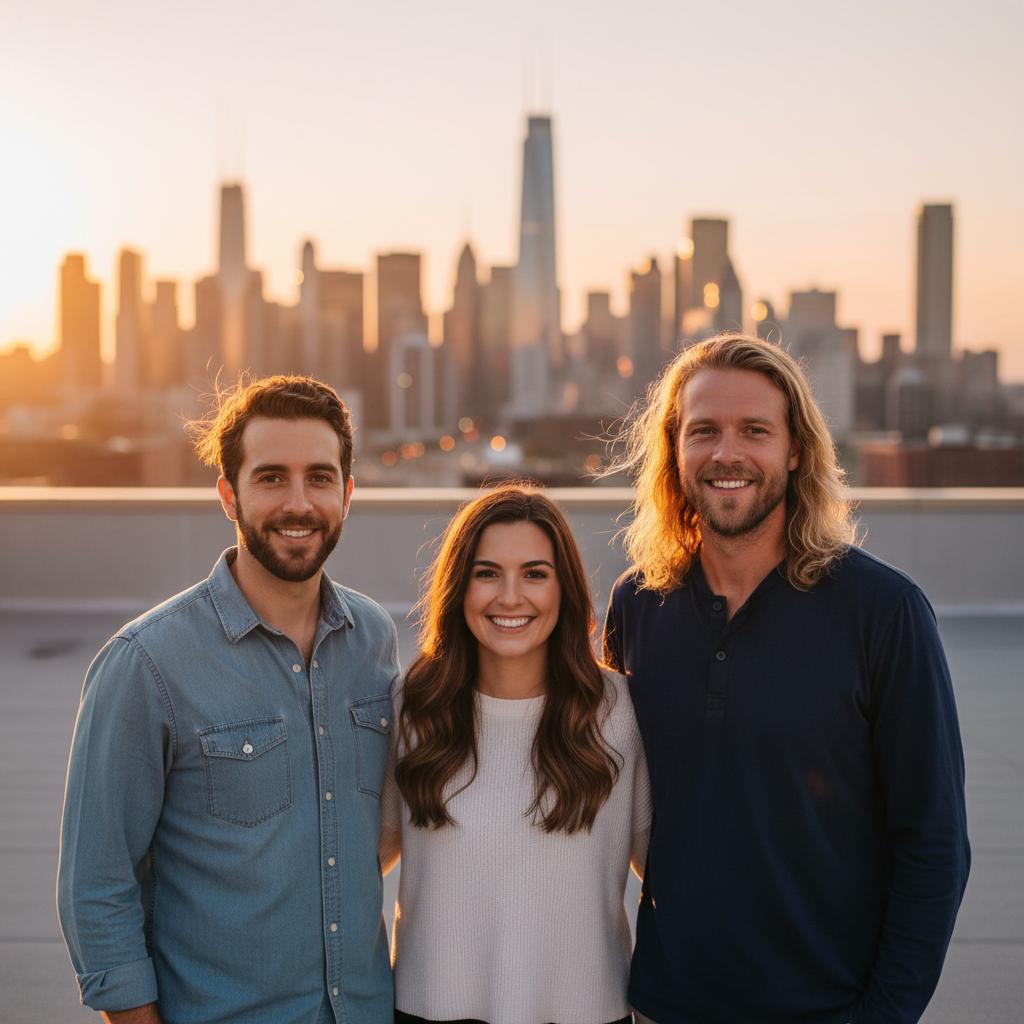
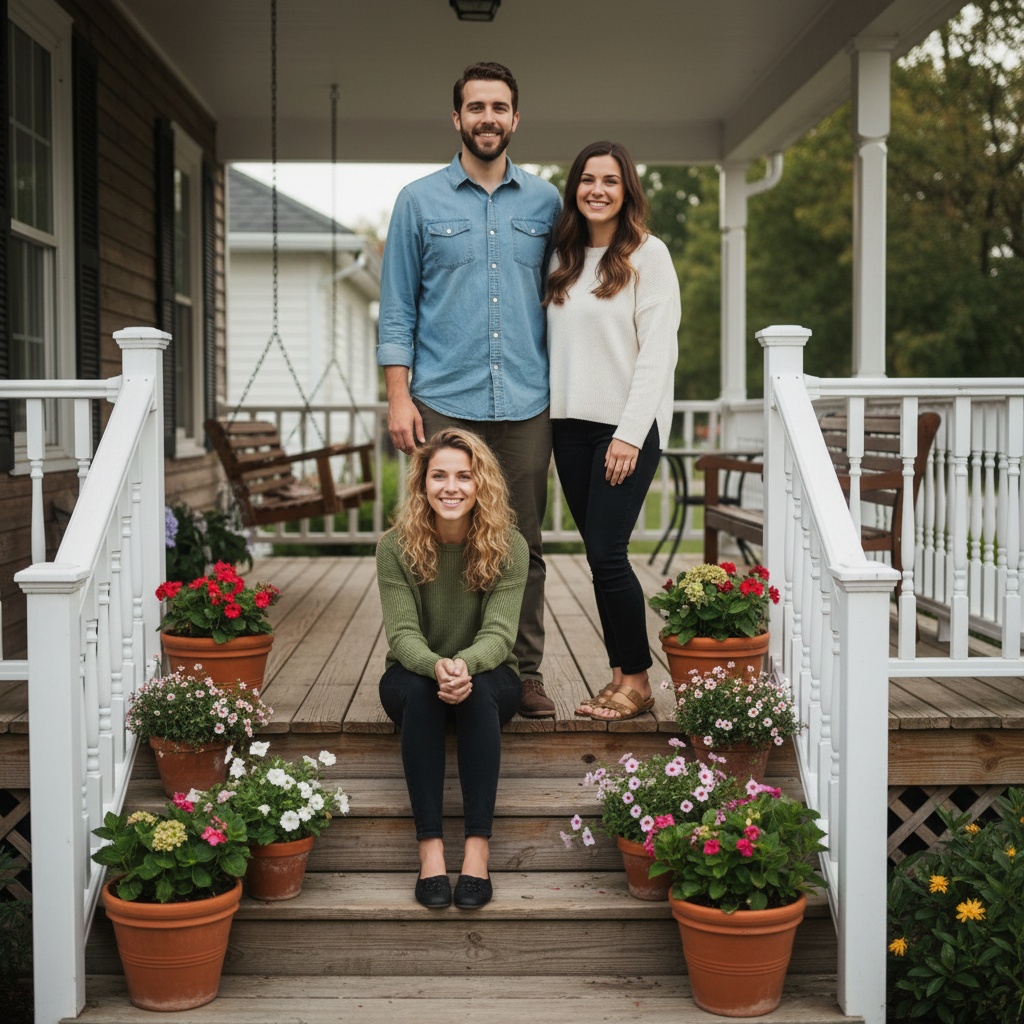 AI-generated example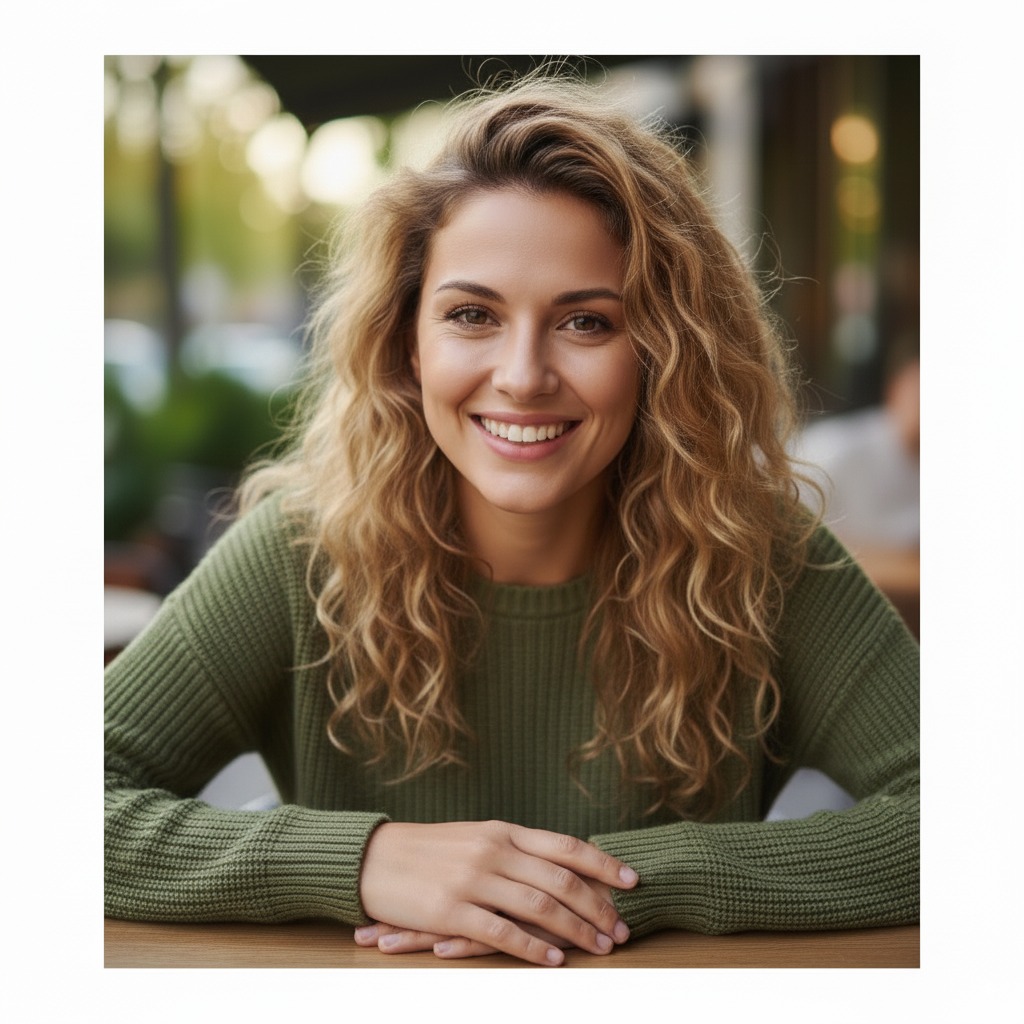
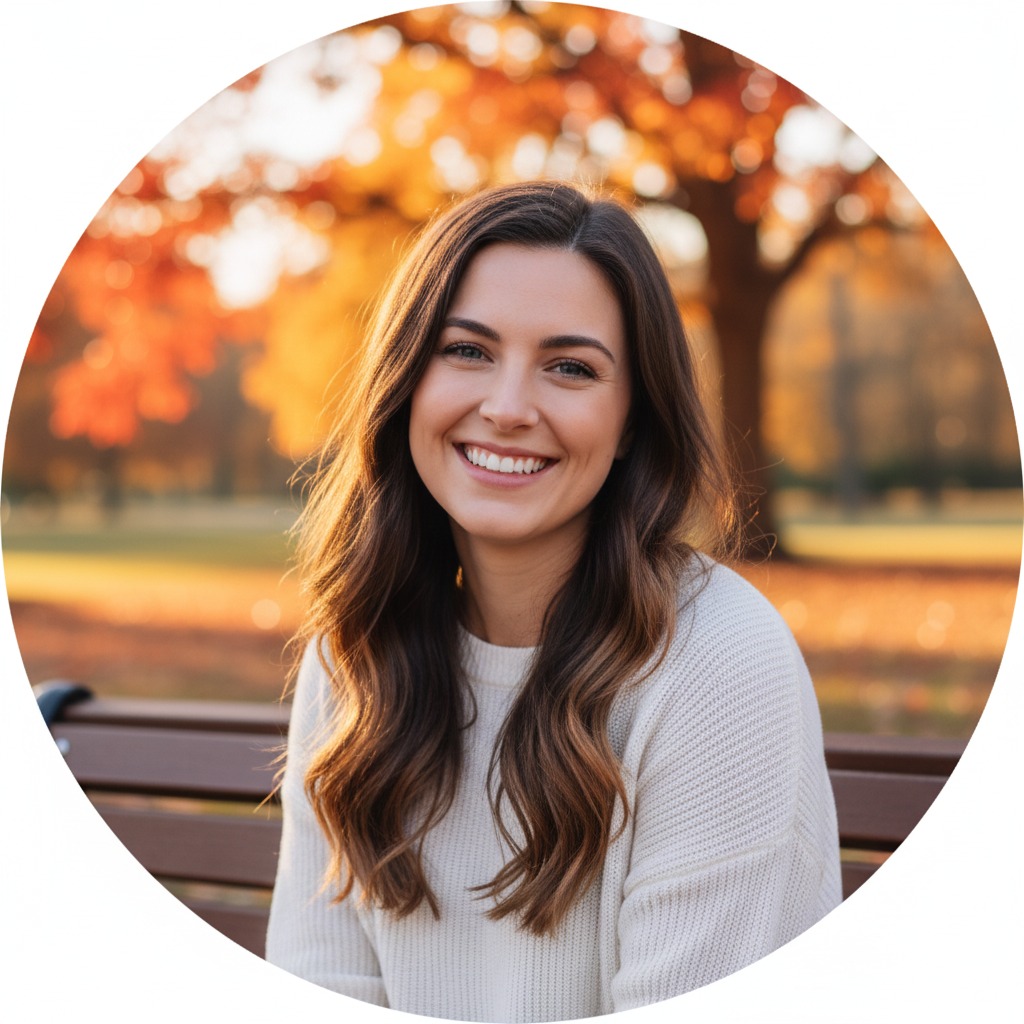
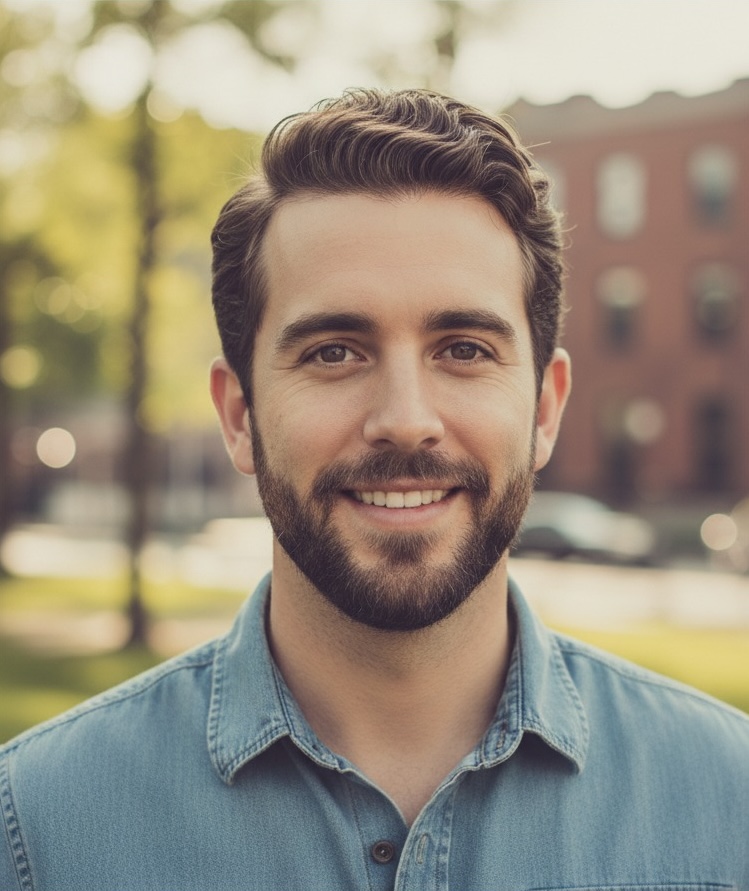
Your people. A new picture.
See TogetherLens in action.
A new couple, family or friends portrait from the photos you already have.
-
Together, from different places
Bring two to five people into one AI portrait using separate photos.
-
A scene for your occasion
Choose a family gathering, a date-night setting or a friends trip.
-
A keepsake you can share
Save your new portrait for a gift, a profile or a group chat.
Use portraits with everyone's permission. Results are new AI compositions, not exact photo edits; inspect them before sharing. Photo generation uses paid tokens. Premium is optional and auto-renewing. Check current local prices, included tokens and renewal or cancellation terms in the app before buying.
Make a portrait with your people.
Install TogetherLens, then choose your portraits and a scene in the app.
Open the app store on your phone
Open your phone’s camera and scan its store code, then tap the link.
These codes open TogetherLens in the store. They do not transfer photos or sign you in. Free to install; generation uses paid tokens. Premium is optional.
Photo challenges
Pick a shared photo challenge.
Find these three event hubs in the latest TogetherLens app. The calendar gives you dates, invitation text and manual app links.
See the 2026 calendarReleased app hubs
- Missing Guest Weekend Oct 23, 2026 – Oct 25, 2026 UTC Plan a new portrait with an absent guest
- Costume Group Remix Oct 24, 2026 – Nov 1, 2026 UTC Plan a costume scene with three friends
- Friendsgiving Photo Relay Nov 16, 2026 – Nov 29, 2026 UTC Plan a Friendsgiving scene with four friends
Planning dates use UTC and your device clock.
Calendar planning is free. There is no extra event fee. App generation uses paid tokens. Premium is optional and auto-renewing.
Use portraits only with permission, including guardian permission for children. Results are new AI compositions, not exact edits. Review before sharing.
Website dates are planning reminders, not confirmation of public store promotional cards. No photos or prompts transfer automatically.
Made for real gaps
The photo life forgot to take.
Family
Everyone in one frame
Make a family portrait even when schedules, cities, or old photo albums keep you apart.Couples
Close the distance
Combine two clear portraits into a shared moment that feels warm, natural, and yours.
Missing person
Add the person who missed it
Create a new birthday, wedding, reunion, or holiday scene around the people who should have been there.See it before you start
Three ways a missing photo comes together.
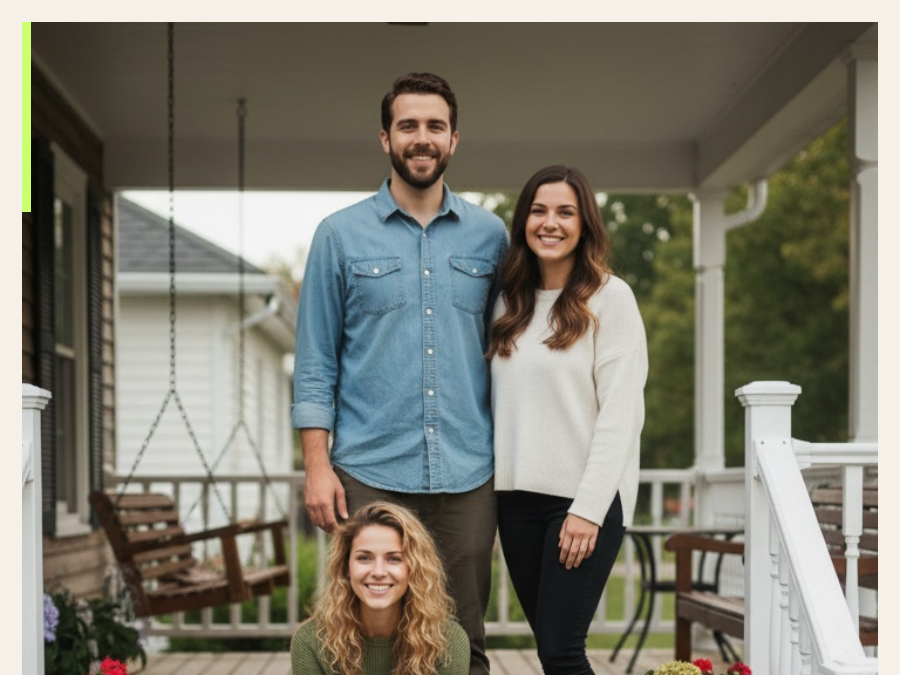
Family
Bring relatives into one scene.
Seven frames from separate portraits to a shared family moment →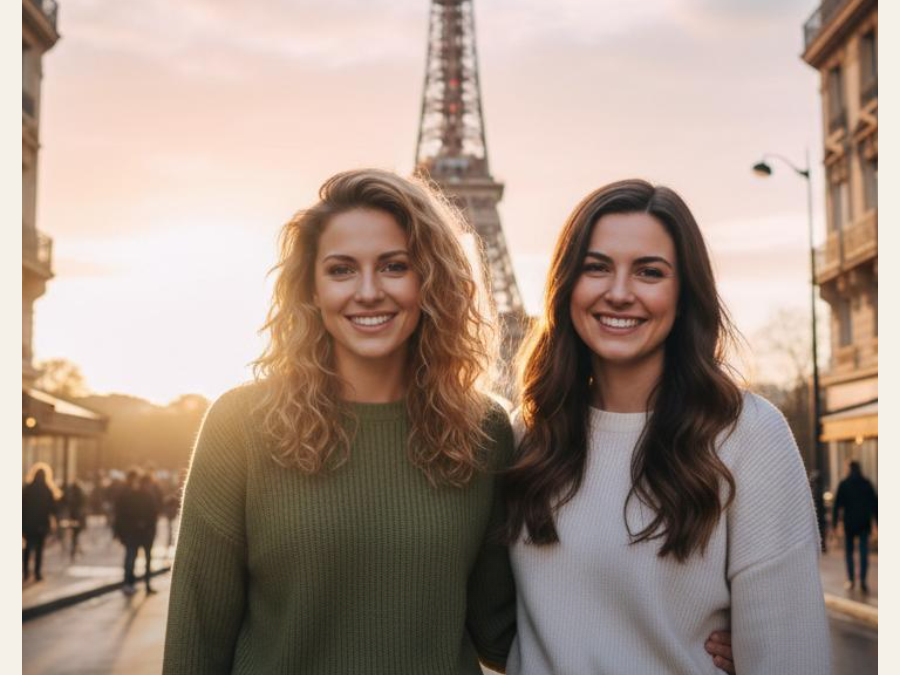
Long-distance couple
Close the distance in one picture.
See how two selfies become one believable shared scene →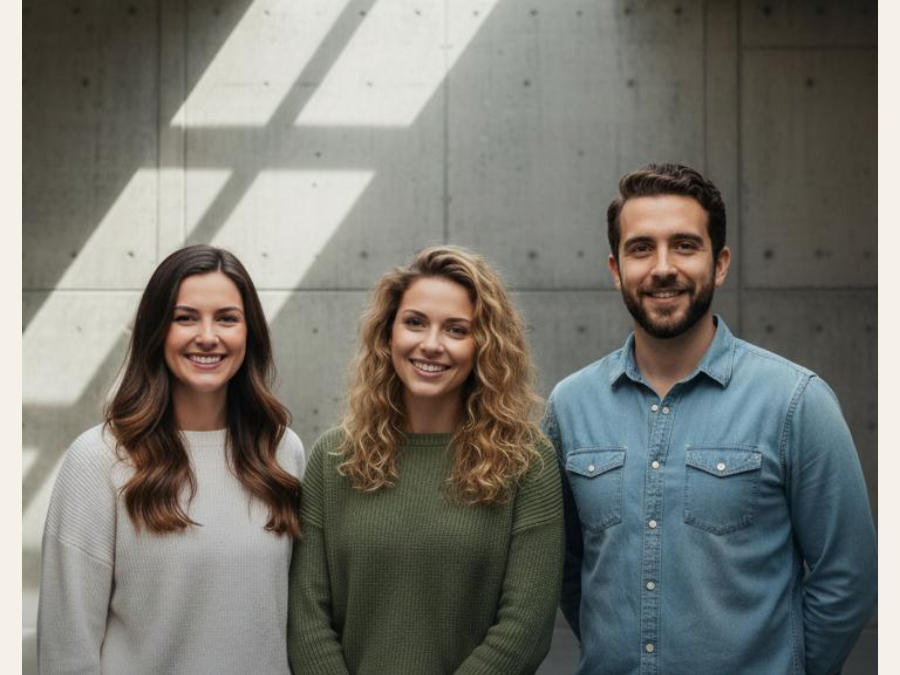
Friends and groups
Make room for everyone who missed it.
A six-part guide to a better group photo without a meetup →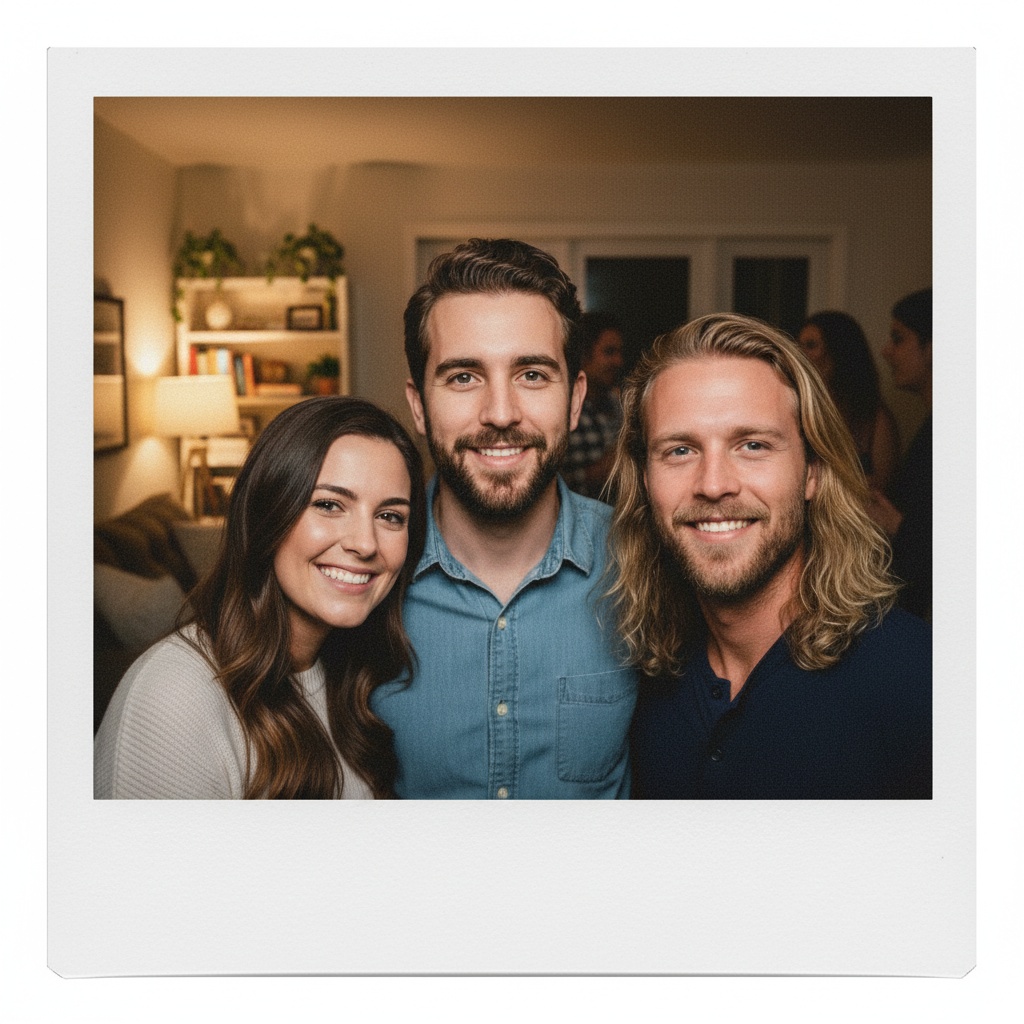
AI-generated example
Better inputs, better portraits
Keep every face recognizable.
Use one clear head-and-shoulders photo per person. Similar lighting and natural expressions give the model a stronger foundation; sunglasses, heavy filters, and tiny group crops make identity harder to preserve.
- Do: centered faces, even light, one person per source photo.
- Avoid: covered faces, extreme angles, screenshots, or beauty filters.
- Remember: generated images can contain artifacts. Review before sharing or printing.
Personal photos deserve care
Consent belongs in the picture.
Only upload people who agreed to take part. Original uploads are used for processing and are not persisted by TogetherLens beyond generation. Reusable face crops and generated history may remain locally on your device until you clear them; temporary AI-processing media expires within seven days.
Read the privacy policyClear before you create
Questions, answered.
How can I combine multiple people's photos into one single photo?
Upload one clear, permissioned portrait per person in TogetherLens, choose a shared scene, and the app composes a new group portrait. The original files stay unchanged.
Can I create a group photo with AI?
Yes. TogetherLens creates a new AI-generated group composition from separate portraits on iPhone and Android. Review faces and label the image as AI-generated where needed.
How to put two people together in a photo using AI?
Add one clear portrait for each person, choose a couple or shared scene, then generate and review the result before sharing.
How can I create a group photo from individual photos?
Use one clear, permissioned portrait per person, choose a shared scene, and generate a new composition from the separate photos.
Is TogetherLens free?
TogetherLens is free to install. Image generation uses paid tokens, and Premium is optional. Check the purchase options, included tokens and prices in the app before confirming. If you choose a subscription, review its renewal and cancellation terms.
How many people can I combine?
You can add two to five people. Clear individual portraits usually preserve faces better than cropping people from a crowded image.
How does Premium work?
Premium is an optional paid subscription that renews automatically and includes tokens for generation. Your app store shows the available plans, local price, included tokens, renewal period and cancellation terms before purchase.
What happens if generation fails?
A failed paid generation should not consume your purchase. TogetherLens reconciles failed jobs so the token can be returned; contact support if anything looks wrong.
Your people are ready
Make the photo
you keep imagining.
Choose a scene. Add your people. Create a shared portrait.