Put a date on the group photo you keep meaning to make.
Ten small, time-boxed challenges give families, friends, couples, and remote teams a simple reason to send one portrait and make one shared scene.
Optional website planning dates, not confirmation of an App Store or Google Play event. Dates are shown in UTC. Past windows stay in this 2026 calendar.
Choose Add calendar there only if you want to follow the feed. Your calendar app controls refreshes and alerts.
Nothing is added here. Google receives the public feed address and planning dates only when you use its controls. No photos, contacts or private invitation edits are included.
The feed is free. Following it does not buy or start TogetherLens Premium. These optional website dates do not confirm a store promotion.
On a phone, use a challenge card's Use Google Calendar option to review a separate event copy instead.
Calendar files are free. Optional TogetherLens AI generation uses paid tokens. Premium is optional and auto-renewing. Check current prices and terms in the app.
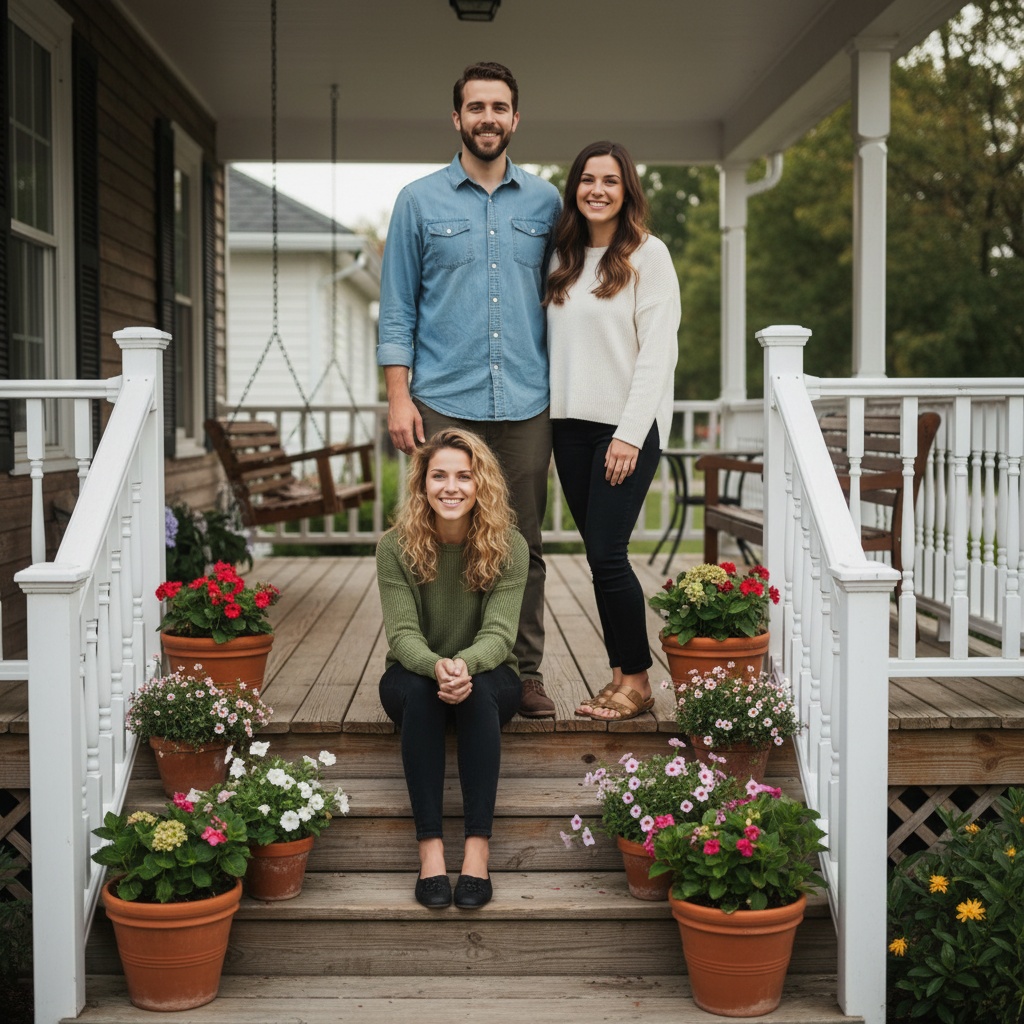
Ask three willing participants for current portraits and agree on a shared scene.
Choose current, well-lit, front-facing portraits. Get permission from everyone pictured, and a parent or guardian for children. Participation is optional.
Optional AI generation makes a new composition, not an exact edit. Review faces and details together before sharing. Paid tokens are required; Premium is optional and auto-renewing. Check current prices and terms in the app.
Choose a sharing app, then send only if you want. This page cannot confirm delivery.
Manually copy and send only if you choose. No photos, contacts or replies are collected here. These planning dates do not confirm a store event. Nothing transfers automatically to the app.
Use Google Calendar for Everyone In Week+
Review dates and reminders, then save only if you choose. This creates a separate copy, not a subscription.
Google receives this public title, dates and description when you open the form. No personal names, photos or edited invitations are included. Sign-in may be required.
02
Plan a portrait across generations
Grandparents Together
Ask two older relatives whether they want to take part, then agree on a family setting.
Ask two older relatives whether they want to take part, then agree on a family setting.
Choose current, well-lit, front-facing portraits. Get permission from everyone pictured, and a parent or guardian for children. Participation is optional.
Optional AI generation makes a new composition, not an exact edit. Review faces and details together before sharing. Paid tokens are required; Premium is optional and auto-renewing. Check current prices and terms in the app.
Choose a sharing app, then send only if you want. This page cannot confirm delivery.
Manually copy and send only if you choose. No photos, contacts or replies are collected here. These planning dates do not confirm a store event. Nothing transfers automatically to the app.
Use Google Calendar for Grandparents Together+
Review dates and reminders, then save only if you choose. This creates a separate copy, not a subscription.
Google receives this public title, dates and description when you open the form. No personal names, photos or edited invitations are included. Sign-in may be required.
03
Plan a new reunion keepsake
Reunion Then & Now
Collect current, permissioned portraits from four relatives or friends and choose a nostalgic scene.
Website planning window: Sep 10 – Sep 20, 2026 UTC
Collect current, permissioned portraits from four relatives or friends and choose a nostalgic scene.
Choose current, well-lit, front-facing portraits. Get permission from everyone pictured, and a parent or guardian for children. Participation is optional.
Optional AI generation makes a new composition, not an exact edit. Review faces and details together before sharing. Paid tokens are required; Premium is optional and auto-renewing. Check current prices and terms in the app.
Choose a sharing app, then send only if you want. This page cannot confirm delivery.
Manually copy and send only if you choose. No photos, contacts or replies are collected here. These planning dates do not confirm a store event. Nothing transfers automatically to the app.
Use Google Calendar for Reunion Then & Now+
Review dates and reminders, then save only if you choose. This creates a separate copy, not a subscription.
Google receives this public title, dates and description when you open the form. No personal names, photos or edited invitations are included. Sign-in may be required.
04
Plan a scene with remote colleagues
Remote Team Portrait Week
Ask four colleagues whether they want to join and agree on a scene before collecting portraits.
Website planning window: Sep 18 – Sep 30, 2026 UTC
Ask four colleagues whether they want to join and agree on a scene before collecting portraits.
Choose current, well-lit, front-facing portraits. Get permission from everyone pictured, and a parent or guardian for children. Participation is optional.
Optional AI generation makes a new composition, not an exact edit. Review faces and details together before sharing. Paid tokens are required; Premium is optional and auto-renewing. Check current prices and terms in the app.
Choose a sharing app, then send only if you want. This page cannot confirm delivery.
Manually copy and send only if you choose. No photos, contacts or replies are collected here. These planning dates do not confirm a store event. Nothing transfers automatically to the app.
Use Google Calendar for Remote Team Portrait Week+
Review dates and reminders, then save only if you choose. This creates a separate copy, not a subscription.
Google receives this public title, dates and description when you open the form. No personal names, photos or edited invitations are included. Sign-in may be required.
05
Plan a scene with someone far away
Smile Across Miles
Choose a scene together and exchange current portraits only if both people agree.
Choose a scene together and exchange current portraits only if both people agree.
Choose current, well-lit, front-facing portraits. Get permission from everyone pictured, and a parent or guardian for children. Participation is optional.
Optional AI generation makes a new composition, not an exact edit. Review faces and details together before sharing. Paid tokens are required; Premium is optional and auto-renewing. Check current prices and terms in the app.
Choose a sharing app, then send only if you want. This page cannot confirm delivery.
Manually copy and send only if you choose. No photos, contacts or replies are collected here. These planning dates do not confirm a store event. Nothing transfers automatically to the app.
Use Google Calendar for Smile Across Miles+
Review dates and reminders, then save only if you choose. This creates a separate copy, not a subscription.
Google receives this public title, dates and description when you open the form. No personal names, photos or edited invitations are included. Sign-in may be required.
06
Plan a new portrait with an absent guest
Missing Guest Weekend
Ask the absent guest whether they want to join a new AI composition. This is not an exact edit of a wedding or group photograph.
Seasonal listing checked October 19, 2026. Google may show the standard listing, including after October 26. This is a custom store listing, not a Google Play event. Installation is free; generation uses paid tokens. Premium is optional and auto-renewing.
On a computer? Open this plan on your phone for Missing Guest Weekend
Scan with your phone camera to open this Missing Guest Weekend plan in its browser. Then choose the app link if TogetherLens is installed, or use the download buttons.
The QR contains only this public challenge choice, not edited invitation text, names or photos. Opening it is not consent. The QR does not send photos or invitation text to the app.
Ask the absent guest whether they want to join a new AI composition. This is not an exact edit of a wedding or group photograph.
Choose current, well-lit, front-facing portraits. Get permission from everyone pictured, and a parent or guardian for children. Participation is optional.
Optional AI generation makes a new composition, not an exact edit. Review faces and details together before sharing. Paid tokens are required; Premium is optional and auto-renewing. Check current prices and terms in the app.
Only the invitation text changes here. The page stays in English. Choose German separately on the printable card. The choice stays in this tab and is not added to links.
Möchtest du bei unserem Fotoplan "Missing Guest Weekend" mitmachen?
Zeitfenster auf der Website: 23. Oktober 2026 bis 25. Oktober 2026 UTC. Diese Daten bestätigen keine Aktion im App Store oder bei Google Play.
Bildidee: ein neues KI-Gruppenbild mit einem Gast, der nicht dabei sein kann.
Antworte mir privat, wenn du teilnehmen möchtest. Du kannst auch ablehnen. Wenn du mitmachst, wähle ein aktuelles, gut beleuchtetes Porträt, auf dem du nach vorn schaust. Sag mir ausdrücklich, ob ich es für diesen Plan nutzen darf. Bei Kindern muss zuerst ein Elternteil oder eine sorgeberechtigte Person zustimmen.
Diese Browserseite sammelt keine Fotos. Optional erstellt TogetherLens eine neue KI-Komposition, keine exakte Fotobearbeitung. Ergebnisse können abweichen. Wir prüfen Gesichter und Details gemeinsam, bevor wir das Bild teilen, und kennzeichnen es als KI-generiert. Die KI-Bilderstellung ist kostenpflichtig und nutzt Token. Premium ist optional und verlängert sich automatisch. Prüfe aktuelle Preise und Bedingungen vor dem Kauf in der App.
Plan und Erinnerung: https://togetherlens.app/challenges/?prepare=missing-guest-weekend#missing-guest-weekend
Choose a sharing app, then send only if you want. This page cannot confirm delivery.
Manually copy and send only if you choose. No photos, contacts or replies are collected here. These planning dates do not confirm a store event. Nothing transfers automatically to the app.
Use Google Calendar for Missing Guest Weekend+
Review dates and reminders, then save only if you choose. This creates a separate copy, not a subscription.
Google receives this public title, dates and description when you open the form. No personal names, photos or edited invitations are included. Sign-in may be required.
07
Plan a costume scene with three friends
Costume Group Remix
Ask three friends to choose a costume-party scene and supply portraits they permit you to use. AI results may change faces and details.
Public listing checked October 15, 2026. Apple controls availability and purchase options. Installation is free; generation uses paid tokens. Premium is optional and auto-renewing.
Seasonal listing checked October 21, 2026. Google may show the standard listing, including after November 2. This is a custom store listing, not a Google Play event. Installation is free; generation uses paid tokens. Premium is optional and auto-renewing.
On a computer? Open this plan on your phone for Costume Group Remix
Scan with your phone camera to open this Costume Group Remix plan in its browser. Then choose the app link if TogetherLens is installed, or use the download buttons.
The QR contains only this public challenge choice, not edited invitation text, names or photos. Opening it is not consent. The QR does not send photos or invitation text to the app.
Ask three friends to choose a costume-party scene and supply portraits they permit you to use. AI results may change faces and details.
Choose current, well-lit, front-facing portraits. Get permission from everyone pictured, and a parent or guardian for children. Participation is optional.
Optional AI generation makes a new composition, not an exact edit. Review faces and details together before sharing. Paid tokens are required; Premium is optional and auto-renewing. Check current prices and terms in the app.
Only the invitation text changes here. The page stays in English. Choose German separately on the printable card. The choice stays in this tab and is not added to links.
Möchtest du bei unserem Fotoplan "Costume Group Remix" mitmachen?
Zeitfenster auf der Website: 24. Oktober 2026 bis 1. November 2026 UTC. Diese Daten bestätigen keine Aktion im App Store oder bei Google Play.
Bildidee: eine gemeinsame Kostümnacht-Szene mit drei Freunden.
Antworte mir privat, wenn du teilnehmen möchtest. Du kannst auch ablehnen. Wenn du mitmachst, wähle ein aktuelles, gut beleuchtetes Porträt, auf dem du nach vorn schaust. Sag mir ausdrücklich, ob ich es für diesen Plan nutzen darf. Bei Kindern muss zuerst ein Elternteil oder eine sorgeberechtigte Person zustimmen.
Diese Browserseite sammelt keine Fotos. Optional erstellt TogetherLens eine neue KI-Komposition, keine exakte Fotobearbeitung. Ergebnisse können abweichen. Wir prüfen Gesichter und Details gemeinsam, bevor wir das Bild teilen, und kennzeichnen es als KI-generiert. Die KI-Bilderstellung ist kostenpflichtig und nutzt Token. Premium ist optional und verlängert sich automatisch. Prüfe aktuelle Preise und Bedingungen vor dem Kauf in der App.
Plan und Erinnerung: https://togetherlens.app/challenges/?prepare=costume-group-remix#costume-group-remix
Choose a sharing app, then send only if you want. This page cannot confirm delivery.
Manually copy and send only if you choose. No photos, contacts or replies are collected here. These planning dates do not confirm a store event. Nothing transfers automatically to the app.
Use Google Calendar for Costume Group Remix+
Review dates and reminders, then save only if you choose. This creates a separate copy, not a subscription.
Google receives this public title, dates and description when you open the form. No personal names, photos or edited invitations are included. Sign-in may be required.
08
Plan a Friendsgiving scene with four friends
Friendsgiving Photo Relay
Agree on a table scene with four friends and collect only portraits each person permits you to use.
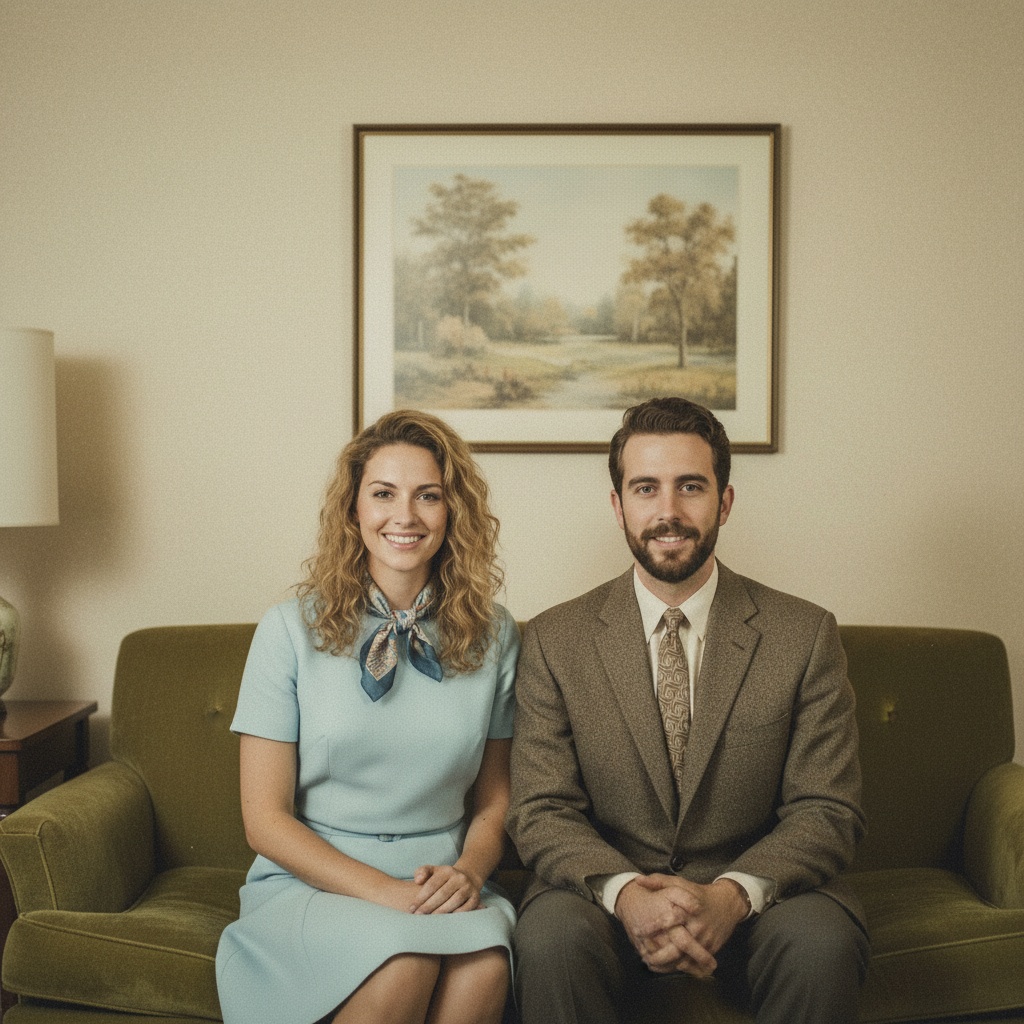
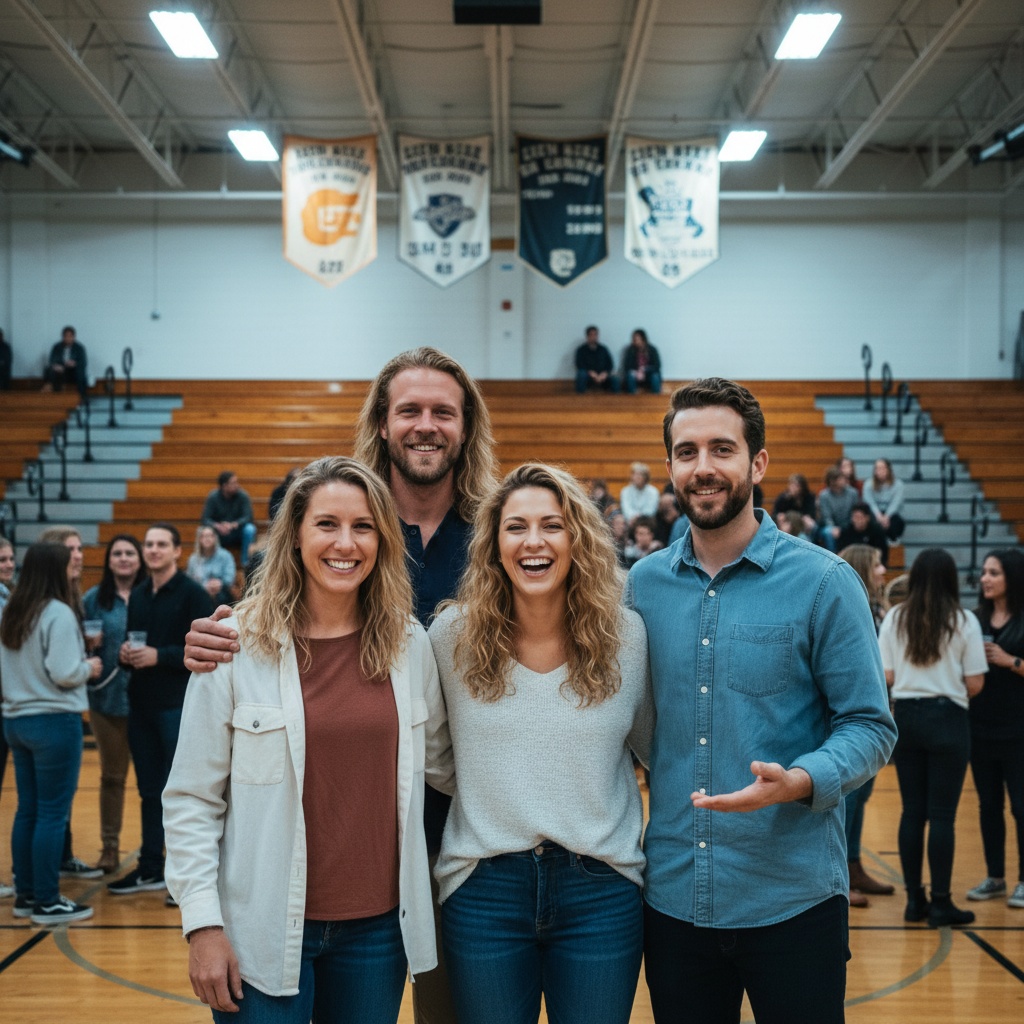
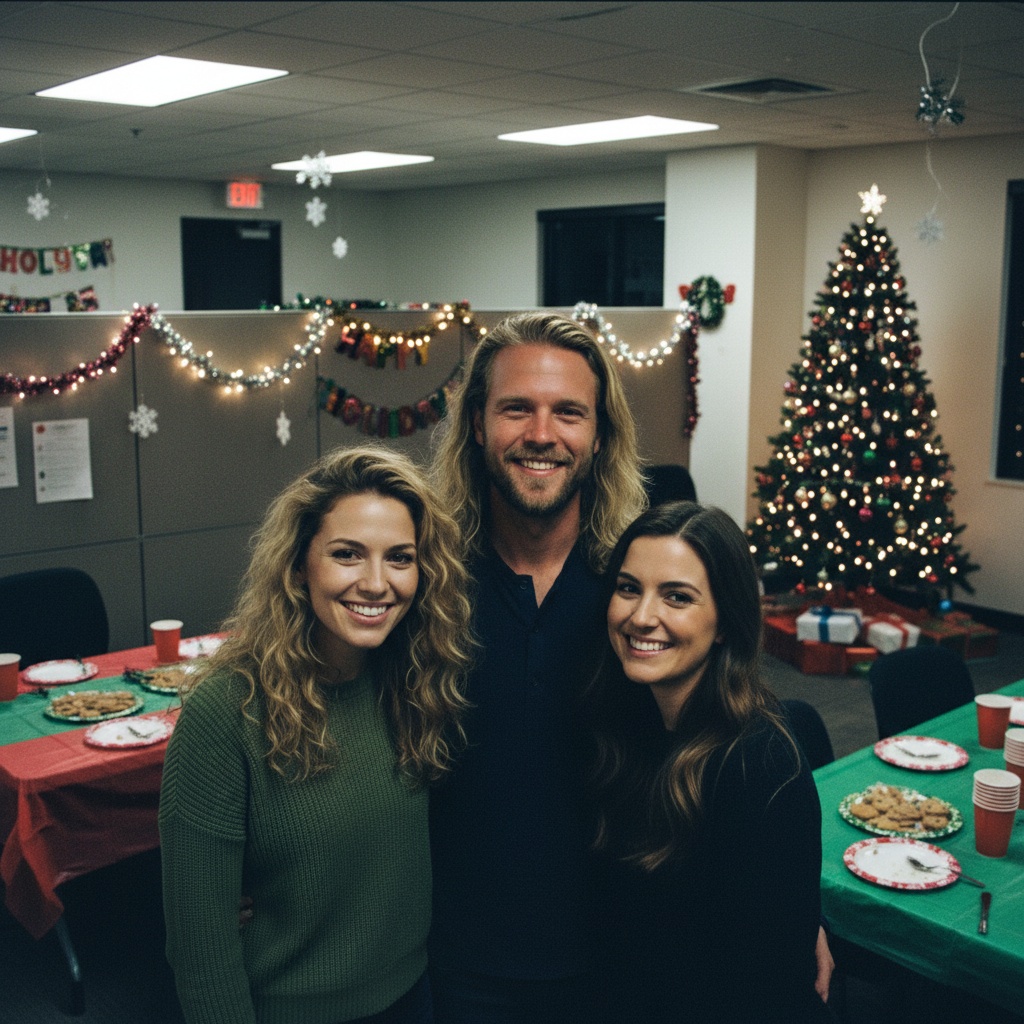
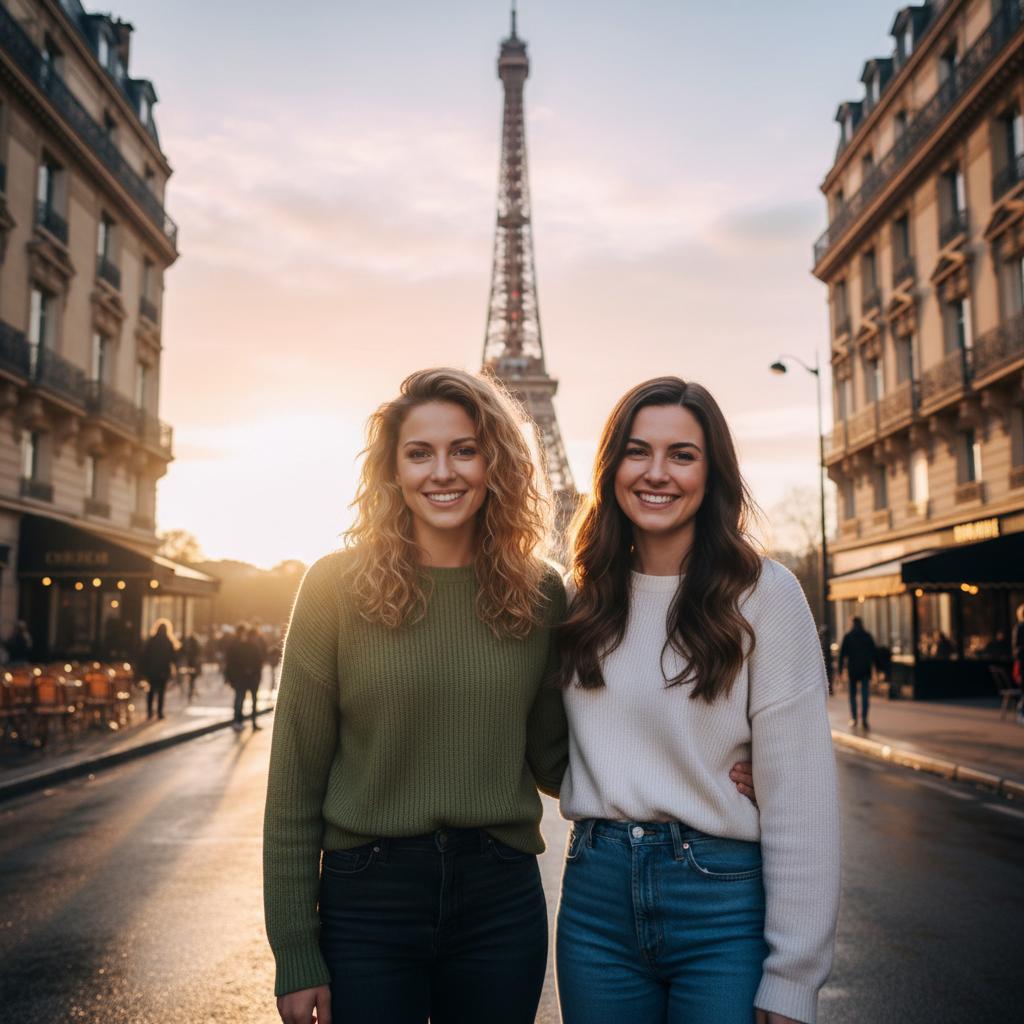
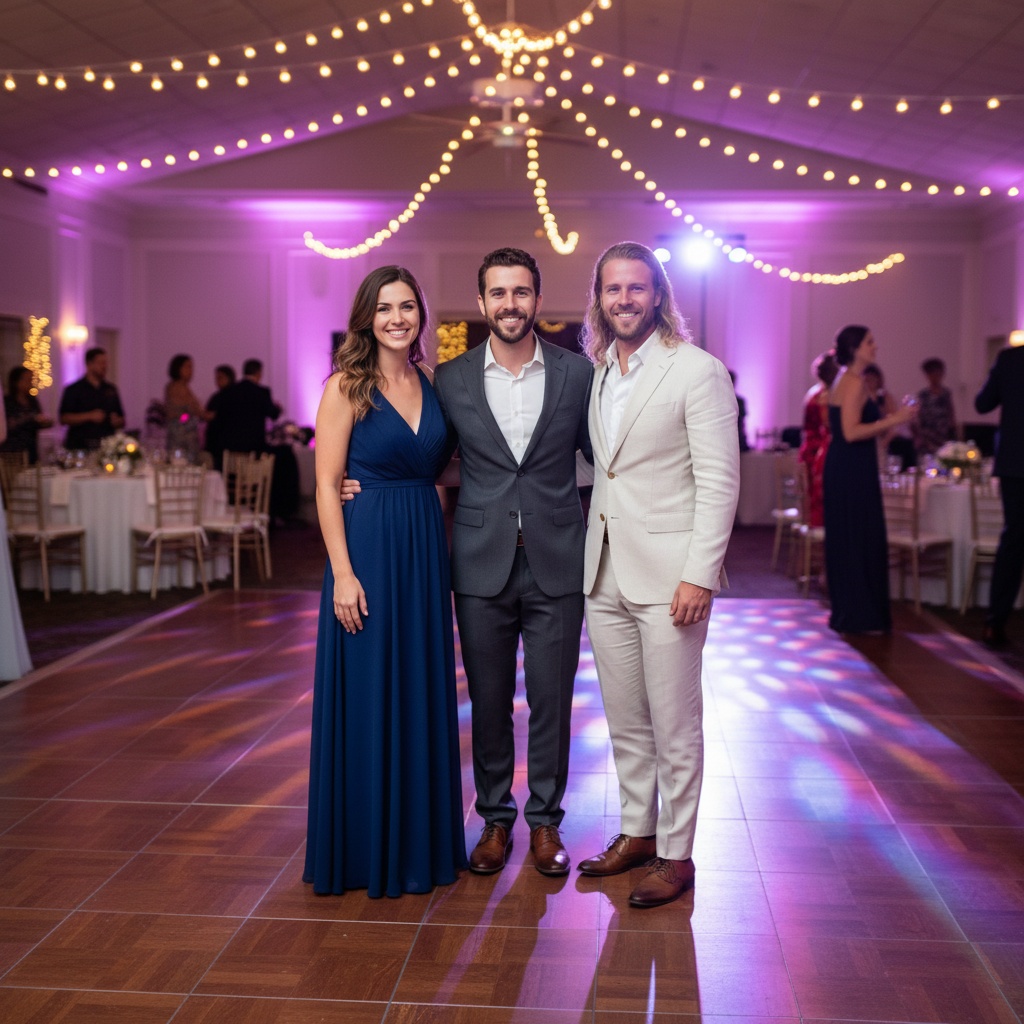
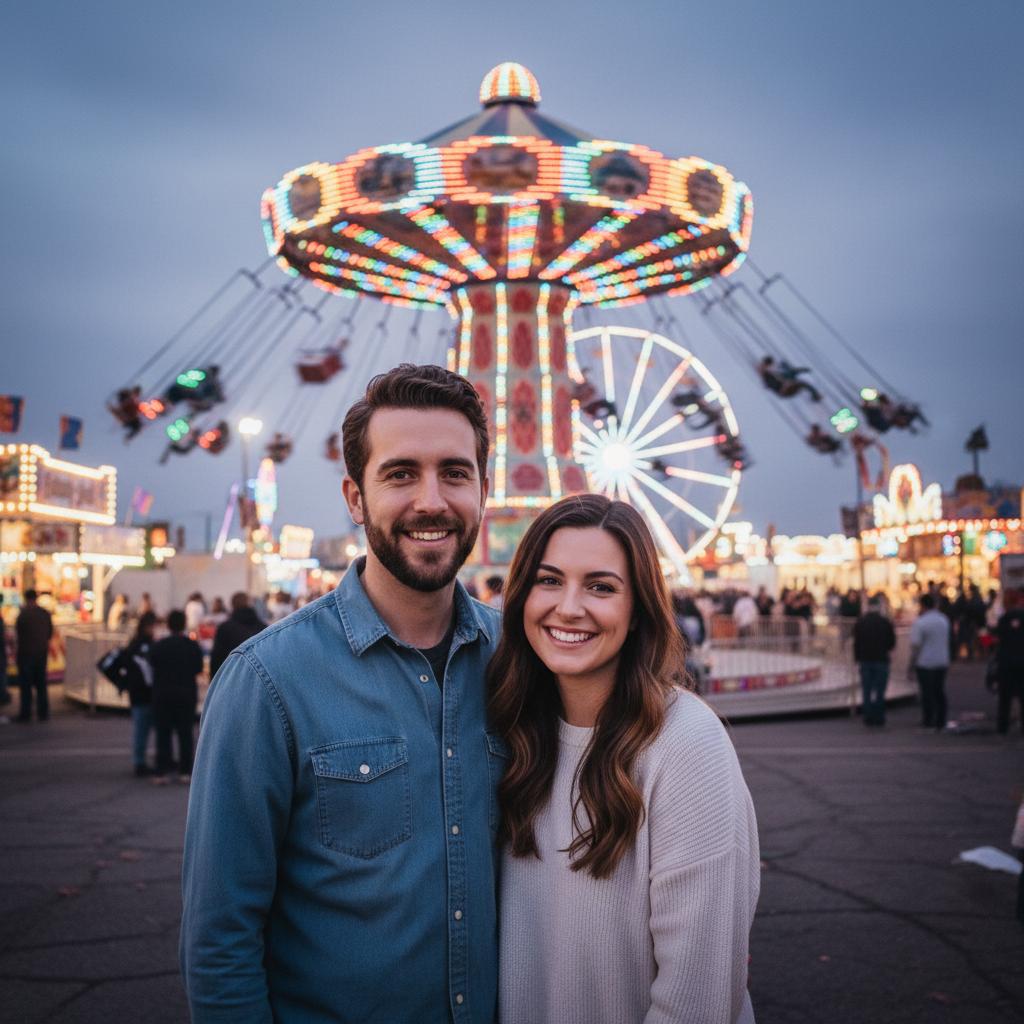
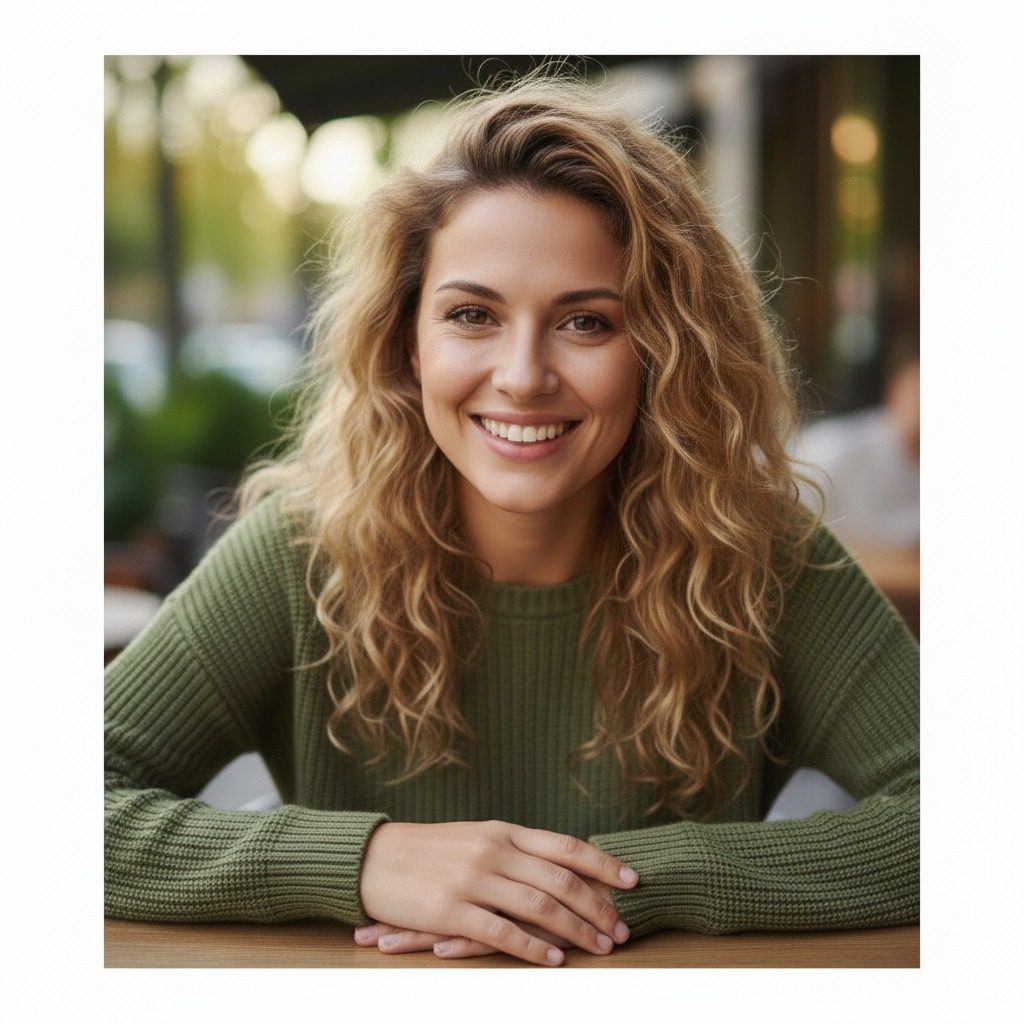
Save the four fictional portraits used in the example. Choose Harvest Dinner • Family Table in TogetherLens and add one photo per person. Generation uses paid tokens.
Then tap Share all 4 photos. On iPhone, choose Save Images if it appears.
Save individual photos below or unzip the download first. On iPhone, open the downloaded JPEGs in Files and choose Share → Save Image to add them to Photos.
Public listing checked November 3, 2026. Apple controls availability and purchase options. Installation is free; generation uses paid tokens. Premium is optional and auto-renewing.
Go to download buttons ↑On a computer? Open this plan on your phone for Friendsgiving Photo Relay
Scan with your phone camera to open this Friendsgiving Photo Relay plan in its browser. Then choose the app link if TogetherLens is installed, or use the download buttons.
The QR contains only this public challenge choice, not edited invitation text, names or photos. Opening it is not consent. The QR does not send photos or invitation text to the app.
Agree on a table scene with four friends and collect only portraits each person permits you to use.
Choose current, well-lit, front-facing portraits. Get permission from everyone pictured, and a parent or guardian for children. Participation is optional.
Optional AI generation makes a new composition, not an exact edit. Review faces and details together before sharing. Paid tokens are required; Premium is optional and auto-renewing. Check current prices and terms in the app.
Only the invitation text changes here. The page stays in English. Choose German separately on the printable card. The choice stays in this tab and is not added to links.
Möchtest du bei unserem Fotoplan "Friendsgiving Photo Relay" mitmachen?
Zeitfenster auf der Website: 16. November 2026 bis 29. November 2026 UTC. Diese Daten bestätigen keine Aktion im App Store oder bei Google Play.
Bildidee: eine gemeinsame Friendsgiving-Tischszene mit vier Freunden.
Antworte mir privat, wenn du teilnehmen möchtest. Du kannst auch ablehnen. Wenn du mitmachst, wähle ein aktuelles, gut beleuchtetes Porträt, auf dem du nach vorn schaust. Sag mir ausdrücklich, ob ich es für diesen Plan nutzen darf. Bei Kindern muss zuerst ein Elternteil oder eine sorgeberechtigte Person zustimmen.
Diese Browserseite sammelt keine Fotos. Optional erstellt TogetherLens eine neue KI-Komposition, keine exakte Fotobearbeitung. Ergebnisse können abweichen. Wir prüfen Gesichter und Details gemeinsam, bevor wir das Bild teilen, und kennzeichnen es als KI-generiert. Die KI-Bilderstellung ist kostenpflichtig und nutzt Token. Premium ist optional und verlängert sich automatisch. Prüfe aktuelle Preise und Bedingungen vor dem Kauf in der App.
Plan und Erinnerung: https://togetherlens.app/challenges/share/friendsgiving/
Choose a sharing app, then send only if you want. This page cannot confirm delivery.
Write your own invitation
Copy the selected invitation above and paste it here, or write your own. Send your draft yourself. If available, Share invitation uses the unedited message.
Changing language does not replace your draft. Clear it to start again. Nothing is sent automatically.
Manually copy and send only if you choose. No photos, contacts or replies are collected here. These planning dates do not confirm a store event. Nothing transfers automatically to the app.
Use Google Calendar for Friendsgiving Photo Relay+
Review dates and reminders, then save only if you choose. This creates a separate copy, not a subscription.
Google receives this public title, dates and description when you open the form. No personal names, photos or edited invitations are included. Sign-in may be required.
09
Plan a winter scene with three relatives
Holiday Portrait Relay
Ask three relatives to choose a winter scene and supply current portraits with permission.
Ask three relatives to choose a winter scene and supply current portraits with permission.
Choose current, well-lit, front-facing portraits. Get permission from everyone pictured, and a parent or guardian for children. Participation is optional.
Optional AI generation makes a new composition, not an exact edit. Review faces and details together before sharing. Paid tokens are required; Premium is optional and auto-renewing. Check current prices and terms in the app.
Choose a sharing app, then send only if you want. This page cannot confirm delivery.
Manually copy and send only if you choose. No photos, contacts or replies are collected here. These planning dates do not confirm a store event. Nothing transfers automatically to the app.
Use Google Calendar for Holiday Portrait Relay+
Review dates and reminders, then save only if you choose. This creates a separate copy, not a subscription.
Google receives this public title, dates and description when you open the form. No personal names, photos or edited invitations are included. Sign-in may be required.
10
Plan a winter portrait before your card deadline
Holiday Card Countdown
Agree on a winter scene with three relatives. Review any AI result with the people pictured before using it on a card.
Website planning window: Dec 14 – Dec 24, 2026 UTC
Agree on a winter scene with three relatives. Review any AI result with the people pictured before using it on a card.
Choose current, well-lit, front-facing portraits. Get permission from everyone pictured, and a parent or guardian for children. Participation is optional.
Optional AI generation makes a new composition, not an exact edit. Review faces and details together before sharing. Paid tokens are required; Premium is optional and auto-renewing. Check current prices and terms in the app.
Choose a sharing app, then send only if you want. This page cannot confirm delivery.
Manually copy and send only if you choose. No photos, contacts or replies are collected here. These planning dates do not confirm a store event. Nothing transfers automatically to the app.
Use Google Calendar for Holiday Card Countdown+
Review dates and reminders, then save only if you choose. This creates a separate copy, not a subscription.
Google receives this public title, dates and description when you open the form. No personal names, photos or edited invitations are included. Sign-in may be required.
Start with the people
The challenge is the excuse. The picture is the keepsake.
Use portraits only with permission. Optional AI generation creates a new composition, not an exact photo edit. Results vary; inspect faces and details with everyone pictured before sharing.
Calendar files are free. Optional TogetherLens AI generation uses paid tokens. Premium is optional and auto-renewing. Check current prices and terms in the app.
 01



 Save photo 1
 Save photo 2
 Save photo 3
 Save photo 4