Scout the scene before the group arrives
Choose the place
before the light chooses for you.
Make three decisions before anyone sends a portrait: the kind of place, the light you can realistically use, and the backup that keeps a family session calm when the forecast changes.
PRE-SESSION DECISION TOOL
Give the session a light-aware route.
- Park or garden
- Low warm light
- Nearby fallback
02 / LOCATION PLAN
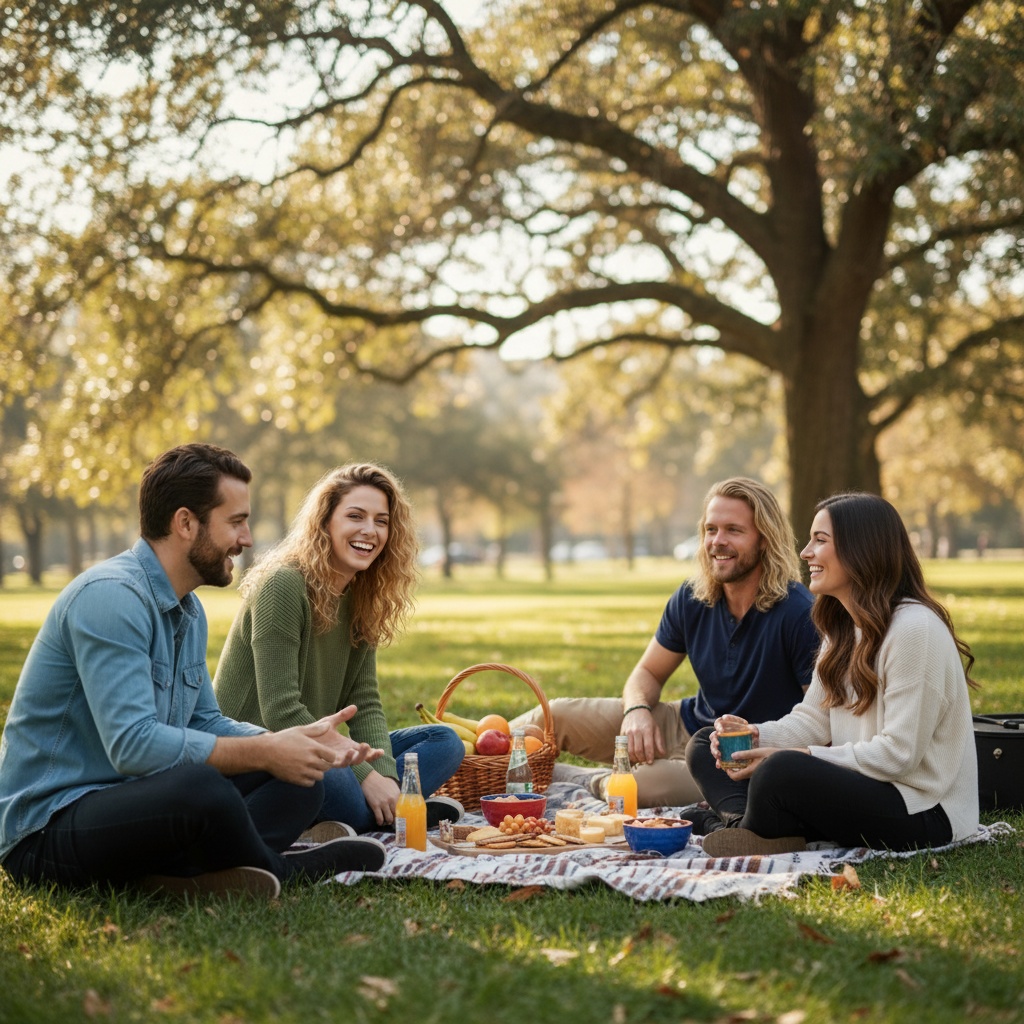
Park or garden · Low warm light · Nearby fallbackFamily photo location plan: choose one primary spot, one nearby fallback, and a simple order that lets the group settle before the most important frame. Setting: a park or garden with a clear path, open shade, and one quiet background away from crowds. Light: plan for the softer window before sunset or after sunrise, with the family facing open sky rather than direct glare. Backup: choose a second spot within a short walk so children, older relatives, and anyone with limited mobility are not rushed. Scout the primary and backup at the planned hour. Keep faces turned toward open light, avoid harsh dappled patches, leave room for height layers, and review any AI-created result with everyone before sharing it.
Ready to use without an account.
FROM PLAN TO PHOTO
A location plan turns a vague idea into a shareable next step.
- 01Choose
Choose the people, occasion, and details for your photo plan.
- 02Share
Send the message and plan link so everyone can see the same choices.
- 03Create
Open TogetherLens, add portraits with permission, and choose a scene. TogetherLens is free to install. Photo generation uses paid tokens; Premium is optional. Check the store for current prices and terms before purchase.
THE SAFETY BOUNDARY
Plan publicly.
Keep portraits private.
- Ask every living person before using their face.
- Keep names, private stories, and source portraits out of shared URLs.
- Inspect identity, hands, scale, clothing, and meaningful background details.
- Disclose that the result is AI-generated when context matters.
QUESTIONS
Before you use the plan.
How do I choose a location for a family photo?
Pick a place with usable light at the actual session hour, enough room for the group to layer naturally, and one nearby fallback. Visit both spots before the day rather than trusting a midday preview.
What is the safest light for a large family group?
Open shade, bright overcast, and soft window light are forgiving starting points. Avoid patchy sun across faces and mixed color from indoor and outdoor sources.
Does this planner use my location or family photos?
No. It uses only broad setting, light, and backup choices in the browser. It never requests GPS, names, contacts, accounts, or portraits.