Diagnose the failed generation
Fix the group photo
without starting blind.
Choose the visible failure, the group, and the intended scene. Get one focused correction prompt that preserves the useful parts instead of changing everything at once.
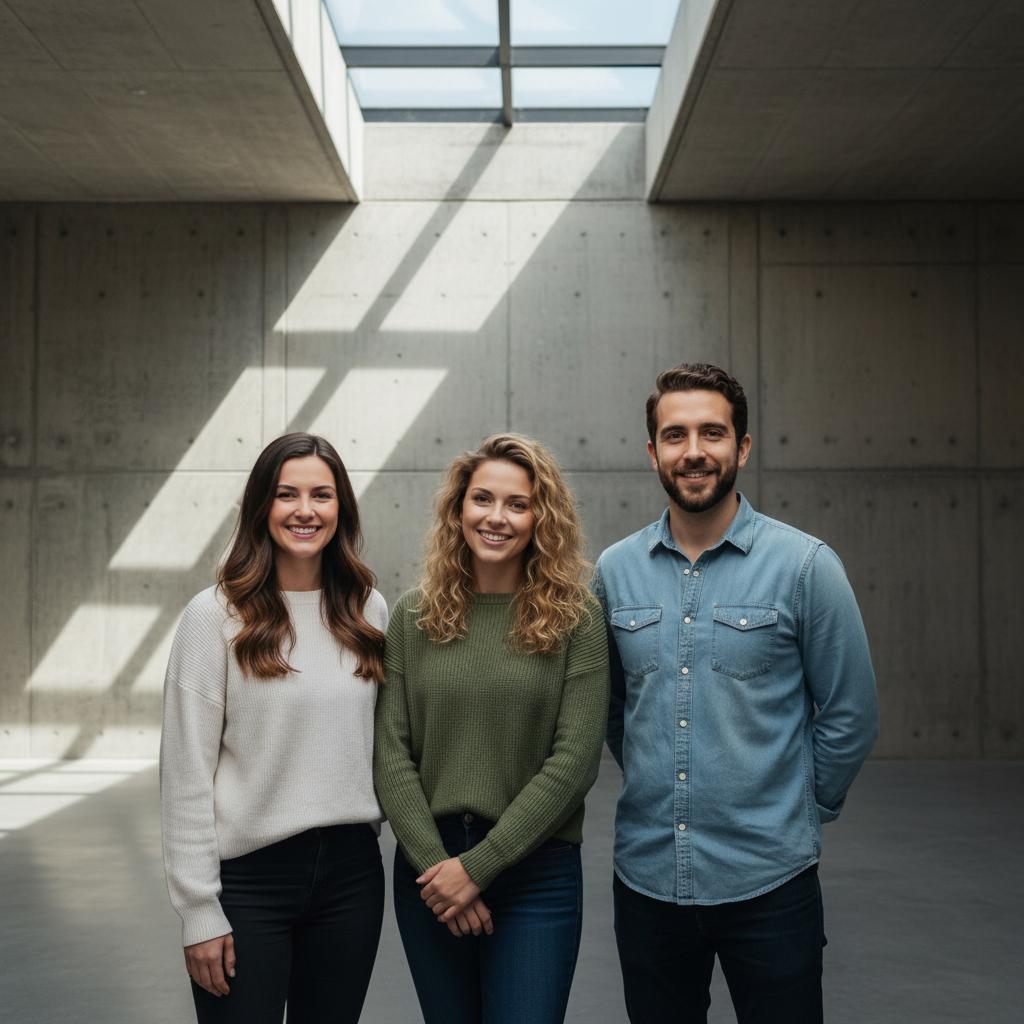
PROBLEM-LED SEARCH
Change one failure at a time.
- Faces drifted
- Family
- Indoor room
02 / REPAIR PROMPT
Faces drifted · Family · Indoor roomRevise the supplied group portrait while preserving every recognizable identity, the existing wardrobe, and the parts of the composition that already work. Restore each face from its own identity reference, keeping age, facial geometry, skin texture, hairline, and expression recognizable. Arrange the family with gentle physical closeness and natural height variation, without forcing identical smiles or outfits. Retain the indoor setting, its architectural lines, and the current camera position. Keep the result photographic and believable. Do not add people, text, logos, or new documentary claims. Inspect faces, hands, scale, contact shadows, and background details before sharing it as AI-generated.
Ready to use without an account.
FROM PROMPT TO REPAIR
A useful answer for the generation that almost worked.
- 01Choose one issue
Pick the visible problem and match the group and setting to your existing result. This tool does not diagnose the image for you.
- 02Copy and adapt
Copy the repair prompt. Remove instructions that your image editor cannot support, especially face-reference instructions when no references can be supplied.
- 03Try, then inspect
For a TogetherLens result, open it, choose Edit and paste the instruction. Edits use paid tokens; Premium is optional. Inspect identity, hands, light and unchanged details. Keep the original separately.
THE SAFETY BOUNDARY
Plan publicly.
Keep portraits private.
- Ask every living person before using their face.
- Keep names, private stories, and source portraits out of shared URLs.
- Inspect identity, hands, scale, clothing, and meaningful background details.
- Disclose that the result is AI-generated when context matters.
QUESTIONS
Before you use the plan.
How do I fix faces in an AI group photo?
Use one clear identity reference per person and ask for a targeted face correction while preserving the composition, wardrobe, light, and camera position. Changing fewer variables makes the result easier to review.
Should I regenerate the whole group photo?
Not necessarily. If the scene and arrangement work, a focused repair prompt can reduce new errors. Regenerate only when the overall camera angle, scale, or arrangement is structurally wrong.
Does this tool inspect my group photo?
No. It builds a diagnostic prompt from broad choices and never requests or uploads an image.