A practical guide for “mother daughter ai photo prompt generator”
Use one reference portrait for each person if your chosen image tool supports it. The text describes the setting and composition, but the image tool determines the result.
TogetherLens offers a scene picker for creating portraits from separate photos. The prompt builder is a planning aid and its text is not imported into the app.
Three scenes that fit this idea
Studio, both facing camera
Plain background, soft light from one side, both faces sharp. The safest choice when you want a clean portrait rather than a scene.
Garden bench at golden hour
Warm side light, flowers behind, the two of you looking at each other instead of the camera. Good for a relaxed, unposed result.
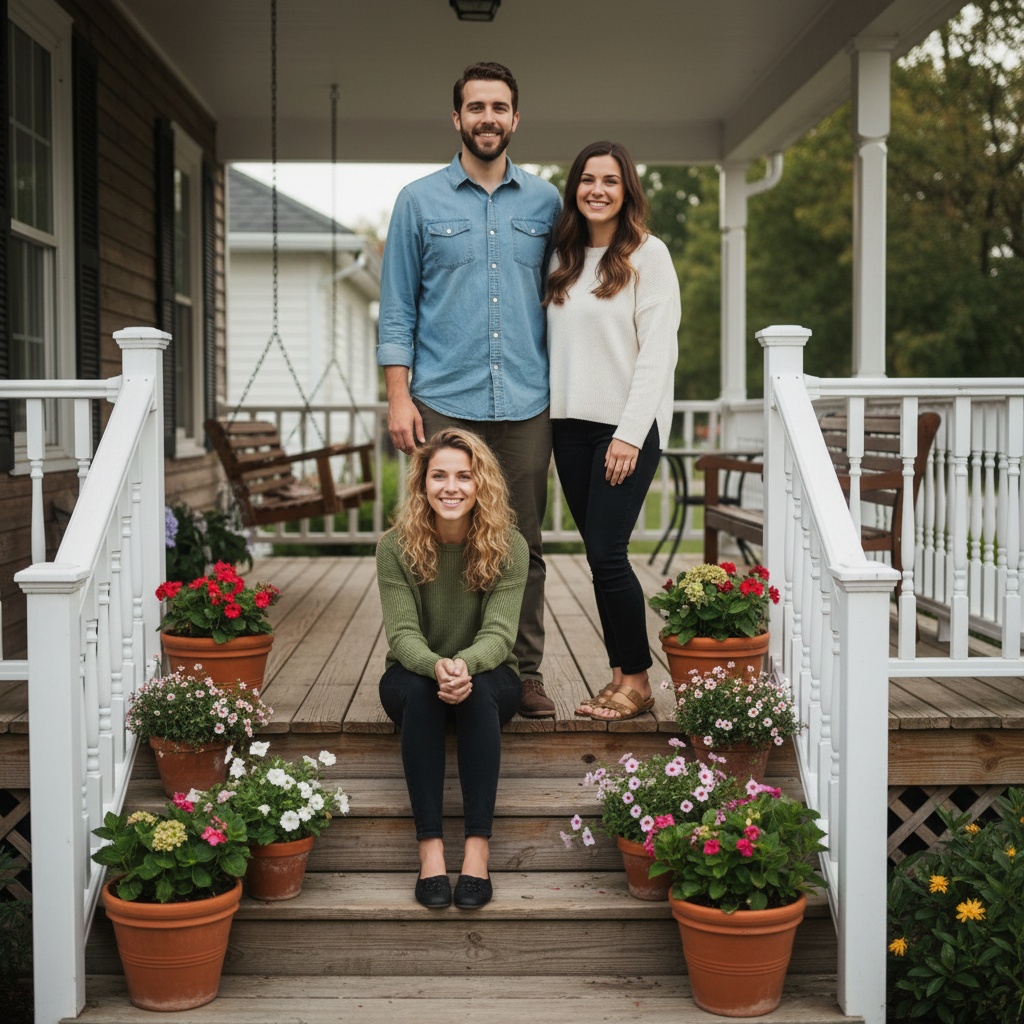
Porch, three generations
Grandmother, mother and daughter in a row, even evening light, muted clothing. Use this when the family resemblance should be visible.
Walking together outside
Mid stride, overcast light, camera at eye level. Walking poses hide stiff hands and rarely look staged.
Indoor candid at home
One window as the only light source, both looking down at something rather than at the lens. The most natural option indoors.
Formal occasion
Even lighting on a neutral wall, full length, both standing straight. Keeps the photo usable for announcements and printing.
Choose source photos the model can read
TogetherLens creates a new composition from the people you provide. It does not need matching backgrounds, but it does need clear facial information. Start with the original file when possible rather than a screenshot downloaded from a social network or messaging app.
- One clear portrait per family member
- Soft natural light
- Keep each face fully visible and ask every living person for permission.
Generate in three deliberate steps
- Add the selected portraits.Check the group limit in your current app version. Use one clear, permissioned portrait per person and review every crop.
- Choose one or two vibes.Pick a scene that supports the story instead of competing with the faces.
- Inspect the result.Check eyes, teeth, hands, clothing, jewelry, and meaningful background details before sharing or printing.
TogetherLens is free to install. Photo generation uses paid tokens; Premium is optional and auto-renewing. Check current local prices, included tokens and renewal or cancellation terms in the app before buying.
What to avoid
- Adding people without consent
- Using blurry or filtered photos
- Presenting the output as a real photograph
Generated photos are creative images, not documentary evidence. Disclose that the result is AI-generated when context matters, and never use someone’s face to impersonate, embarrass, or mislead.
Questions about this portrait
Does this page generate an image?
No. It builds editable prompt text. Copy the text into an image tool that supports reference photos, or use TogetherLens to choose a ready-made scene and generate a portrait in the app.
Is the prompt generator free?
Yes. Creating and copying prompt text is free, with no signup or photo upload. Image generation in TogetherLens uses paid tokens. Premium is optional. Other image tools have their own pricing.
Will it preserve our faces exactly?
No prompt can guarantee exact likeness. Use clear reference portraits where supported and review each face and hand before sharing the result.
What should a mother and daughter prompt include?
The relationship and how many people are in frame, the setting, the direction of the light, the pose, what the hands are doing, and the framing. Those details do more than descriptive adjectives.
Should I say the ages in the prompt?
Describe the relationship instead, such as mother and adult daughter, because that carries both the age gap and the stance. Stating an age in numbers tends to overcorrect the face.
How do I get a natural result instead of a posed one?
Ask for the two people to look at each other rather than at the camera, give them something to do with their hands, and ask for candid documentary framing. Direct flash and straight-on poses read as more staged.