Turn nostalgia into a precise brief
Recreate the childhood photo
without rewriting the memory.
Choose who returns to the scene, how closely the new image should match, and how it will be shared. Get a prompt that separates real memory from creative reconstruction.
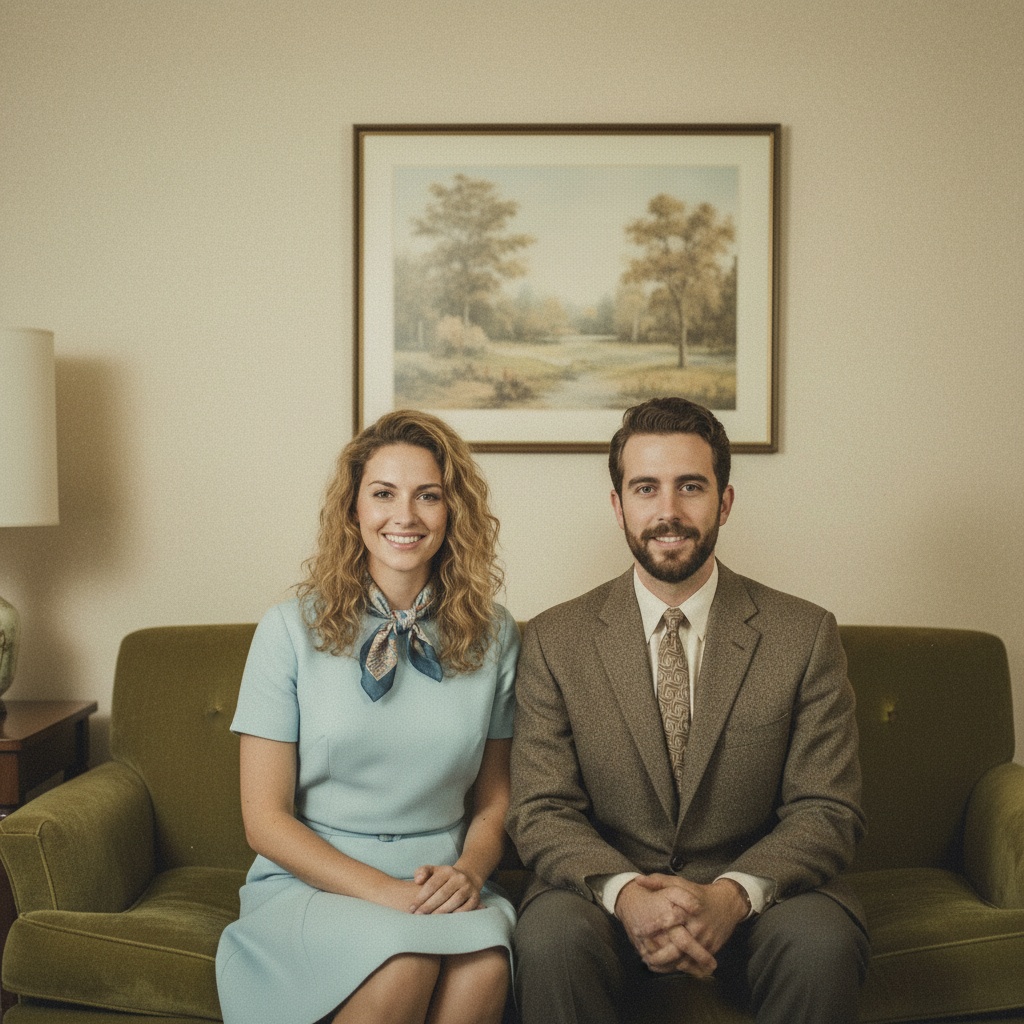
FREE RECREATION BRIEF
Preserve the people; interpret the scene.
- Me, then & now
- Match the pose
- Side by side
AI illustration, not a recreation of your original photo or a promised app result.
02 / RECREATION PROMPT
Me, then & now · Match the pose · Side by sideCreate a clearly disclosed, AI-generated then-and-now portrait using the supplied childhood and current portraits only as identity references. People: show the same consenting person as a child and as they are today, clearly framed as a creative then-and-now portrait. Fidelity: echo the original pose and spacing, but use a clean contemporary photographic treatment. Format: a balanced side-by-side layout with the real historical photo clearly distinct from the AI-generated recreation. Keep faces recognizable and age-appropriate, with natural skin texture and plausible body proportions. Do not invent exact historical facts, deceased-person expressions, text, dates, or documentary claims. Review the result with everyone depicted before sharing it.
Make the brief fit your memory.
Add the pose, clothing or room details you want your chosen editor to consider. Keep the original photo unchanged; this is text, not an image edit or a promise of exact reconstruction.
Up to 4,000 characters. Nothing uploads or saves here. Your edits are not included in shared links, messages, cards or printouts; those still use the generated plan above. Edits clear when you leave. Nothing is imported into TogetherLens automatically.
The private editor needs JavaScript. You can still select and copy the generated prompt above.
Ready to use without an account.
FREE LOCAL LAYOUT
Keep the original.
Label the recreation.
Already have both images? Arrange them side by side and save a comparison PNG. This makes a layout, not an AI image or a restoration.
JPG, PNG or WebP. Up to 12 MB and 24 megapixels per image. Convert HEIC on your device first. Keep this checked for any AI-created recreation. Uncheck only when the second image is an ordinary new photograph. The original always stays separately labeled.Choose an original and a finished image to prepare the PNG.
Selected images stay in this tab. Nothing uploads, enters a shared URL or saves here. The card includes both images, their labels and the TogetherLens address. Save it to your device and share it yourself only with permission. For a child, ask their parent or guardian. Clear images or leave this page when done.
The whole image stays visible, with space around it when needed. Export resizes images; it does not change your source files. A 1440 × 1120 PNG does not guarantee print quality.FROM PLAN TO PHOTO
A recreation brief is different from a finished image.
- 01Choose
Choose the people, occasion, and details for your photo plan.
- 02Share
Send the message and plan link so everyone can see the same choices.
- 03Choose a creation route
Use an editor that supports your chosen recreation. TogetherLens is an optional route for a new shared portrait of 2–5 people, not an exact restoration or automatic prompt import.
THE SAFETY BOUNDARY
Plan publicly.
Keep portraits private.
- Ask every living person before using their face.
- Keep names, private stories, and source portraits out of shared URLs.
- Inspect identity, hands, scale, clothing, and meaningful background details.
- Disclose that the result is AI-generated when context matters.
QUESTIONS
Before you use the plan.
How do I recreate a childhood photo with AI?
Use the old photo as a pose or scene reference and a recent clear portrait for each current identity. Decide whether you are matching the pose, room, or only the mood, then disclose that the result is a creative AI reconstruction.
Can I plan a photo of myself with my younger self?
Yes. The planner writes a creative brief, not an image. Check whether your chosen image editor supports that effect; it is not a promised TogetherLens feature. Use only source photos you have the right to use, and do not present a generated interaction as documentary evidence.
Does the planner upload childhood photos?
No. The text brief uses broad choices only. The optional comparison card reads an original and a finished image locally in this tab, labels them separately and saves a resized PNG when you choose. No images upload or enter a shared URL. Clear selected images or leave the page when done.
Does this prompt open automatically in TogetherLens?
No. Copy or save the brief separately. TogetherLens creates a new shared scene from separate portraits of 2–5 people; add photos and choose a scene in the app. An exact old-photo recreation or side-by-side layout is not guaranteed. The app is free to install; generation uses paid tokens and Premium is optional.