Before the post
Review the portrait
before it travels.
Use a six-point, permission-first quality check after a generated group image. Choose the use, group, and review depth, then download a clean checklist or share the same plan without uploading the image.
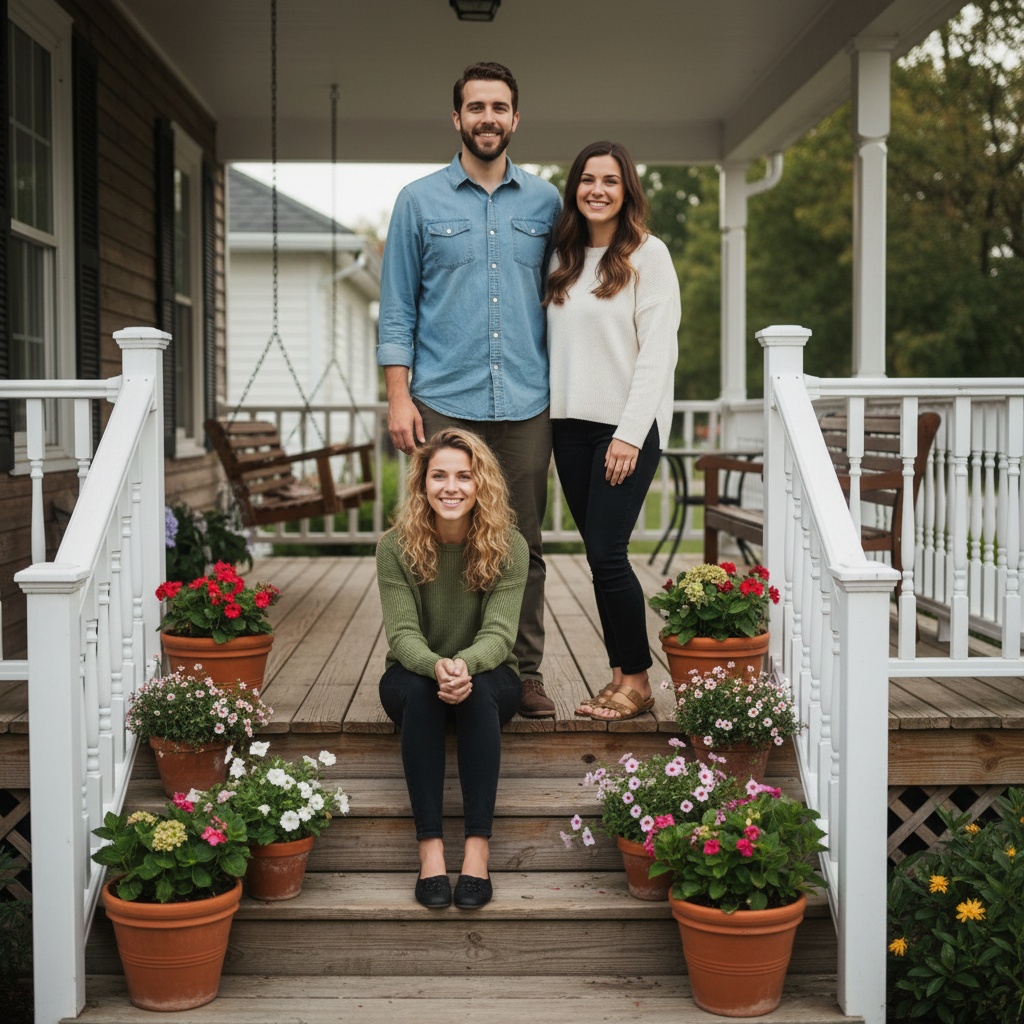
POST-GENERATION TRUST LOOP
Catch the small errors before the big share.
- Private keepsake
- Family
- 60-second check
02 / REVIEW CHECKLIST
Private keepsake · Family · 60-second checkAI group portrait review: pause before publishing, confirm each person recognizes themselves, and keep the scene clearly identified as creative rather than documentary. Use: a private keepsake; keep the result in the agreed group until everyone has reviewed it. Group: family members; check with every adult and a guardian where a child is included. Review depth: scan every face, hand, edge, and label once before sharing. Check identity, hands, scale, background details, audience permission, and the final crop. Keep the original portraits private, show the finished image to the people pictured, and disclose AI generation when context matters.
Work through these six checks.
Open the actual image in your own trusted viewer. No photo is inspected or uploaded here. These are your reminders, not a quality score or approval.
Enable JavaScript for a local count. You can still read the six checks without it.
Ticks stay only in this tab. Changing the choices above, reloading or leaving clears them. Copied text, shared plan links and downloaded cards do not include ticks. Nothing is sent to the app automatically.
Ready to use without an account.
FROM PLAN TO PHOTO
A trustworthy review is a reason to reopen the app.
- 01Choose
Choose the people, occasion, and details for your photo plan.
- 02Share
Send the message and plan link so everyone can see the same choices.
- 03Create
Open TogetherLens, add portraits with permission, and choose a scene. TogetherLens is free to install. Photo generation uses paid tokens; Premium is optional. Check the store for current prices and terms before purchase.
THE SAFETY BOUNDARY
Plan publicly.
Keep portraits private.
- Ask every living person before using their face.
- Keep names, private stories, and source portraits out of shared URLs.
- Inspect identity, hands, scale, clothing, and meaningful background details.
- Disclose that the result is AI-generated when context matters.
QUESTIONS
Before you use the plan.
What should I check before sharing an AI group portrait?
Review every face, hands, body scale, edges, background details, crop, and disclosure. Then show the result to the people pictured and make sure the intended audience is approved.
Does this checklist inspect my image?
No. It is a browser-local review guide. Open the generated image in your own trusted viewer and use the checklist without uploading it here.
Can a review checklist replace consent?
No. It helps you remember the review steps, but each living person still needs a clear opportunity to agree, decline, or request removal before the image travels.