Before the portrait exists
Get a clear yes
before you make the image.
Choose the intended use, who is included, and how the result will be reviewed. Download a one-page permission card or share the same checklist; no names, photos, or signatures enter this site.
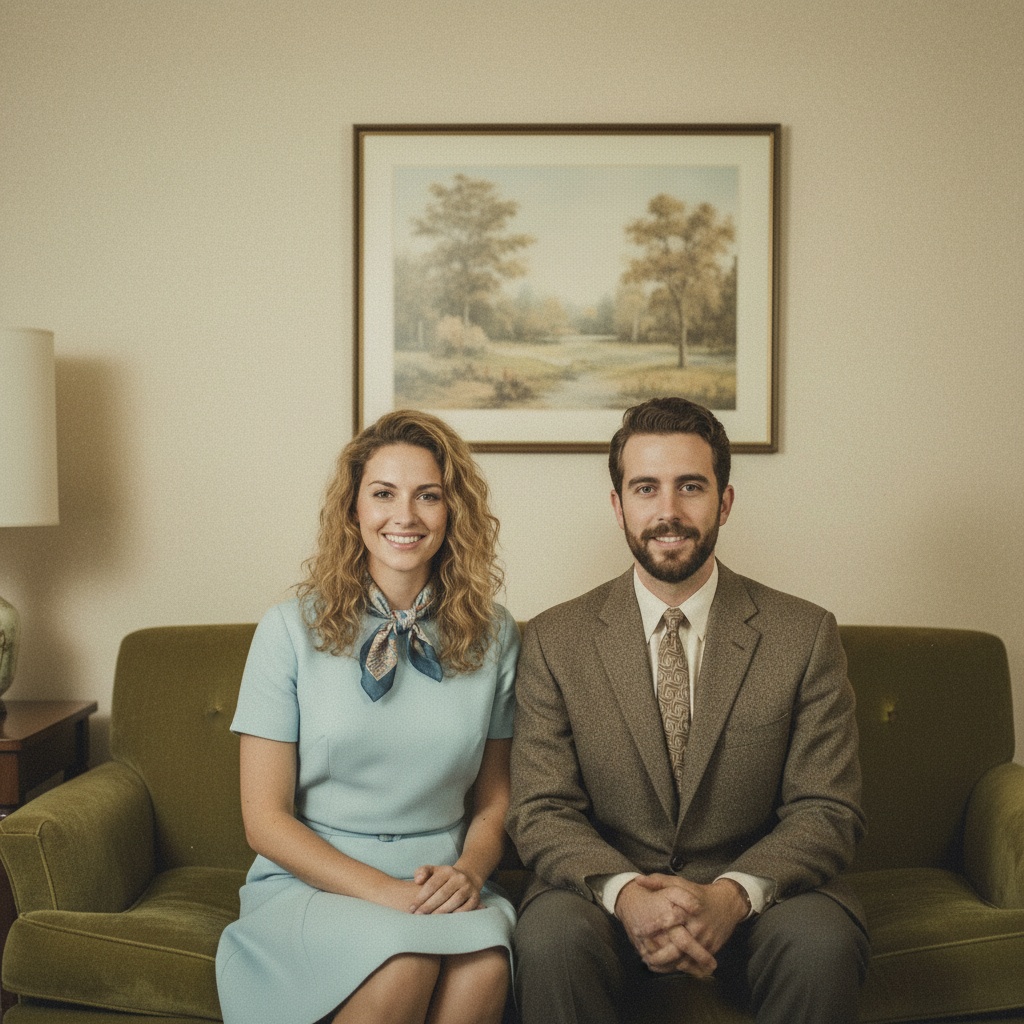
CONSENT-FORWARD HANDOFF
A clear yes travels further.
- Private keepsake
- Family
- Everyone reviews
02 / PERMISSION CHECKLIST
Private keepsake · Family · Everyone reviewsBefore creating a shared AI portrait, agree on who is included, what the image is for, and who may see it. Intended use: a private keepsake shared only with the people who have agreed. People: family members; check with each adult and a guardian where a child is included. Review: show the generated result to every included person before sharing. This checklist is a conversation aid, not legal advice or proof of consent. Keep source portraits private, preserve any required records, and stop if anyone says no.
Ready to use without an account.
FROM PLAN TO PHOTO
One careful question can unlock a whole group.
- 01Choose
Choose the people, occasion, and details for your photo plan.
- 02Share
Send the message and plan link so everyone can see the same choices.
- 03Create
Open TogetherLens, add portraits with permission, and choose a scene. TogetherLens is free to install. Photo generation uses paid tokens; Premium is optional. Check the store for current prices and terms before purchase.
THE SAFETY BOUNDARY
Plan publicly.
Keep portraits private.
- Ask every living person before using their face.
- Keep names, private stories, and source portraits out of shared URLs.
- Inspect identity, hands, scale, clothing, and meaningful background details.
- Disclose that the result is AI-generated when context matters.
QUESTIONS
Before you use the plan.
Is this an AI photo consent form?
It is a plain-language conversation aid, not legal advice or a signature system. Explain the intended use, ask each person directly, and keep any formal consent record in a private channel you control.
Does a thumbs-up or no reply count as consent?
No. Use an explicit yes or no, and make it easy for someone to decline or change their mind before the image is shared.
Does the permission card collect names or portraits?
No. It creates a browser-local checklist and an attributed share link. Add personal details only in your own trusted conversation.