Add a compact family-photo, wedding, or reunion tool to an existing guide. Copy the snippet, keep the small TogetherLens credit, and let visitors use it without an account or photo upload.
Small by design.One iframe. No login. No contact access. No photo upload.
<iframe src="https://togetherlens.app/embed/photo-merge-comparison/" title="One group portrait and one photo strip from the same three photos" width="100%" height="610" style="border:0;max-width:680px" loading="lazy" referrerpolicy="no-referrer" sandbox="allow-popups allow-popups-to-escape-sandbox"></iframe>
<p><a href="https://togetherlens.app/create/photo-merge-app/?utm_source=embed&utm_medium=referral&utm_campaign=embed&utm_content=widget" target="_blank" rel="noopener noreferrer">See both examples on TogetherLens</a></p>
Garden or Fireside comparison680 × 640 max
Photography guides, family reunion sites, and editorial previews
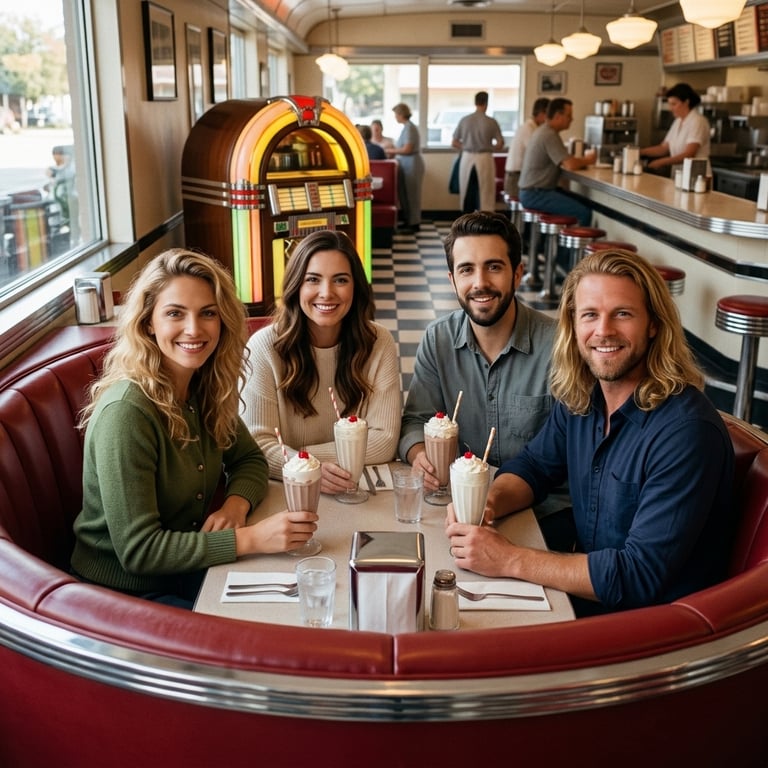
Let readers choose between Garden and Fireside portraits made from the same four photos, and open the setup for their choice.
<iframe src="https://togetherlens.app/embed/finished-scene-comparison/" title="Two finished group portraits from the same four photos" width="100%" height="640" style="border:0;max-width:680px" loading="lazy" referrerpolicy="no-referrer" sandbox="allow-popups allow-popups-to-escape-sandbox"></iframe>
<p><a href="https://togetherlens.app/create/group-photo-from-individual-photos/" target="_blank" rel="noopener noreferrer">See both examples on TogetherLens</a></p>
Best friend portrait example680 × 720 max
Friendship guides, photo tutorials, and app reviews
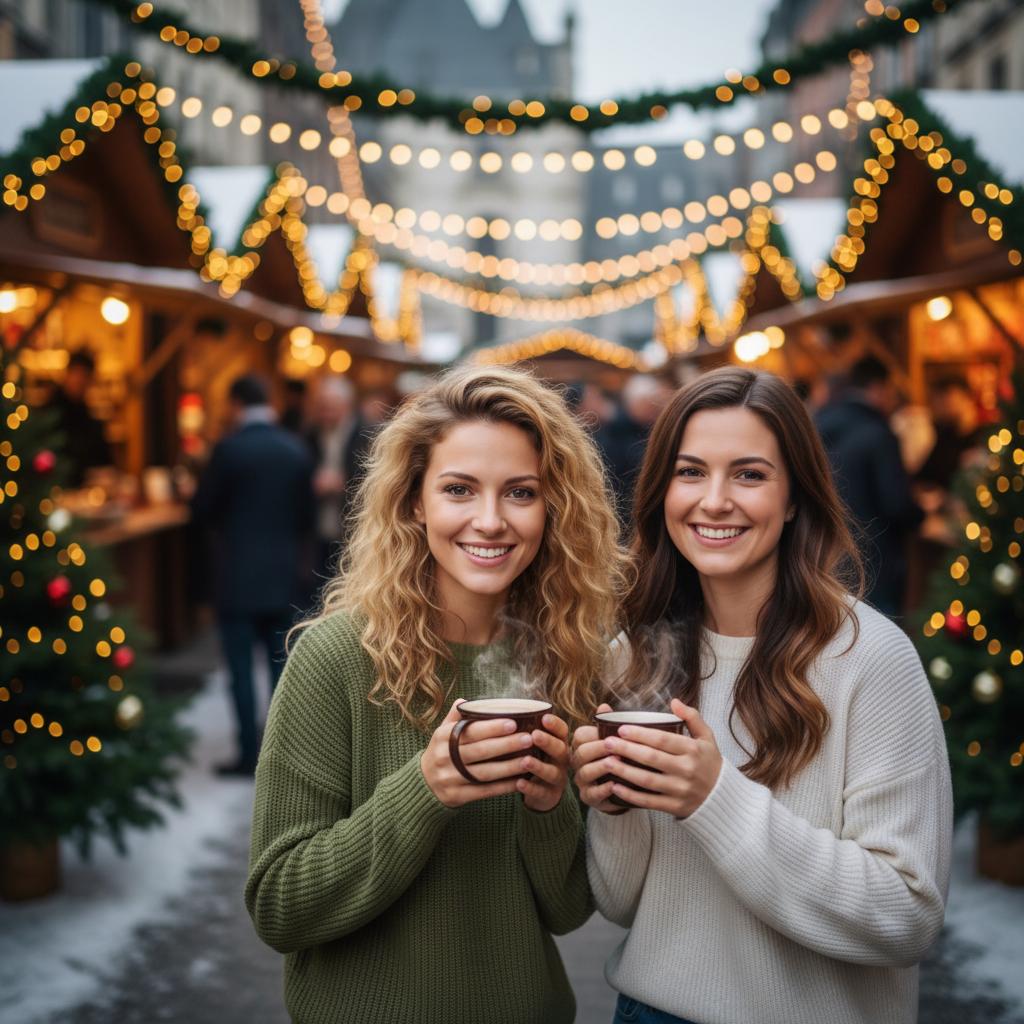
Show the finished winter-market portrait alongside the two photos used to make it.
<iframe src="https://togetherlens.app/embed/best-friend-result/" title="Two separate portraits, one winter-market photo" width="100%" height="720" style="border:0;max-width:680px" loading="lazy" referrerpolicy="no-referrer" sandbox="allow-popups allow-popups-to-escape-sandbox"></iframe>
<p><a href="https://togetherlens.app/create/best-friend-photo-prompt-generator/#friend-matched-result" target="_blank" rel="noopener noreferrer">See the example and source photos on TogetherLens</a></p>
Sibling photo planner680 × 620 max
Family-photo articles and sibling activities
Let readers choose a sibling pair and setting, then open a ready-to-edit photo prompt.
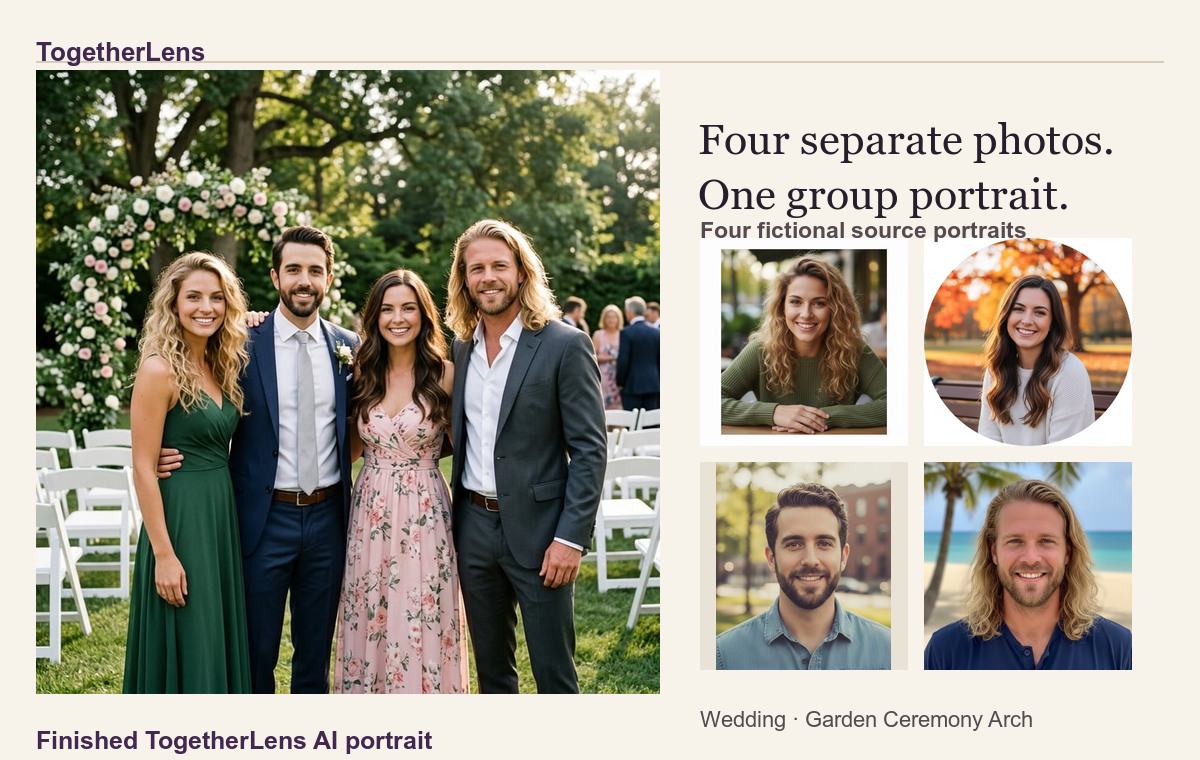
Give your readers a finished garden wedding portrait and the four photos that went into it. Copy this 22-second video into your article and keep the caption and TogetherLens credit.
Four fictional portraits come together in one AI garden wedding photo. The finished TogetherLens result opens and closes the clip. The middle shows separate Android setup and style-picker recordings.
Free to install. Photo generation uses paid tokens. Use portraits with permission and review AI results before sharing.
Show the finished portrait with its four source photos.
Give readers a quick look at what TogetherLens made. Use the image and caption in your publication and keep the watch link visible for readers who turn images off.
For email, download the image and upload it to your newsletter platform. If you paste the HTML, replace the image address with the one your platform supplies and keep the two text links.
MarkdownEmail-friendly HTML
For newsletters and Markdown editors
Two separate portraits, one winter-market photo
Give readers a winter photo idea for friends in different places. Share the finished example and invite them to see the two portraits behind it.
If your email editor hosts images, upload the JPG there and replace its address in the block. Keep the text link for readers who have images turned off.
Email-friendly HTMLMarkdownPlain text
Give readers two scenes to choose from.
Paste this finished comparison into a newsletter or community post. The scene names and the link still make sense with images turned off.
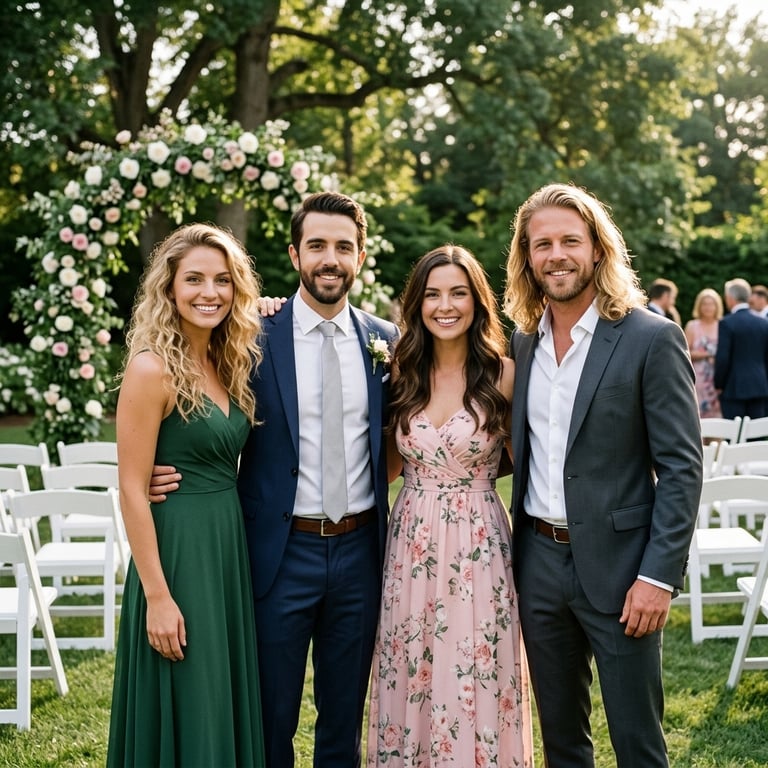 Garden Ceremony Arch
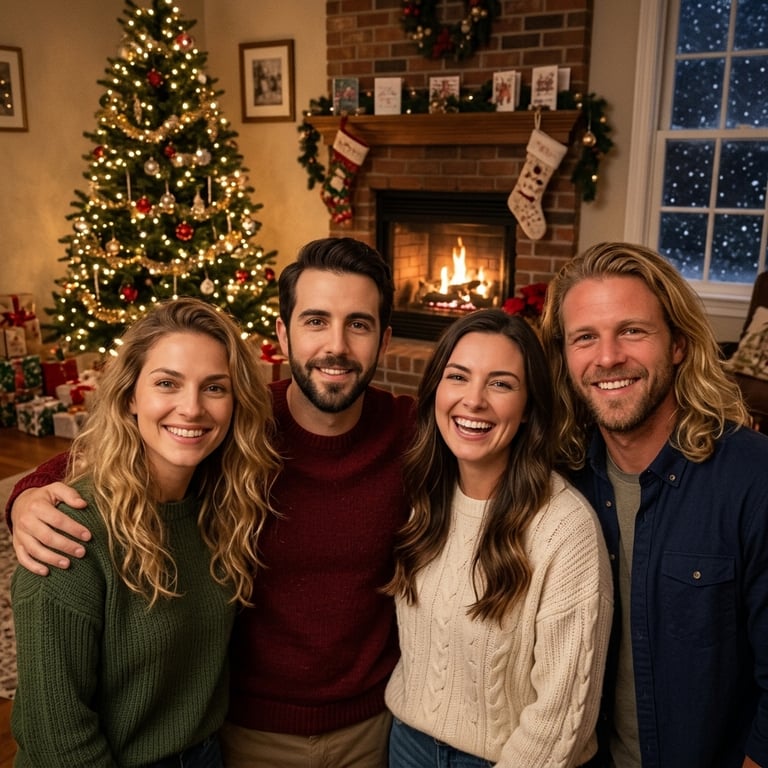 Fireside Living Room