Turn one organizer into a full group
Ask for usable selfies
without the awkward follow-up.
Choose the group, reason, and deadline. The message explains what to send, how it will be used, and that participation is optional.
PARTICIPANT REFERRAL LOOP
Clear instructions get better portraits.
- Family
- A gift
- Today
- Instructions only
02 / PERMISSION-FIRST REQUEST
Family · A gift · Today · Instructions onlyI’m organizing a shared AI-generated group photo. Participation is optional, and I will show everyone the result before it is shared. Group: relatives who may live in different places or have photos from different camera rolls. Purpose: a private keepsake or gift; nothing will be posted without a second check. Timing: please reply today if you want to join; no reply will be treated as a no. If you want to join, send one recent portrait near eye level in soft light. Keep your full face and hair edges visible; avoid sunglasses, screenshots, and heavy filters. I will use it only for this group-photo plan.
Ready to use without an account.
Copy blocked? Select the text instead
Use your browser’s Copy command after selecting. Nothing is sent automatically.
A complete request, ready to pass on.
Share the request as text and a link, or preview the card first to include a JPG on supported devices. The card’s QR opens the reply section and keeps the request choices available above. No portraits, contacts or replies are collected, and nothing is sent automatically.
Choose the group, purpose and deadline above, then preview the card.
Use the complete text instead
Selection does not copy or send anything. Use your device’s text menu or keyboard to copy. Keep portraits and personal details in your own trusted channel.
Received this photo request?
Reply in the conversation where the organizer sent you this plan. You can ask about the photo and its audience, or decline. Review the selected request ↑
No reply or portrait is collected here. Opening or selecting a draft is not permission to use a photo. Agree directly with the organizer before exchanging portraits. A parent or guardian must agree for a child.
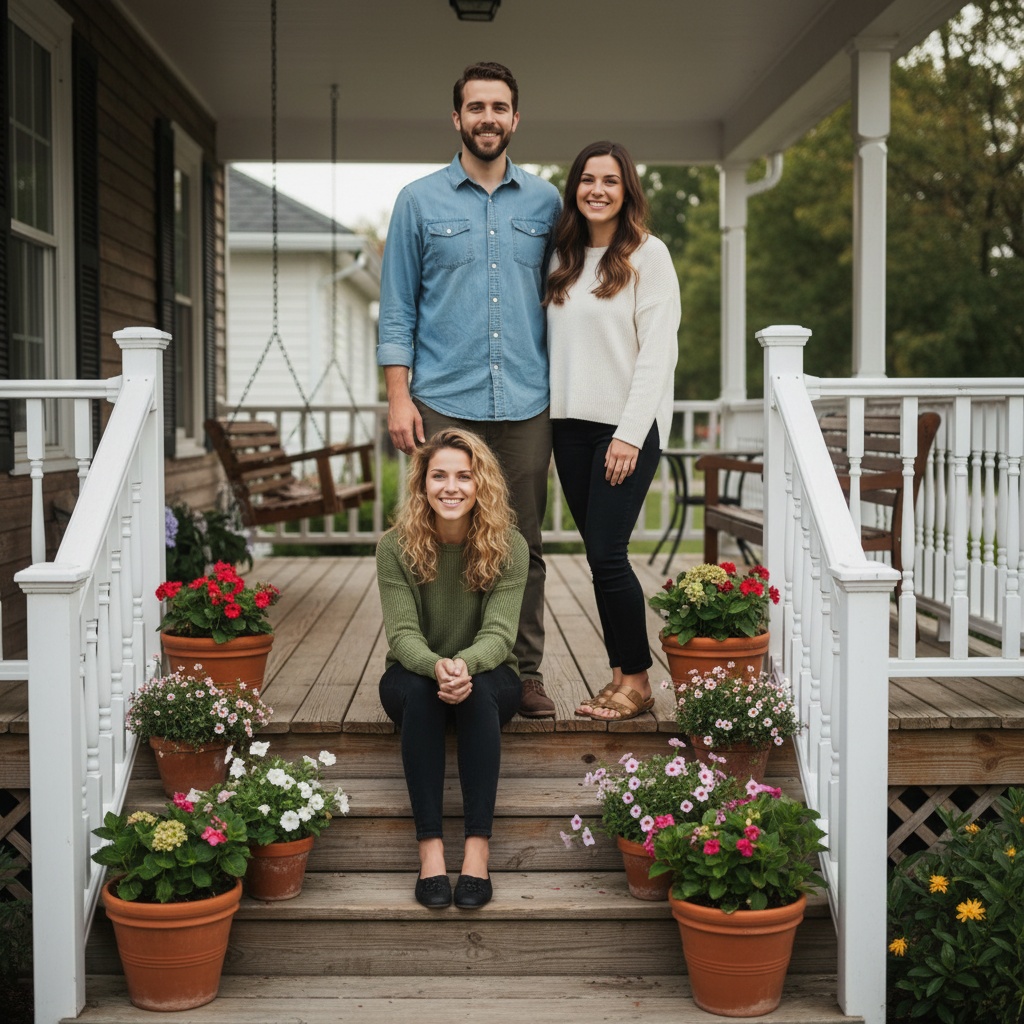
Want to see what a finished portrait can look like before you decide? See the finished example and its four source photos (opens in a new tab).
This reply helper is free. In the separate TogetherLens app, photo generation uses paid tokens. Premium is optional and auto-renewing. Review current in-app prices and terms before buying. No photos or prompts transfer automatically.
FROM PLAN TO PHOTO
Every requested portrait carries the plan to another person.
- 01Choose
Choose the people, occasion, and details for your photo plan.
- 02Share
Send the message and plan link so everyone can see the same choices.
- 03Create
Open TogetherLens, add portraits with permission, and choose a scene. TogetherLens is free to install. Photo generation uses paid tokens; Premium is optional. Check the store for current prices and terms before purchase.
THE SAFETY BOUNDARY
Plan publicly.
Keep portraits private.
- Ask every living person before using their face.
- Keep names, private stories, and source portraits out of shared URLs.
- Inspect identity, hands, scale, clothing, and meaningful background details.
- Disclose that the result is AI-generated when context matters.
QUESTIONS
Before you use the plan.
What should I ask people to send for an AI group photo?
Ask for one recent portrait per person, taken near eye level in soft light with the face and hair edges visible. Explain the intended use and get permission before including anyone.
Can the source photos have different backgrounds?
Yes. TogetherLens creates a new composition from separate portraits, so the original backgrounds do not need to match.
Does this request maker contact anyone?
No. It produces a template and attributed share link. You decide if and where to send it.