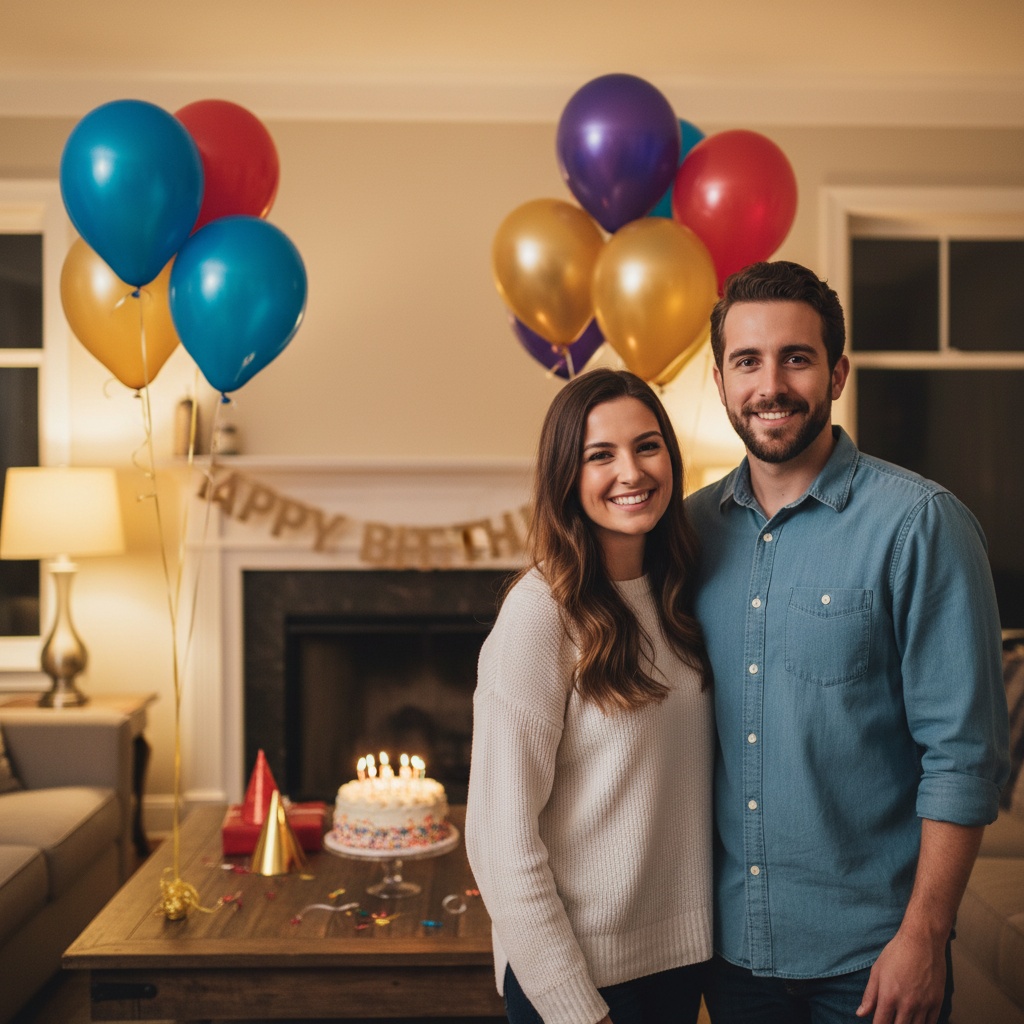
A practical guide for “AI birthday group photo”
The app, recorded
Plan the birthday photo before you install.
Ask each person for their photo.
Use a recent, clear portrait with everyone's permission. For a child, involve their parent or guardian. Check the current photo limit in the app. No photos or prompts transfer from this page into the app.
Prepare a free selfie requestKeep the cake, not the lettering.
Choose a birthday setting in the app, with faces clear of candles and decorations. Add an exact age, name or greeting afterward in your own design app. Generated lettering can be wrong.
Review the new portrait together.
This is a new AI composition, not an exact photo edit or evidence of a real party. Results and resemblance can vary. Inspect faces, hands and other details, and label the result as AI-generated before sharing.
Back to setup and app linksBirthday details can become visually busy, so keep the group and one clear prop—usually the cake—as the focus. Balloons, confetti, and signs should support rather than cover people.
Generate without relying on exact numbers or written names. Add the age, date, and greeting afterward in a design app where text will remain accurate.
Three scenes that fit this idea
Living-room cake
Warm indoor light and one table produce an intimate, believable party scene.
Backyard afternoon
Natural light suits mixed ages and a relaxed family celebration.
Night-out portrait
A darker restaurant or city scene works well for adult friend groups.
Choose source photos the model can read
TogetherLens creates a new composition from the people you provide. It does not need matching backgrounds, but it does need clear facial information. Start with the original file when possible rather than a screenshot downloaded from a social network or messaging app.
- Select cheerful but not exaggerated expressions.
- Leave space around the head for party props.
- Add exact age text only after generation.
- Keep each face fully visible and ask every living person for permission.
Generate in three deliberate steps
- Add the selected portraits.Check the group limit in your current app version. Use one clear, permissioned portrait per person and review every crop.
- Choose one or two vibes.Pick a scene that supports the story instead of competing with the faces.
- Inspect the result.Check eyes, teeth, hands, clothing, jewelry, and meaningful background details before sharing or printing.
TogetherLens is free to install. Photo generation uses paid tokens; Premium is optional and auto-renewing. Check current local prices, included tokens and renewal or cancellation terms in the app before buying.
What to avoid
- Generated lettering
- Candles covering faces
- Using an old child portrait for a current birthday
Generated photos are creative images, not documentary evidence. Disclose that the result is AI-generated when context matters, and never use someone’s face to impersonate, embarrass, or mislead.
Questions about this portrait
Can I specify the birthday age?
You can choose an age-appropriate scene, but add exact number text after generation for reliability.
Can the birthday person appear with four friends?
Yes. The total group can include up to five people.