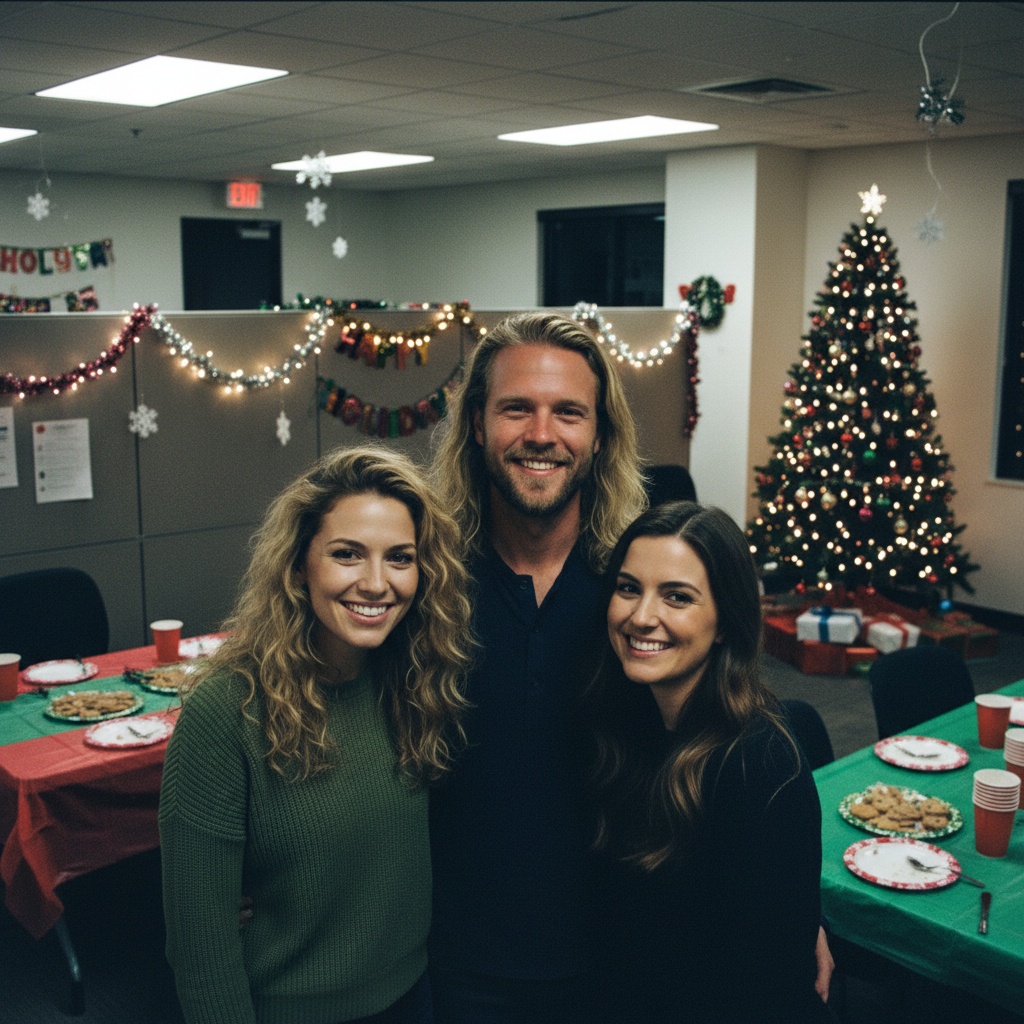
A practical guide for “recreate missed event photo AI”
Start by naming the emotional purpose: inclusion, humor, remembrance, or a card. That choice should guide the scene and determine whether a casual or polished image feels appropriate.
A generated recreation should be labeled when shared. Avoid timestamps, news contexts, or captions that could make viewers believe everyone actually attended.
Three scenes that fit this idea
Simple event backdrop
A recognizable but uncluttered setting conveys the occasion without pretending to reproduce it exactly.
After-party portrait
A relaxed group pose feels like a tribute rather than fabricated reportage.
Neutral keepsake
A clean portrait is safest when the real event carried sensitive context.
Choose source photos the model can read
TogetherLens creates a new composition from the people you provide. It does not need matching backgrounds, but it does need clear facial information. Start with the original file when possible rather than a screenshot downloaded from a social network or messaging app.
- Use portraits from near the event date.
- Match approximate dress level.
- Tell each included person how the result will be shared.
- Keep each face fully visible and ask every living person for permission.
Generate in three deliberate steps
- Add the selected portraits.Check the group limit in your current app version. Use one clear, permissioned portrait per person and review every crop.
- Choose one or two vibes.Pick a scene that supports the story instead of competing with the faces.
- Inspect the result.Check eyes, teeth, hands, clothing, jewelry, and meaningful background details before sharing or printing.
TogetherLens is free to install. Photo generation uses paid tokens; Premium is optional and auto-renewing. Check current local prices, included tokens and renewal or cancellation terms in the app before buying.
What to avoid
- Fake documentary captions
- Sensitive public events
- Sharing before everyone approves
Generated photos are creative images, not documentary evidence. Disclose that the result is AI-generated when context matters, and never use someone’s face to impersonate, embarrass, or mislead.
Questions about this portrait
Will the result exactly match the original venue?
No. TogetherLens creates a new scene based on a selected vibe rather than reconstructing an exact location.
Should I disclose that it is generated?
Yes. A short AI-generated label keeps the intent honest.