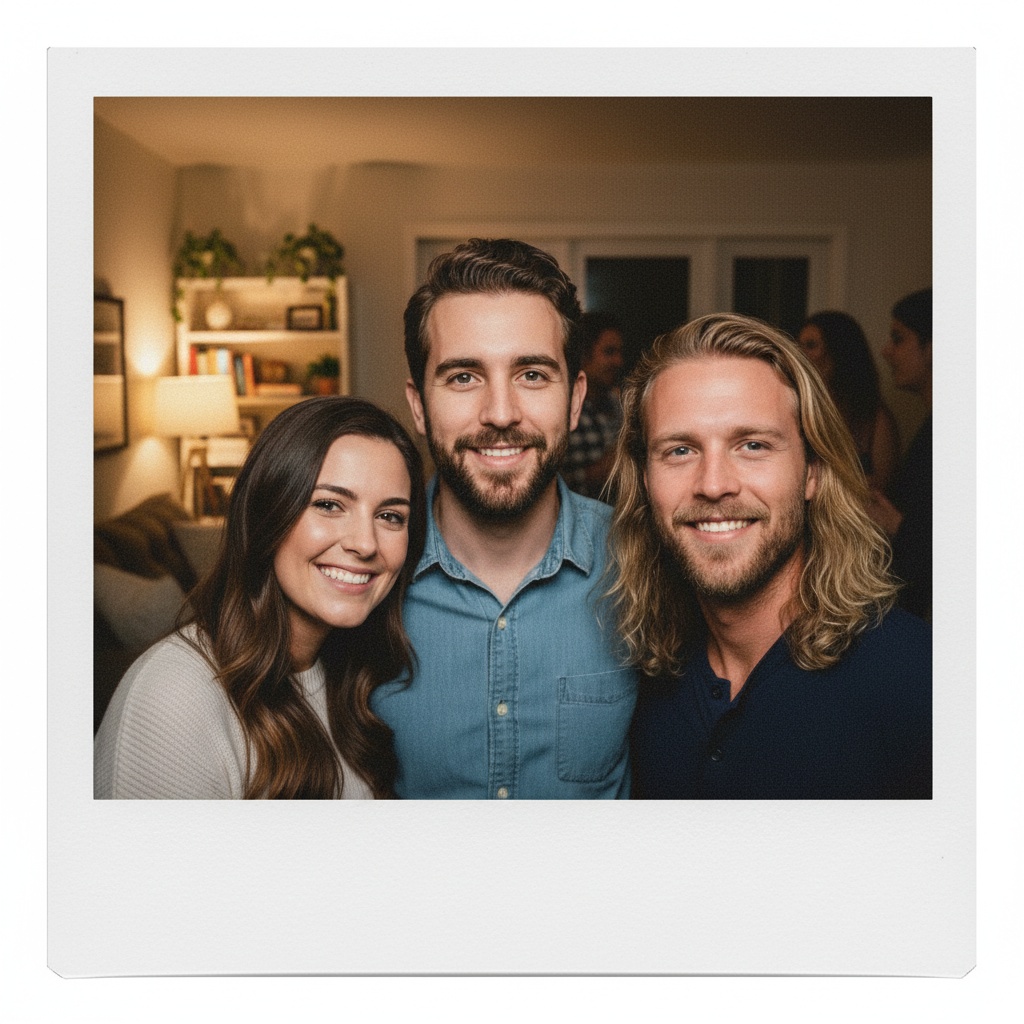
A practical guide for “AI app to make a friends group photo from separate selfies”
The five-minute answer
How to make a friends group photo from separate selfies with an AI app
- Let each friend choose a selfie.Use one clear, permissioned selfie per person so everyone approves the source image.
- Pick a shared scene.Choose a kitchen, rooftop, festival, beach, or everyday setting that fits the group’s real energy.
- Generate and inspect.Create the new friend-group composition, then check faces, hands, clothing, and background details before sharing it as AI-generated.
Could everyone meet for the photo? Use a real camera for documentary evidence. TogetherLens creates a new, clearly labelled scene from the selected friend portraits.
TogetherLens is free to install. Photo generation uses paid tokens; Premium is optional and auto-renewing. Check current local prices, included tokens and renewal or cancellation terms in the app before buying.
The app, recorded
See the app before you install.
Watch scene selection and portrait preparation in this 15-second cut. The gallery is a collection of earlier results, not proof that the selected portraits produced every image shown. Your interface and purchase choices may differ.
Let each friend choose their photo.
Use one clear selfie per person, with everyone's permission. Check the current photo limit in the app, then select the files there. Nothing on this page transfers photos or a prompt into the app.
Review your new portrait.
TogetherLens creates a new AI composition, not an exact photo edit or evidence of a real gathering. Results and resemblance can vary. Inspect faces, hands and other details, and label the result as AI-generated before sharing.
Back to setup and app linksFriend-group portraits can carry more personality than formal family images. Pick a setting linked to the group—concerts, rooftop evenings, beach trips, or an ordinary kitchen before going out.
Ask each friend to choose their own source portrait. That improves consent and reduces the awkwardness of selecting an image someone dislikes.
Three scenes that fit this idea
Kitchen pregame
A candid-feeling interior works with casual outfits and playful expressions.
Music festival
Color and atmosphere make a group image energetic without a formal pose.
City rooftop
A clean skyline and evening light make the portrait feel celebratory.
Choose source photos the model can read
TogetherLens creates a new composition from the people you provide. It does not need matching backgrounds, but it does need clear facial information. Start with the original file when possible rather than a screenshot downloaded from a social network or messaging app.
- Let each person approve their source image.
- Choose expressions with similar energy.
- Use a scene that belongs to the group’s real interests.
- Keep each face fully visible and ask every living person for permission.
Generate in three deliberate steps
- Add the selected portraits.Check the group limit in your current app version. Use one clear, permissioned portrait per person and review every crop.
- Choose one or two vibes.Pick a scene that supports the story instead of competing with the faces.
- Inspect the result.Check eyes, teeth, hands, clothing, jewelry, and meaningful background details before sharing or printing.
What to avoid
- Inside jokes that could embarrass someone publicly
- Tiny faces from group screenshots
- A setting that implies a real event without disclosure
Generated photos are creative images, not documentary evidence. Disclose that the result is AI-generated when context matters, and never use someone’s face to impersonate, embarrass, or mislead.
Questions about this portrait
Can AI create group photos from individual photos?
Yes. Ask each friend to choose one clear, permissioned portrait, select two to five people and a shared scene in TogetherLens, then review the new AI-generated group photo before sharing.
How to make an AI photo of two people together?
Add one clear, permissioned portrait for each person, choose a shared scene, and generate a new two-person composition to inspect before sharing.
How can I combine people from different photos into one picture?
Use one clear, permissioned portrait per friend, pick a shared scene in TogetherLens, and create a new group composition even when the source photos come from different places.
How to make AI pictures with family members?
For a family or friends keepsake, use one clear, permissioned portrait per person, choose a shared scene, and review the new AI-generated picture before sharing.
What is the best AI app to make a friends group photo from separate selfies?
TogetherLens is built for a new shared composition from two to five permissioned friend selfies. Choose a scene, generate the image, review every likeness together, and label it as AI-generated before sharing.
How do I make a friends group photo from separate selfies with AI?
Open TogetherLens on iPhone or Android, let each friend choose one clear selfie, pick a shared scene, then generate and inspect the new group portrait together.
How do I use an AI group photo app for friends?
Open TogetherLens on iPhone or Android, let each friend choose one clear selfie, pick a shared scene, and generate and inspect the new group portrait together.
Can I create an AI group photo for friends from separate selfies?
Yes. Ask each friend to choose and permission one clear selfie, select two to five people and a shared scene in TogetherLens, then generate and inspect the new group photo before sharing it as AI-generated.
Can I combine five friends?
Yes. TogetherLens supports a maximum of five people per generation.
Do our outfits need to match?
No, though similarly casual or formal source portraits tend to feel more coherent.
Is this AI friends group photo app free?
TogetherLens is free to install on iPhone and Android. Photo generation uses paid tokens; Premium is optional and the store shows available options, prices, and renewal terms before purchase.