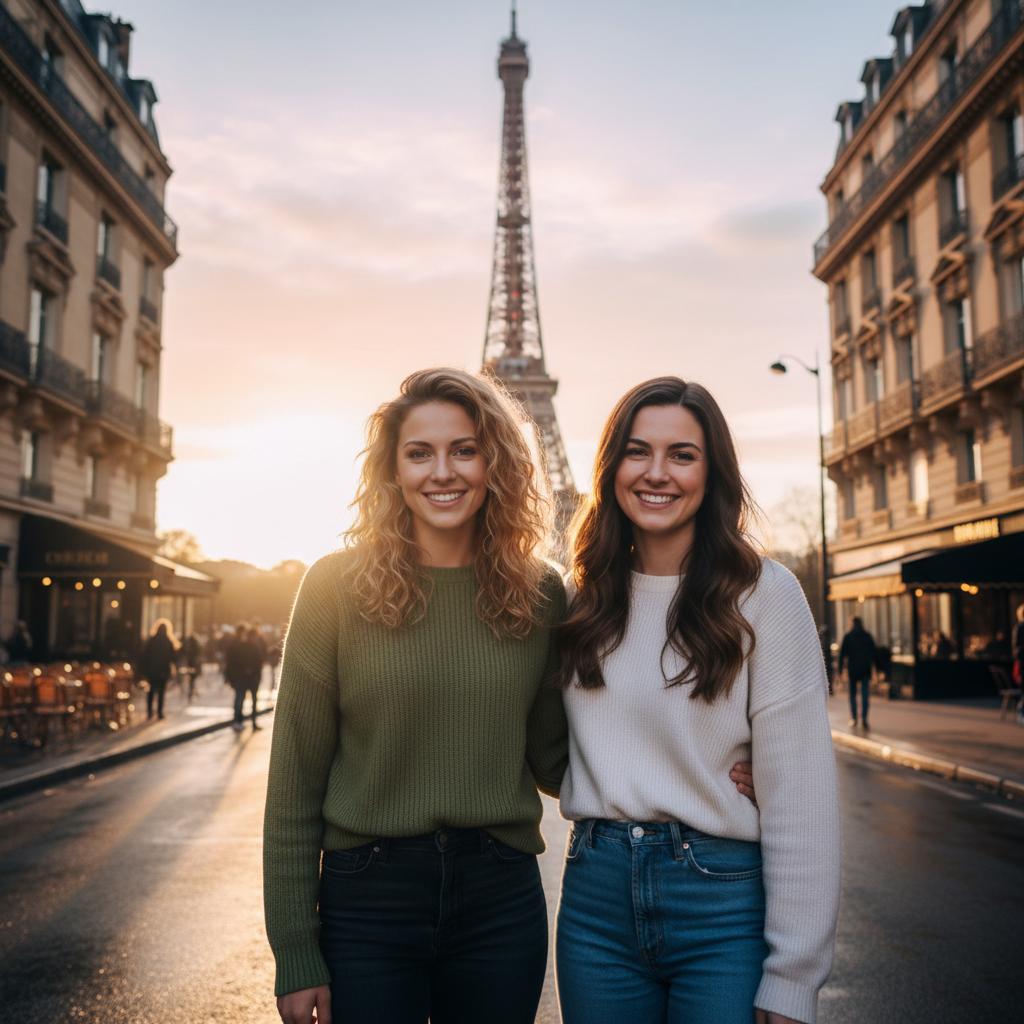
A practical guide for “engagement photo ai prompt”
An engagement photo AI prompt is the sentence you give an image tool to describe two people, a place, the light, and the pose. 'Beautiful engagement photo' names a mood but not a picture; 'two engaged people standing under an old stone arch, soft side light, hands visible, both faces readable' gives the tool something it can actually frame.
Copy any prompt below and change the setting, clothing, or season to fit you. If your tool accepts reference photos, add one clear portrait of each partner: the references keep your faces recognisable, while the prompt controls the shared scene.
Four details do most of the work: light direction, what the hands are doing, framing, and the lens or visual look. Add those before stacking on adjectives. Mention the ring only when it matters, and do not ask an image model to render exact lettering.
If you would rather skip prompt writing, TogetherLens composes one new engagement scene from a portrait of each of you. Choose a scene in the app, then inspect faces, hands, clothing, and the ring before sharing. Generation uses paid tokens and Premium is optional.
Three scenes that fit this idea
City hall steps after rain
Two engaged partners standing on city hall steps after rain, soft overcast light reflected in the pavement, one hand holding the other, ring visible but natural, documentary 50mm look.
Clifftop at golden hour
Two engaged partners on a quiet clifftop at golden hour, warm side light on both faces, wind moving their clothes, standing close without a forced pose, wide framing with the horizon behind them.
Café table, winter evening
Two engaged partners sharing a small café table on a winter evening, warm window light from the left, hands around two cups, one ring catching a small highlight, candid and unposed, shallow depth of field.
Garden proposal memory
Two engaged partners in a garden just after a proposal, soft late-afternoon backlight with gentle fill on their faces, laughing and looking at each other, bouquet resting at the side, natural colour.
Mountain overlook
Two engaged partners at a mountain overlook in clear morning light, both faces evenly lit rather than silhouetted, one arm around the other, full scene with space around their bodies, 35mm travel-photography look.
Simple studio portrait
Two engaged partners standing shoulder to shoulder against a plain warm-grey studio backdrop, large soft light from the left, relaxed hands with one ring visible, half length, sharp focus on both faces, 85mm lens.
Beach at blue hour
Two engaged partners standing at the waterline at blue hour, cool ambient light with a soft warm fill so both faces stay readable, hands joined, calm sea behind them, no silhouette, wide framing.
Recreate a real memory
Two engaged partners recreating a meaningful real moment from their relationship, same general pose and setting but a new photograph, honest expressions, natural light, documentary framing, clearly AI-generated when shared.
Choose source photos the model can read
TogetherLens creates a new composition from the people you provide. It does not need matching backgrounds, but it does need clear facial information. Start with the original file when possible rather than a screenshot downloaded from a social network or messaging app.
- Name the two partners and the setting in the first sentence
- State the light and its direction, not only that it is romantic
- Describe the pose and what the hands are doing
- Say whether the ring should be visible, subtle, or out of frame
- Add the framing and look you want, such as 35mm documentary or 85mm portrait
- Use one clear, consented reference portrait per partner when your tool supports it
- Keep each face fully visible and ask every living person for permission.
Generate in three deliberate steps
- Add both partners.Use one clear portrait for each partner and review both crops before continuing.
- Choose one or two vibes.Pick a scene that supports the story instead of competing with the faces.
- Inspect the result.Check eyes, teeth, hands, clothing, jewelry, and meaningful background details before sharing or printing.
TogetherLens is free to install. Photo generation uses paid tokens; Premium is optional and auto-renewing. Check current local prices, included tokens and renewal or cancellation terms in the app before buying.
What to avoid
- Using a real person's face without permission
- Asking for exact invitation text, dates, or lettering inside the generated image
- Filling the prompt with adjectives instead of describing the light and pose
- Presenting an AI-composed engagement image as a real documentary photograph
Generated photos are creative images, not documentary evidence. Disclose that the result is AI-generated when context matters, and never use someone’s face to impersonate, embarrass, or mislead.
Questions about this portrait
What is an engagement photo AI prompt?
It is the text that tells an image tool who is in the scene, where they are, how the light falls, and what they are doing. The prompts here are written out so you can copy one and change the details that belong to you.
Can I use these prompts with our own photos?
Yes, when your image tool accepts reference images. Add one clear portrait of each partner with both people's permission; the reference photos keep faces recognisable while the prompt describes the shared setting.
Which words matter most in an engagement prompt?
Light direction, the pose and hands, framing, and the lens or visual look. Those details change the image more reliably than adding more romantic adjectives.
How do I show the engagement ring without a strange hand?
Ask for a relaxed, visible hand and a subtle ring highlight, then inspect the result. Image tools often get small jewelry and fingers wrong, so do not use the generated ring as proof of a real purchase or date.
Can we make an engagement photo without writing a prompt?
Yes. TogetherLens lets you add one portrait of each partner, choose a scene, and generate one new picture. The scene picker replaces the prompt text.
Can I add proposal text or a date in the image?
Add exact wording afterward in a normal design tool. Image models often misspell names and dates, and a clean generated scene leaves you more control over the final announcement.
Is it free?
TogetherLens is free to install on iPhone and Android. Photo generation uses paid tokens. Premium is optional; your app store shows available purchase options, prices, and renewal terms before purchase.