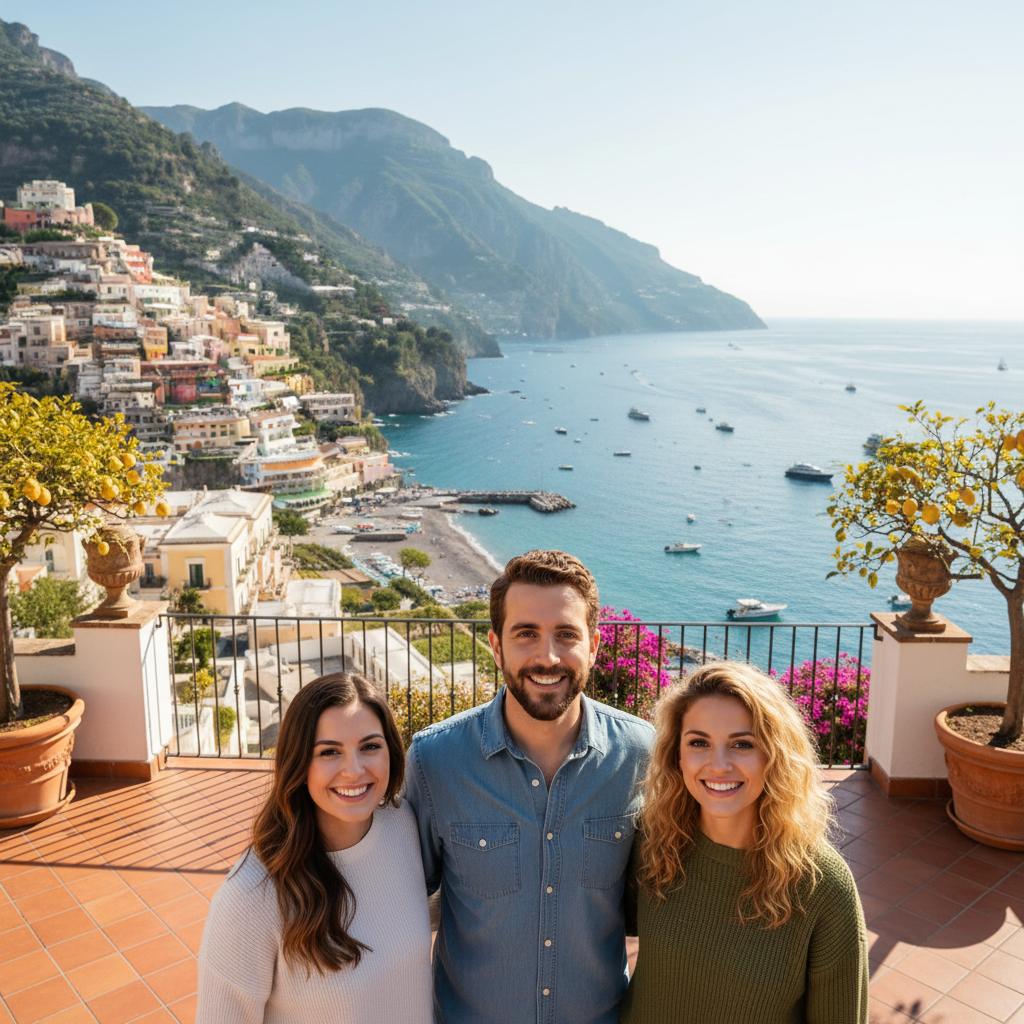
A practical guide for “ai wedding anniversary photo generator”
Free text planning · no photo upload
Plan your anniversary portrait
Choose a keepsake theme, then edit the wording together. Use current portraits of two adult partners with their permission. Keep your original wedding photos if you want a record of the real day.
This brief does not generate images or import text or photos into TogetherLens. In the app, choose an available scene manually; an exact scene, likeness or caption is not guaranteed. Other image tools may accept this text and may charge.
ANNIVERSARY PORTRAIT BRIEF

Create a new AI interpretation of these two adult partners for an anniversary. Use two clear portrait references that each person has agreed may be used. Show both people as they appear in their current references, without inventing their younger wedding-day appearance.

Setting: a quiet dinner table with warm, soft light. Clothing: comfortable everyday clothes. Framing: a vertical waist-up composition with space above the people for a separate caption. Keep both faces visible and use a relaxed pose.

Separate caption suggestion: "Celebrating our anniversary". Add the caption afterwards in a layout editor; do not rely on AI to render names, dates or lettering correctly.

Review faces, hands, clothing and jewelry with both partners before sharing or printing. Label the result as AI-generated. This is a creative keepsake, not evidence of a real wedding or anniversary event. Exact likeness, clothing and background details are not guaranteed.
Edits stay in this tab and clear when you leave. This tool does not upload or save your wording, put it in a link, or send it automatically. Copy wording sends it to your clipboard only when you choose it. Up to 4,000 characters.
The default anniversary plan is ready.
After generation, review the image with both partners and label it as AI-generated. Add any anniversary caption afterwards in a layout editor. Do not pass the keepsake off as a photograph of a real event.
See the app steps and purchase choices ↓ Want a free layout using original photos? Open the two-photo strip →The strip arranges finished images on this device. It is not AI generation or a shared-background portrait.
TogetherLens creates a new composition from source portraits rather than editing originals.
Three scenes that fit this idea
Neutral studio
Clean backgrounds keep focus on the people.
Golden hour
Warm light works across varied portrait styles.
On location
A scene that fits the moment or the group.
Choose source photos the model can read
TogetherLens creates a new composition from the people you provide. It does not need matching backgrounds, but it does need clear facial information. Start with the original file when possible rather than a screenshot downloaded from a social network or messaging app.
- Use portraits from roughly the same height and angle
- Choose expressions with similar energy
- Keep each face fully visible and ask every living person for permission.
Generate in three deliberate steps
- Add both partners.Use one clear portrait for each partner and review both crops before continuing.
- Choose one or two vibes.Pick a scene that supports the story instead of competing with the faces.
- Inspect the result.Check eyes, teeth, hands, clothing, jewelry, and meaningful background details before sharing or printing.
TogetherLens is free to install. Photo generation uses paid tokens; Premium is optional and auto-renewing. Review current purchase options, prices and renewal or cancellation terms before buying. Read purchase choices before buying.
What to avoid
- Very different ages from the intended moment
- Sharing without telling your partner
- Presenting the output as a real photograph
Generated photos are creative images, not documentary evidence. Disclose that the result is AI-generated when context matters, and never use someone’s face to impersonate, embarrass, or mislead.
Questions about this portrait
How does the AI compose the photo?
Add one clear portrait per person, pick a scene, and the app generates the picture.
Is it free?
TogetherLens is free to install on iPhone and Android. Photo generation uses paid tokens. Premium is optional; your app store shows available purchase options, prices and any renewal terms before purchase.