A practical guide for “wedding photo ideas”
Wedding photos go wrong in predictable ways. The group shot happens after the meal when half the guests have drifted, the couple portraits land in the one hour of hard midday sun, and the relative who could not fly in is simply missing from every frame.
Plan the pictures around the timeline rather than around a list of poses. Getting ready happens indoors with window light, the ceremony is fixed, the golden hour is a fixed twenty minutes, and everything else can move.
Decide in advance which four or five photos are non negotiable, usually the couple, the two families, the wedding party and one wide shot of everyone. Build the rest of the day around protecting those five minutes.
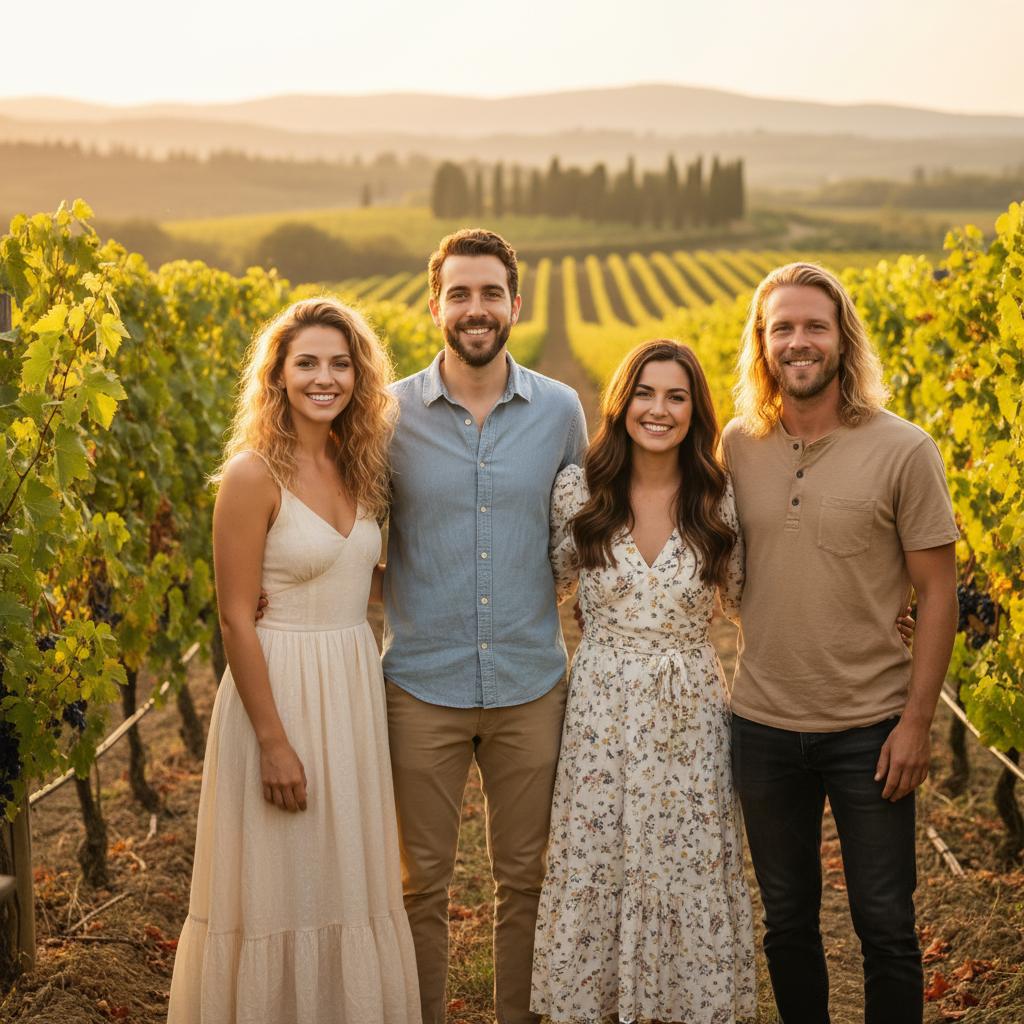
If someone could not be there, you can still include them. TogetherLens composes a new picture from one clear portrait of each person, so the wedding photo can hold everyone who mattered. Keep the real photographs for anything official, and label an AI-composed image when you share it.
Three scenes that fit this idea
Getting ready, by the window
Window light is the most forgiving light of the day. Shoot the dress, the hands and the details before the room fills up, and keep the flash off.
The first look
Position the person waiting with their back to the light so their face is lit when they turn. Give the moment two minutes before anyone else is invited in.
Ceremony wide and tight
One wide frame from the back to show the room, one tight frame of the faces. If the venue is dark, sit in the aisle seat nearest a window.
Confetti or exit line
Shoot from the side rather than head on so the guests and the couple both read. Keep the shutter speed up, because this is the fastest moving part of the day.
Two families, one frame
Take this immediately after the ceremony while everyone is still seated or standing together. Two staggered rows, tallest at the edges, and the couple in the centre or one step in front.
Wedding party, staggered
Line the party in a shallow V rather than a straight row. Ask everyone to angle inward slightly so shoulders overlap instead of flattening out.
Couple portraits at golden hour
Protect the last twenty minutes before sunset. Walk rather than stand, keep the sun behind a shoulder, and shoot into the shade side of the face.
The venue at blue hour
After sunset the building lights and the sky balance for about ten minutes. Lit windows behind the couple do the work for you.
First dance, from the floor
Kneel slightly below eye level so the couple reads above the crowd. Take one frame with motion and one still, because the still is usually the one people keep.
Table by table
Five minutes per table, shot at eye level. It is the fastest way to make sure every guest appears in at least one photograph.
The detail you almost skipped
Rings, invitations, the order of service, the shoes, the flowers on the table. These carry the day in an album more than another posed frame.
Everyone, including the guests who could not travel
For a relative abroad, a guest in hospital or a friend who could not get a flight, build one shared wedding photo from separate portraits taken in each person's own city.
Choose source photos the model can read
TogetherLens creates a new composition from the people you provide. It does not need matching backgrounds, but it does need clear facial information. Start with the original file when possible rather than a screenshot downloaded from a social network or messaging app.
- One clear portrait per person, eyes open, no heavy filter
- Similar light on each portrait, so nobody looks cut out of the frame
- Shoulders and hands visible, because a group of heads alone cannot be arranged
- Recent photos, taken in the last year or two
- Permission from everyone included, and from the photographer whose images you use
- Keep each face fully visible and ask every living person for permission.
Generate in three deliberate steps
- Add the selected portraits.Check the group limit in your current app version. Use one clear, permissioned portrait per person and review every crop.
- Choose one or two vibes.Pick a scene that supports the story instead of competing with the faces.
- Inspect the result.Check eyes, teeth, hands, clothing, jewelry, and meaningful background details before sharing or printing.
TogetherLens is free to install. Photo generation uses paid tokens; Premium is optional and auto-renewing. Check current local prices, included tokens and renewal or cancellation terms in the app before buying.
What to avoid
- Scheduling the group photo after the meal
- Midday sun for couple portraits when shade is available
- A shot list so long that the couple spends the day posing
- Presenting an AI-composed wedding photo as a real photograph
Generated photos are creative images, not documentary evidence. Disclose that the result is AI-generated when context matters, and never use someone’s face to impersonate, embarrass, or mislead.
Questions about this portrait
When should the wedding group photos be taken?
Straight after the ceremony, before the meal and before guests start moving. It is the only point in the day when everyone who matters is in one place and still dressed.
How long does a wedding photo shot list take?
Around twenty minutes for the two families and the wedding party, plus ten minutes for the table photos later. Protect the golden hour separately, because it does not wait.
What lighting is best for wedding photos?
Window light while getting ready, open shade for groups, and the twenty minutes before sunset for couple portraits. Midday sun is the one to plan around rather than shoot through.
How do we photograph a large wedding group?
Use two or three staggered rows on steps or a slope, tallest people at the outer edges, and keep everyone closer together than feels natural. Take one formal frame and then one where people talk.
What if a family member could not attend the wedding?
You can still include them in one photo. Add a clear portrait of each person in TogetherLens, pick a scene, and the app composes a single picture with everyone in it.
How does the AI compose the photo?
It builds a new image from the portraits you add rather than editing the original photographs.
Is TogetherLens free?
TogetherLens is free to install on iPhone and Android. Photo generation uses paid tokens, and Premium is optional; your app store shows the price and any renewal terms before you buy.