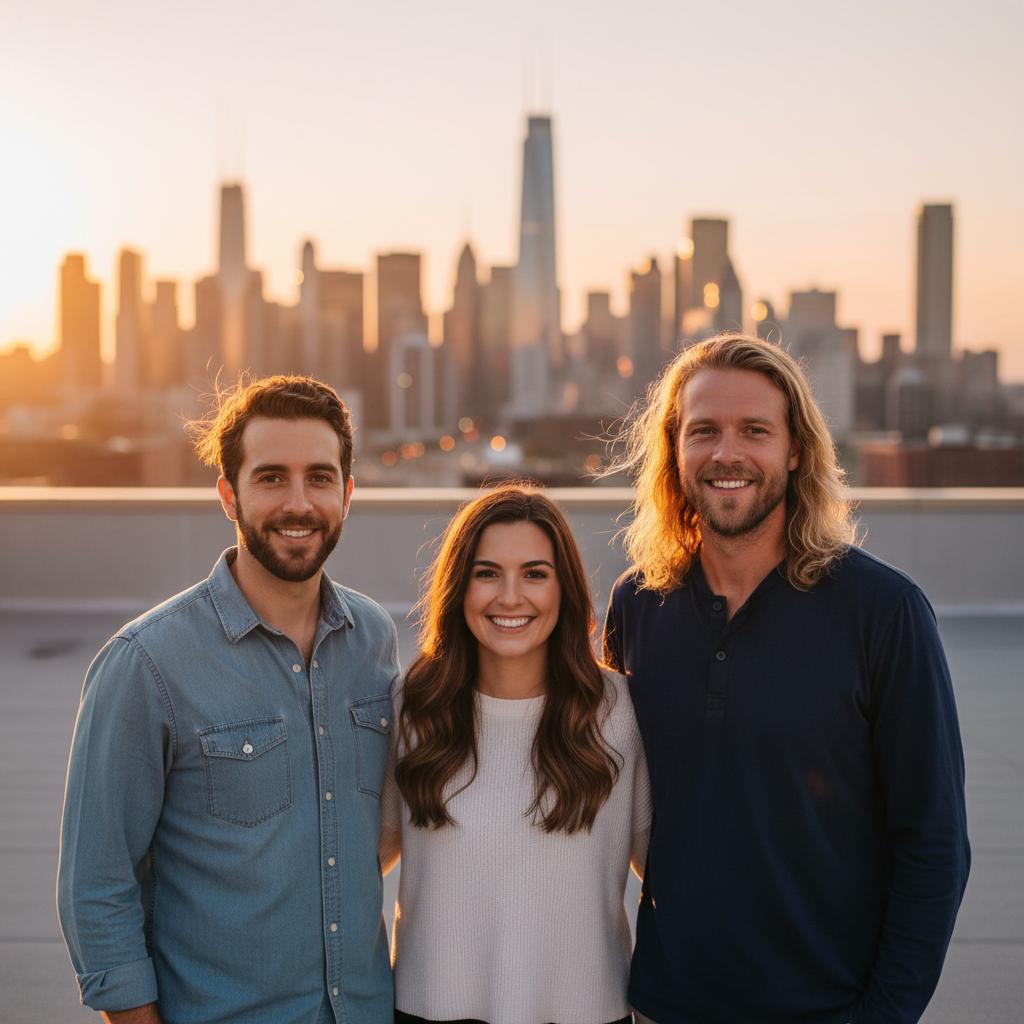
A practical guide for “combine two pictures into one”
TogetherLens combines two pictures into one natural photo so both people appear in the same scene.
One clear photo per person with similar lighting gives the most reliable result.
Three scenes that fit this idea
Rooftop sunset
Warm evening light suits couples and friends.
Coast terrace
Bright holiday scenes work across ages.
Studio neutral
Clean backgrounds keep faces readable.
Choose source photos the model can read
TogetherLens creates a new composition from the people you provide. It does not need matching backgrounds, but it does need clear facial information. Start with the original file when possible rather than a screenshot downloaded from a social network or messaging app.
- One clear photo per person
- Similar lighting and formality
- Keep each face fully visible and ask every living person for permission.
Generate in three deliberate steps
- Add the selected portraits.Check the group limit in your current app version. Use one clear, permissioned portrait per person and review every crop.
- Choose one or two vibes.Pick a scene that supports the story instead of competing with the faces.
- Inspect the result.Check eyes, teeth, hands, clothing, jewelry, and meaningful background details before sharing or printing.
TogetherLens is free to install. Photo generation uses paid tokens; Premium is optional and auto-renewing. Check current local prices, included tokens and renewal or cancellation terms in the app before buying.
What to avoid
- Combining pictures without consent
- Using low-resolution screenshots
- Presenting the output as an original photograph
Generated photos are creative images, not documentary evidence. Disclose that the result is AI-generated when context matters, and never use someone’s face to impersonate, embarrass, or mislead.
Questions about this portrait
Can I combine two pictures into one?
Yes. Pick one photo of each person and TogetherLens combines them into one natural group photo.
Does the app keep both people looking like themselves?
Each face keeps its own identity while the app matches lighting and framing across the scene.