A practical guide for “airport group photo ideas”
TogetherLens creates a new composition from source portraits rather than editing originals.
A real phone photo, before an AI keepsake
Three airport group-photo setups for a real camera
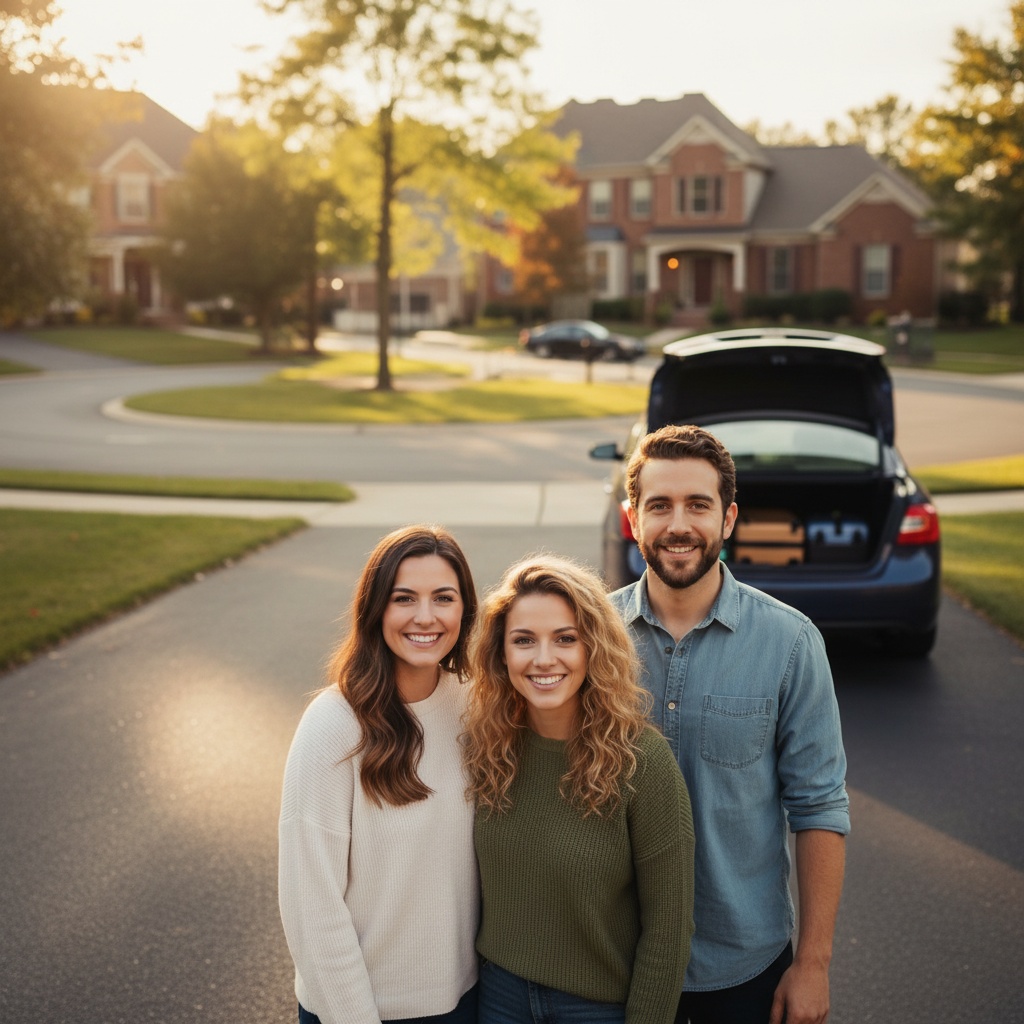
These ideas are free to read and need no app. This page does not take, upload or generate photos. The illustration above is AI-generated, not a photograph of these setups.
Follow the airport's photography rules and staff instructions. Do not photograph security checks, staff or other passengers without permission. Keep queues, doors and walkways clear; skip the photo if there is no suitable space or time.
The window-side travel portrait
- Phone
- Use a quiet, permitted spot beside a terminal window. Keep the window beside or behind the photographer, rather than directly behind the group. Hold the phone near the group's eye level.
- People
- Stand in a shallow arc so nobody's face is hidden. Leave space at both edges for a later crop. Anyone who prefers to sit can use an available seat on the same level.
- Cue
- Take one frame looking at the phone, then one looking towards the person next to you. Keep the same positions for both.
The carry-on lineup
- Phone
- Face the group towards a plain wall in an area where photography is allowed. Step back only within the clear space you have; do not back into a queue or walkway.
- People
- Make one loose row. Keep each person's bag beside their own feet, with handles and straps below faces. Leave luggage labels, passports and boarding passes out of the frame.
- Cue
- Everyone rests one hand on their own bag or keeps their hands relaxed. Take a second frame with a small wave. No matching pose or touching is required.
The seated waiting-area portrait
- Phone
- Use available seats away from doors and passenger flow. Photograph from the same level as the seated group, not from a chair, railing or luggage trolley.
- People
- Sit together without occupying seats someone else needs. Put bags close to their owners, not across the aisle. Angle slightly towards the phone and keep faces visible.
- Cue
- Ask for a relaxed first frame, then a shared glance towards the person at the end of the row. Skip the second frame if anyone would rather keep the first.
Check the frame before sharing
- Ask who wants to join and where the photo may be shared. Opting out is fine; ask a parent or guardian before including a child.
- Check for readable travel documents, bag tags, booking details and strangers in the background. Reframe or choose another spot if needed.
- Show the photo to the group and ask before posting. A pose is not permission to publish.
Three scenes that fit this idea
Neutral studio
Clean backgrounds keep focus on the people.
Golden hour
Warm light works across varied portrait styles.
On location
A scene that fits the moment or the group.
Choose source photos the model can read
TogetherLens creates a new composition from the people you provide. It does not need matching backgrounds, but it does need clear facial information. Start with the original file when possible rather than a screenshot downloaded from a social network or messaging app.
- One clear portrait per person
- Similar lighting across photos
- Keep each face fully visible and ask every living person for permission.
Generate in three deliberate steps
- Add the selected portraits.Check the group limit in your current app version. Use one clear, permissioned portrait per person and review every crop.
- Choose one or two vibes.Pick a scene that supports the story instead of competing with the faces.
- Inspect the result.Check eyes, teeth, hands, clothing, jewelry, and meaningful background details before sharing or printing.
The camera ideas are free; no app is needed. Optional TogetherLens photo generation uses paid tokens; Premium is optional and auto-renewing. Check current prices and renewal or cancellation terms before buying.
What to avoid
- Adding people without consent
- Using blurry or filtered photos
- Presenting the output as a real photograph
Generated photos are creative images, not documentary evidence. Disclose that the result is AI-generated when context matters, and never use someone’s face to impersonate, embarrass, or mislead.
Questions about this portrait
How does the AI compose the photo?
Add one clear portrait per person, pick a scene, and the app generates the picture.
Is it free?
TogetherLens is free to install on iPhone and Android. Photo generation uses paid tokens. Premium is optional; your app store shows available purchase options, prices and any renewal terms before purchase.