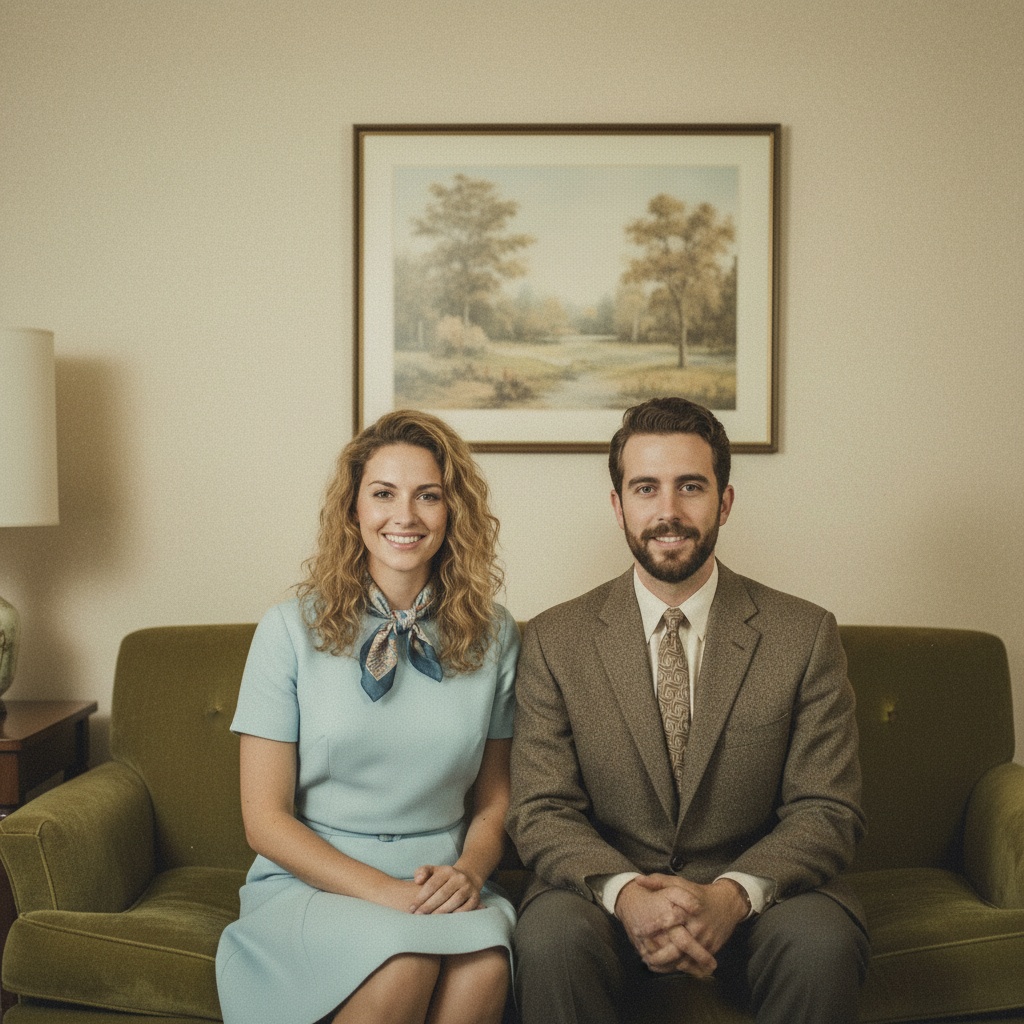
A practical guide for “AI family portrait generator from individual photos”
The five-minute answer
How to create an AI family portrait from individual photos
- Choose one portrait per person.Check photo limits in your installed app version. Add clear, permissioned photos with faces and shoulders visible.
- Pick a shared setting.Choose a studio, porch, park, or celebration scene that leaves enough room for every face.
- Generate and inspect.Create the new family composition, then check faces, hands, clothing, and background details before sharing it as AI-generated.
Need the original photos kept exactly as they are? Keep the source files unchanged. TogetherLens creates a new family scene rather than editing the original pixels.
TogetherLens is free to install on iPhone and Android. Image generation uses paid tokens; Premium is optional and auto-renewing. Review current prices and renewal terms before buying.
TogetherLens is an AI family portrait generator: one natural portrait from separate photos of each family member.
Recent, well-lit portraits with similar framing combine into the most natural result.
Permissioned portraits · a new AI family scene See the family workflow from individual photos Open the family photo guide →Three scenes that fit this idea
Classic studio
Timeless pose for a formal keepsake.
Front porch
Relaxed backdrop for everyday portraits.
Autumn park
Seasonal light flatters everyone.
Choose source photos the model can read
TogetherLens creates a new composition from the people you provide. It does not need matching backgrounds, but it does need clear facial information. Start with the original file when possible rather than a screenshot downloaded from a social network or messaging app.
- One clear portrait per family member
- Similar camera distance across portraits
- Keep each face fully visible and ask every living person for permission.
Generate in three deliberate steps
- Add the selected portraits.Check the group limit in your current app version. Use one clear, permissioned portrait per person and review every crop.
- Choose one or two vibes.Pick a scene that supports the story instead of competing with the faces.
- Inspect the result.Check eyes, teeth, hands, clothing, jewelry, and meaningful background details before sharing or printing.
What to avoid
- Editing people into photos without consent
- Using blurry or filtered portraits
- Claiming the output is an original photograph
Generated photos are creative images, not documentary evidence. Disclose that the result is AI-generated when context matters, and never use someone’s face to impersonate, embarrass, or mislead.
Questions about this portrait
Can I create a family portrait from individual photos?
Yes. Choose one clear, permissioned portrait per family member within your installed app version's photo limit, select a scene in TogetherLens, and inspect the new AI-generated family composition before sharing. Faces and other details can change.
How do I create an AI family portrait?
Open TogetherLens on iPhone or Android, add one clear portrait per family member, choose a shared setting, and generate. Review faces, hands, clothing, and background details before sharing.
Is there a free AI family portrait generator?
TogetherLens image generation is not free: it uses paid tokens. Installation is free; Premium is optional and auto-renewing. Review current prices and terms before buying. Our free family-photo prompt builder creates editable text, not images, without signing up or uploading photos here. Your chosen image tool may charge for generation.
How do I make a family photo from individual photos?
Use one clear, permissioned portrait per person, choose a shared scene, and let TogetherLens compose a new family image. It keeps the original photos separate.
Can AI create a family portrait?
Yes. TogetherLens creates a new family composition from permissioned portraits within your installed app version's photo limit. Label the result as AI-generated and inspect every face before sharing; a specific likeness or people count is not guaranteed.
Can family members from different places appear together?
Yes. The source portraits can come from different places or years; TogetherLens rebuilds the setting around the selected people.
How many people can I include in an AI family portrait?
Check the photo limit in your installed app version. Use one clear, permissioned portrait per person. An input limit does not guarantee that the generated image includes every person accurately; inspect the people count and each face before sharing.
What is the best AI family portrait generator?
There is no universal best tool. TogetherLens creates a new AI family scene from permissioned portraits in its iPhone and Android app. Check current limits, paid-token prices and whether a new composition fits your task; preserve the original photographs when exact pixels or a real event matter.
How does an AI family portrait generator work?
Add one portrait per family member, pick a scene, and the app composes the portrait.
Is the AI family portrait generator free?
No. TogetherLens image generation uses paid tokens. Installation is free; Premium is optional and auto-renewing. Review current prices and renewal terms before buying.
Can I plan a family portrait for free?
Yes. Open the free family-photo prompt builder to choose two to five people, a scene, a pose and framing, then edit and copy the text. It needs no sign-up or photo upload and does not generate images. The text is not imported into TogetherLens; choose a scene manually in the app. An image tool may charge for generation.