A better message to forward
Make the next group-photo message easy to open.
Share a simple plan for choosing a scene and gathering portraits with the people in your group. Some chat apps will also show a link preview.
Copy the link manually
Select the link, then copy it in your browser.
A public link for the people you choose. No account or photo upload is needed to plan.
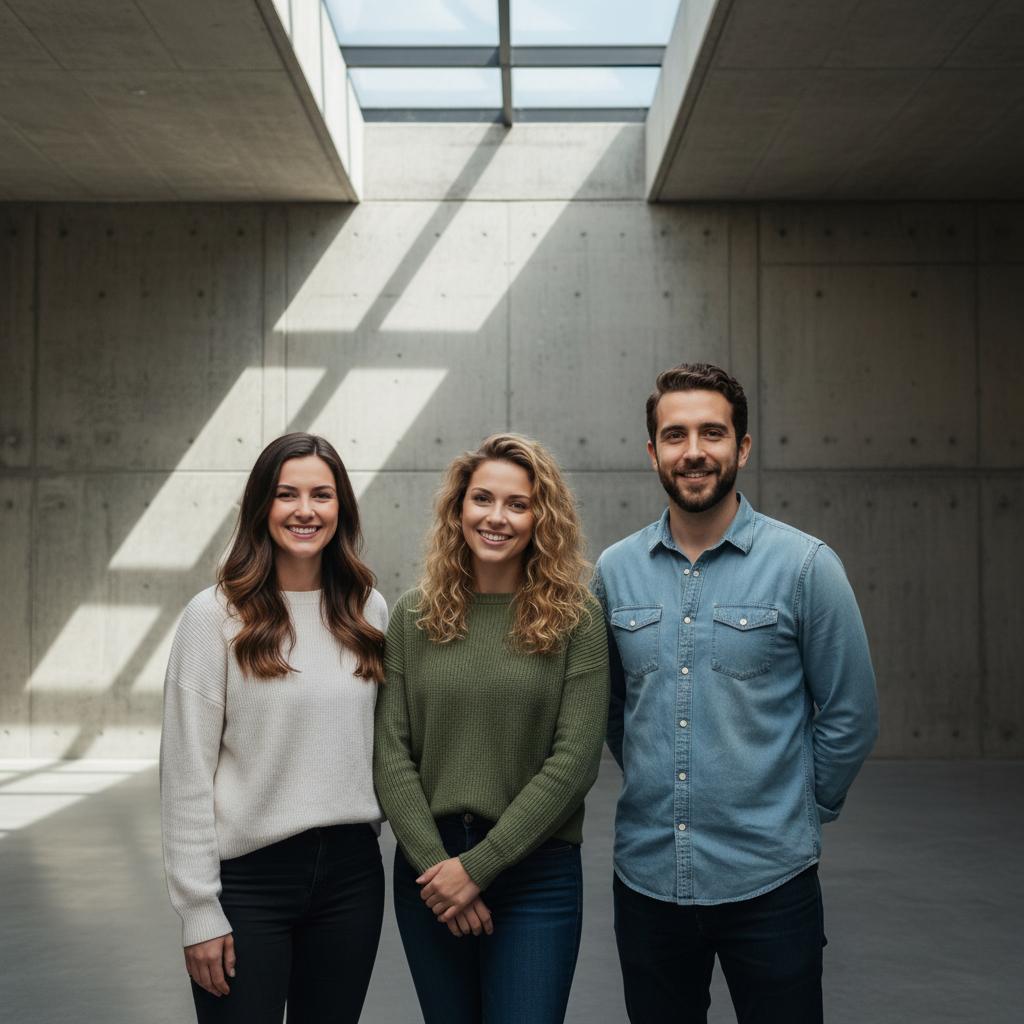
Share a group-photo plan, choose a scene together, and prepare a request for everyone's portraits.
Make the plan together
A group photo starts
with a good plan.
- 01Decide who wants to join.
Ask everyone how they would like the portrait to be used and shared.
- 02Choose a look together.
Explore a few scenes and find a mood that fits your group.
Explore the free scene finder → - 03Ask for clear portraits.
Prepare an editable request so each person can choose whether to participate.
Prepare a photo request →
Built for forwarding
Useful in a chat,
quiet about people.
Choose the people and conversation yourself. Ask permission before using anyone's portrait and agree where the finished image can be shared.
- Share a public link
- Choose your own chat
- No account needed