 01
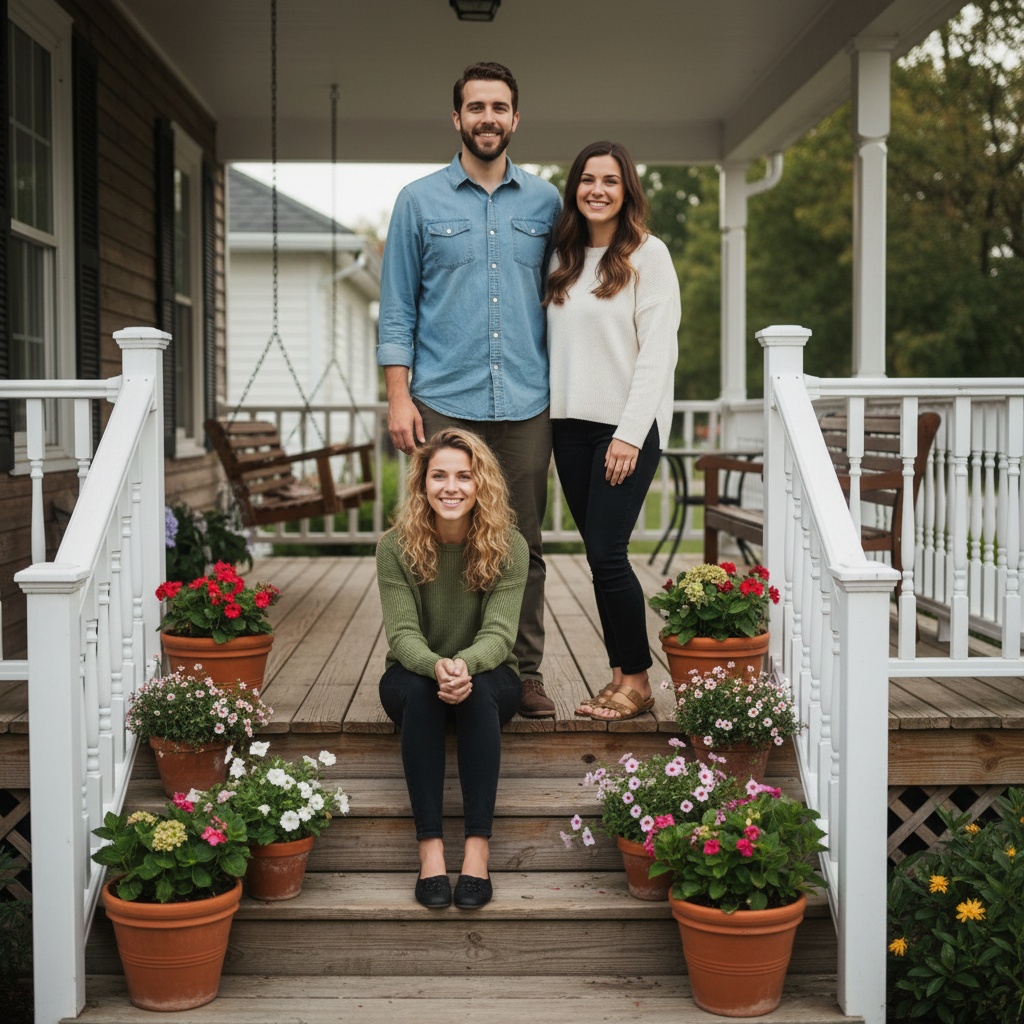
01 On the front porch
Use a wide step or a stable seat to stagger heights. Keep the doorway clear and choose positions everyone can hold comfortably.
Open this sceneFamily photo ideas
The best family photos start with a place and a moment, not a pose. Pick a setting below, or open a scene and see how the composition works before you gather anyone.
The ideas and web Vibe Finder are free; neither generates images. TogetherLens is free to install. App photo generation uses paid tokens; Premium is optional and auto-renewing. Check current prices and renewal terms before buying.
One porch.01 Scene illustration, generated with TogetherLens.
Six settings, six more occasions
The first six are scenes inside TogetherLens: open one to see the composition. The last six are ordinary moments you can photograph today with the phone in your pocket.
01 Use a wide step or a stable seat to stagger heights. Keep the doorway clear and choose positions everyone can hold comfortably.
Open this scene 02
02 The room everyone actually stands in. Counters give people something to lean on and hold.
Open this scene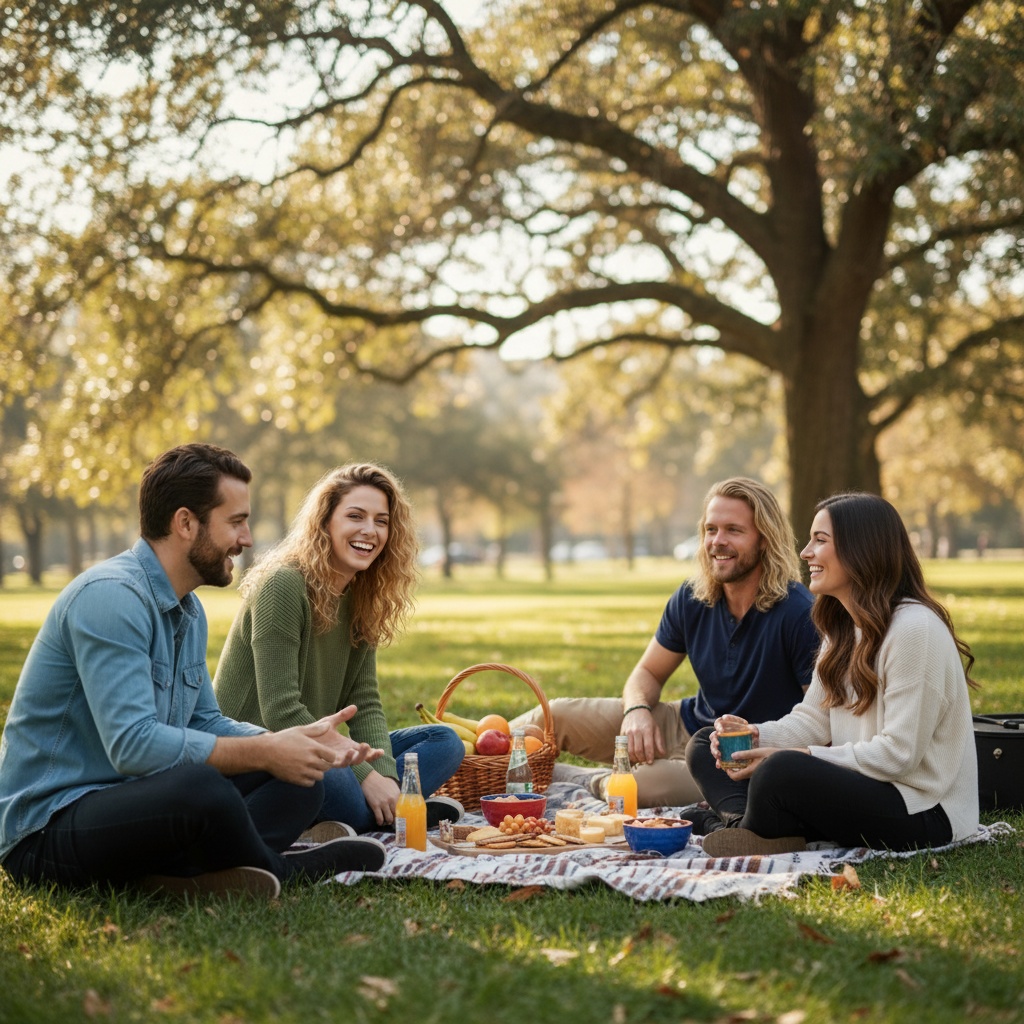 03
03 Blanket, basket and soft afternoon light. Sit some people down and let the rest stand behind.
Open this scene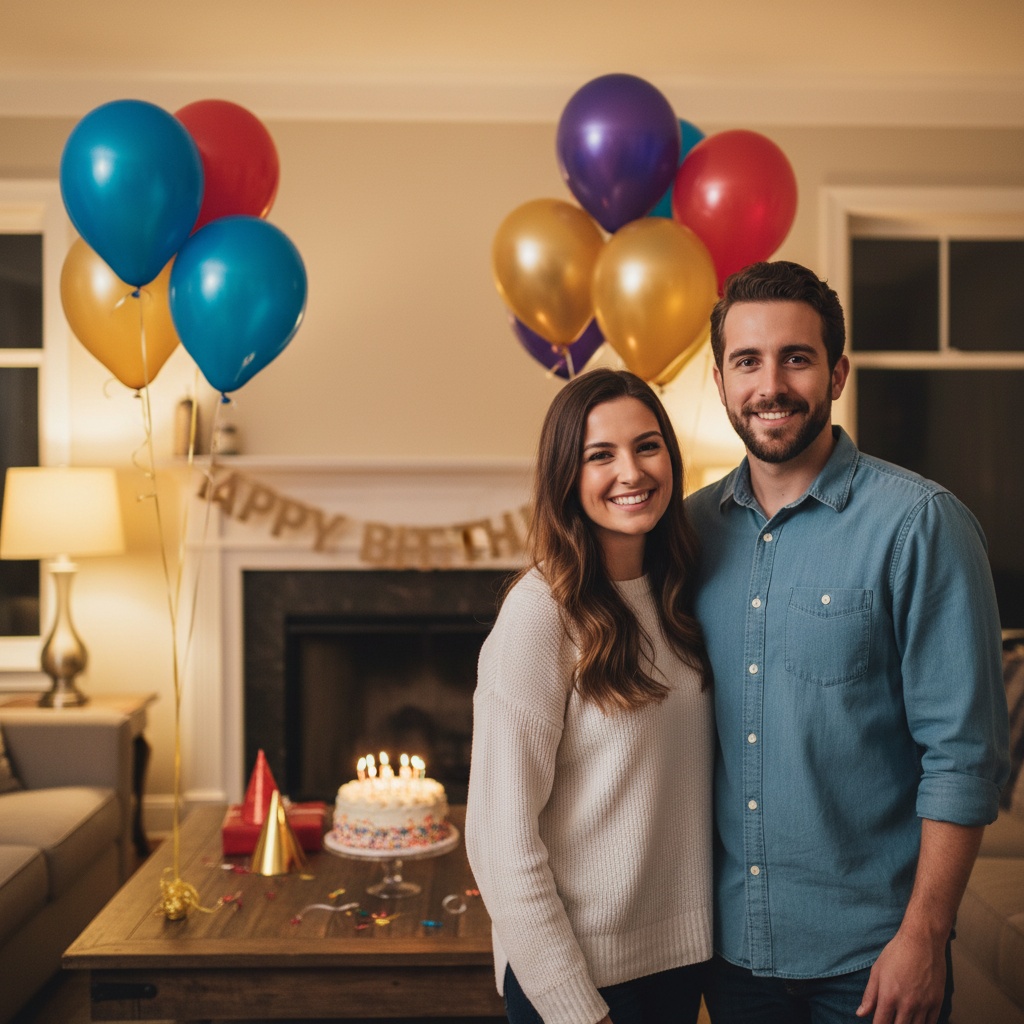 04
04 Cake, candles and the same table every year. The occasion carries the picture.
Open this scene 05
05 Grill smoke, folding chairs, uneven grass. Relaxed pictures come from a place nobody dressed up for.
Open this scene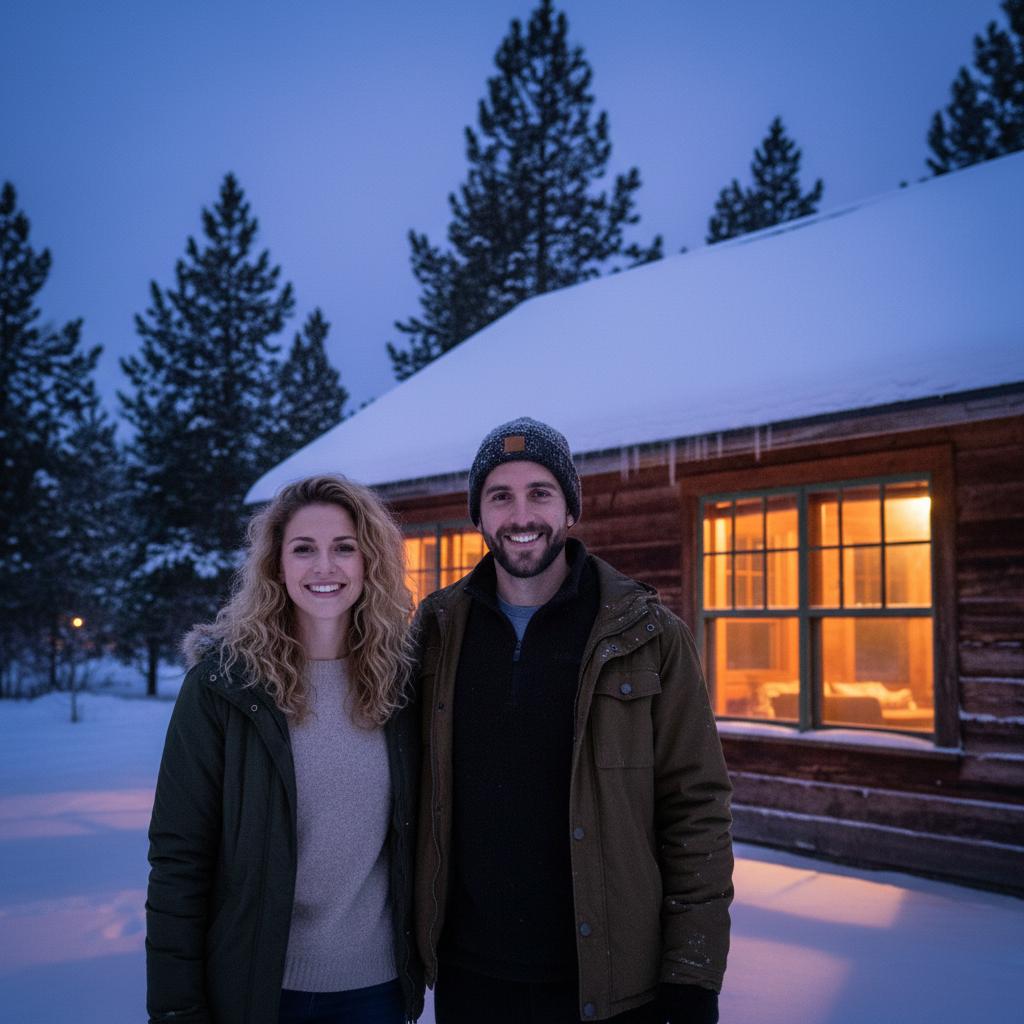 06
06 Coats, hats and cold air. Warm indoor light against snow keeps faces bright.
Open this sceneKitchen, porch or backyard — any ordinary week
Winter cabin, tree lights, the table after dinner
Birthday cake, graduation cap, anniversary
Reunion yard, gym floor, or one wide outdoor frame
Seat anyone who prefers to sit on a stable bench, then arrange the others beside and behind them. Check that every face is visible before taking the photo.
Choose a safe, level path and stop together in open shade. Stand close enough to fit the frame, then take one photo looking at the camera and one talking to each other.
Before the camera comes out
None of these need equipment or practice. They need to happen in this order, before anyone is asked to smile.
A specific room or spot gives everyone a position to take. “Stand somewhere nice” is the reason most family photos look stiff.
Stand where the faces will be and look towards the camera. Soft, even light on faces beats a dramatic background behind them.
Two people standing, two sitting, one leaning on a railing. Rows of equal heads read as a class photo.
Hold a mug, a baby, a dog, a cake, or the railing. Occupied hands remove most of the awkwardness.
Shoot at the height of the people in the middle of the group. Highlight and shadow stay on faces instead of the ceiling.
When you are not in the same place
If someone is missing, or the only photo of everyone together is the one you are trying to avoid, use separate portraits instead. TogetherLens composes a new scene from them — it does not paste cut-out heads onto a background.
Use photos you have permission to use and check the input limit in your installed app version. A supported input count does not guarantee an accurate result; review faces, people count and generated details before using or sharing it.
Create an AI family photo from separate pictures Watch the source-photo guideKeep planning
Six natural scenes, with the composition explained.
Family photo posesWhere everyone stands and sits.
Family photo outfit ideasFour ready-made color palettes.
Poses for four peopleThe group size that struggles most with rows.
Poses for six peopleStaggered layers instead of one long line.
Family reunion ideasPlanning, invitations and the group picture.
AI family photo generatorBring separate portraits into one new scene.
Vibe FinderThree scene suggestions in two taps, free.
Good to know
Use the rooms that already hold memories: the kitchen counter, the porch steps, the sofa with the birthday cake, the backyard grill. A familiar place gives people a natural position, which is the only posing trick that consistently works.
At home, up to six works well in a staggered frame. Larger groups such as reunions photograph better outdoors or in a wide room, ideally with two or three standing rows and one person in front.
Use one clear, permissioned portrait per person and check the input limit in your installed app version. TogetherLens composes a new AI scene rather than preserving an original group photo. A supported input count does not guarantee an accurate result; review faces, people count and generated details before using or sharing it.
No. The scene examples on this page are AI-generated illustrations of the compositions available in the app. They show what a scene looks like, not a real photographed family.
The ideas and web Vibe Finder are free; neither generates images. TogetherLens is free to install. App photo generation uses paid tokens; Premium is optional and auto-renewing. Check current prices and renewal terms before buying. The web Vibe Finder needs no account or photo upload.
Your family, your place
The ideas and web Vibe Finder are free; neither generates images. TogetherLens is free to install. App photo generation uses paid tokens; Premium is optional and auto-renewing. Check current prices and renewal terms before buying.