AI group photo style
Venice — Canals
Your group appears by Venetian canals with gondolas in the background. Soft warm light, subtle water reflections, photoreal.
Already installedOpen TogetherLens ↗Choose Venice — Canals in the app.
Need the app first?
Free to install. Photo generation uses paid tokens. Premium is optional and auto-renews. See purchase options.
After installing, choose Venice — Canals in TogetherLens.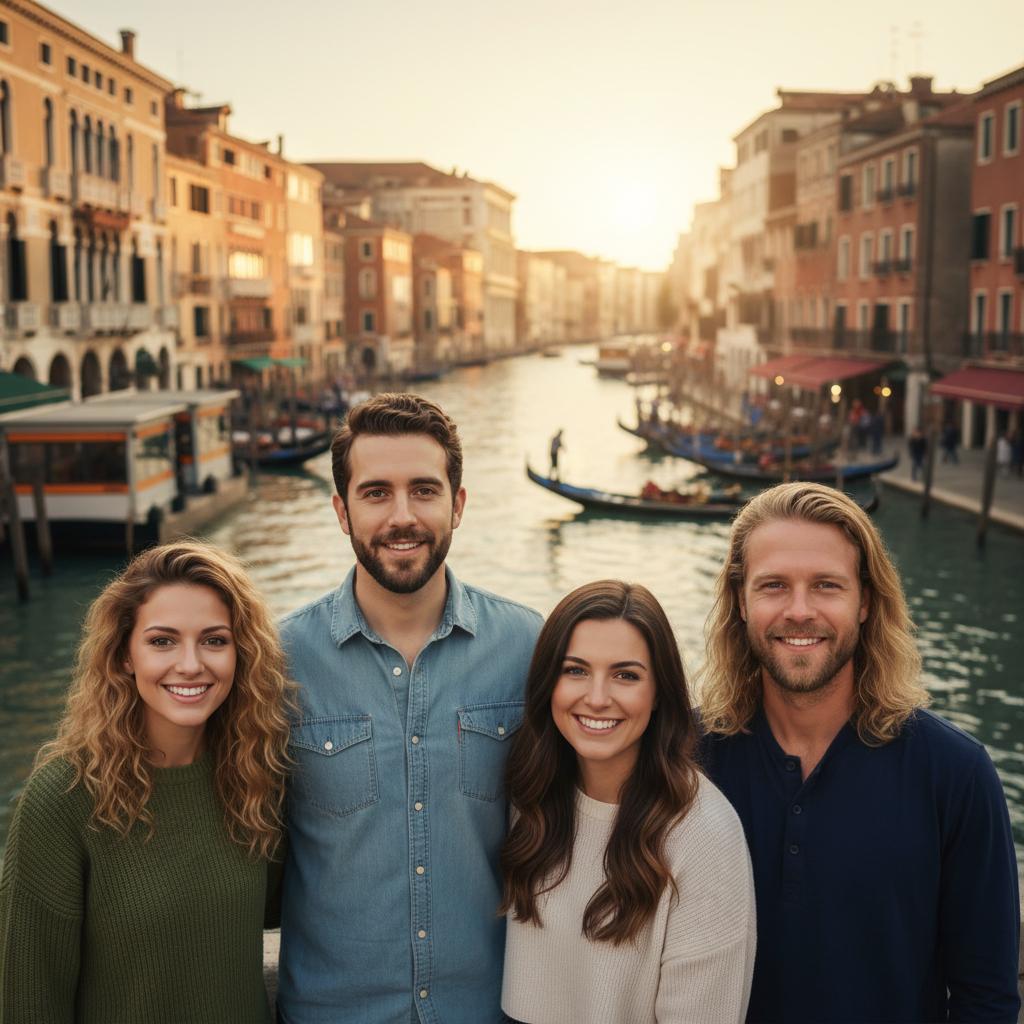
Scene recipe
What gives this vibe its character.
- 01
Your group appears by Venetian canals with gondolas in the background.
- 02
Soft warm light, subtle water reflections, photoreal.
Before you create
Give every face a fair start.
- Face the camera.Use one clear, front-facing portrait per person.
- Keep the light simple.Even lighting and visible face edges help preserve identity.
- Match the energy.Choose expressions that feel as if they belong in the same scene.
- Review the result.Inspect faces, hands, clothing, and meaningful background details before sharing.
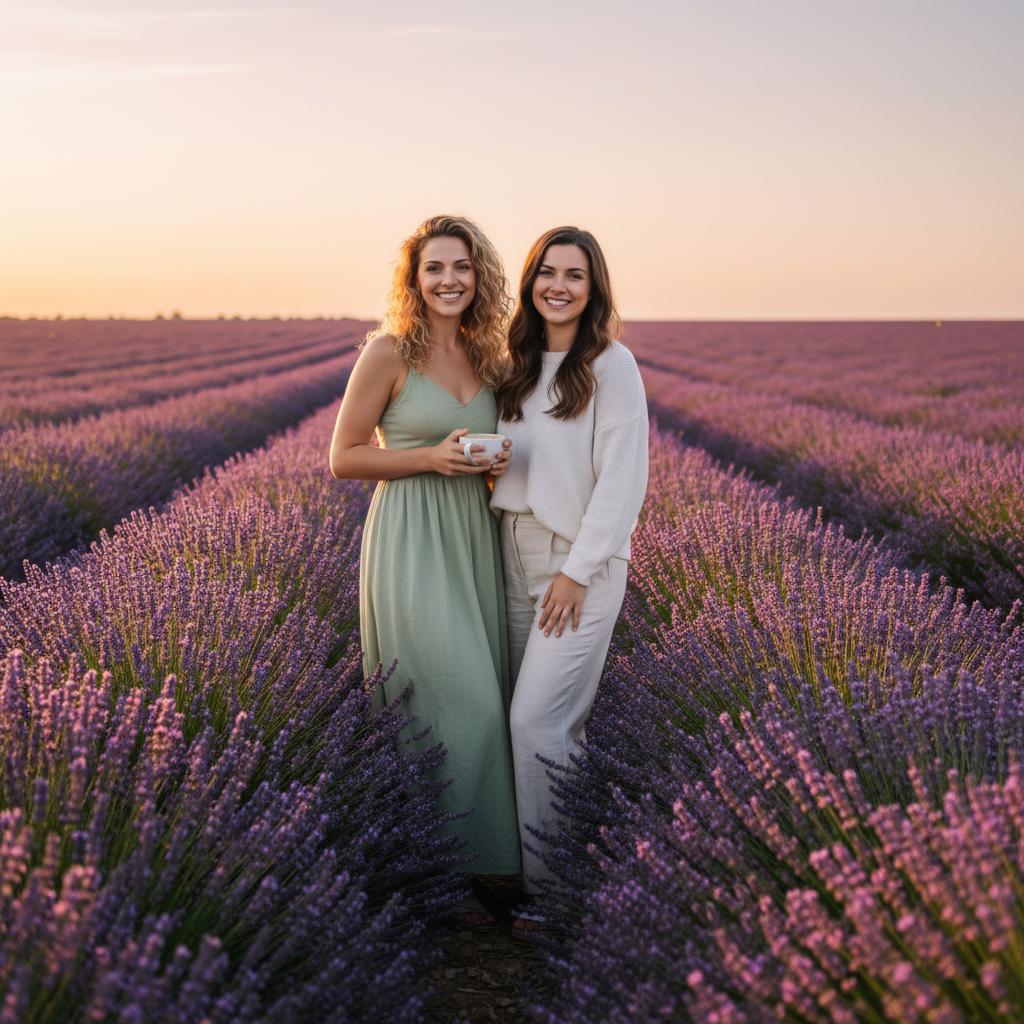
Choose Venice — Canals in the app.
Add your people in TogetherLens.
Already installedOpen TogetherLens ↗
Free to install. Photo generation uses paid tokens. Premium is optional and auto-renews. See purchase options.