AI group photo style
San Francisco — Golden Gate Bridge
A photorealistic group photo of your group by the Golden Gate Bridge at golden hour. Warm backlight, ocean haze, realistic wind in hair, natural skin tones, consistent scale and perspective, no text.
Already installedOpen TogetherLens ↗Choose San Francisco — Golden Gate Bridge in the app.
Need the app first?
Free to install. Photo generation uses paid tokens. Premium is optional and auto-renews. See purchase options.
After installing, choose San Francisco — Golden Gate Bridge in TogetherLens.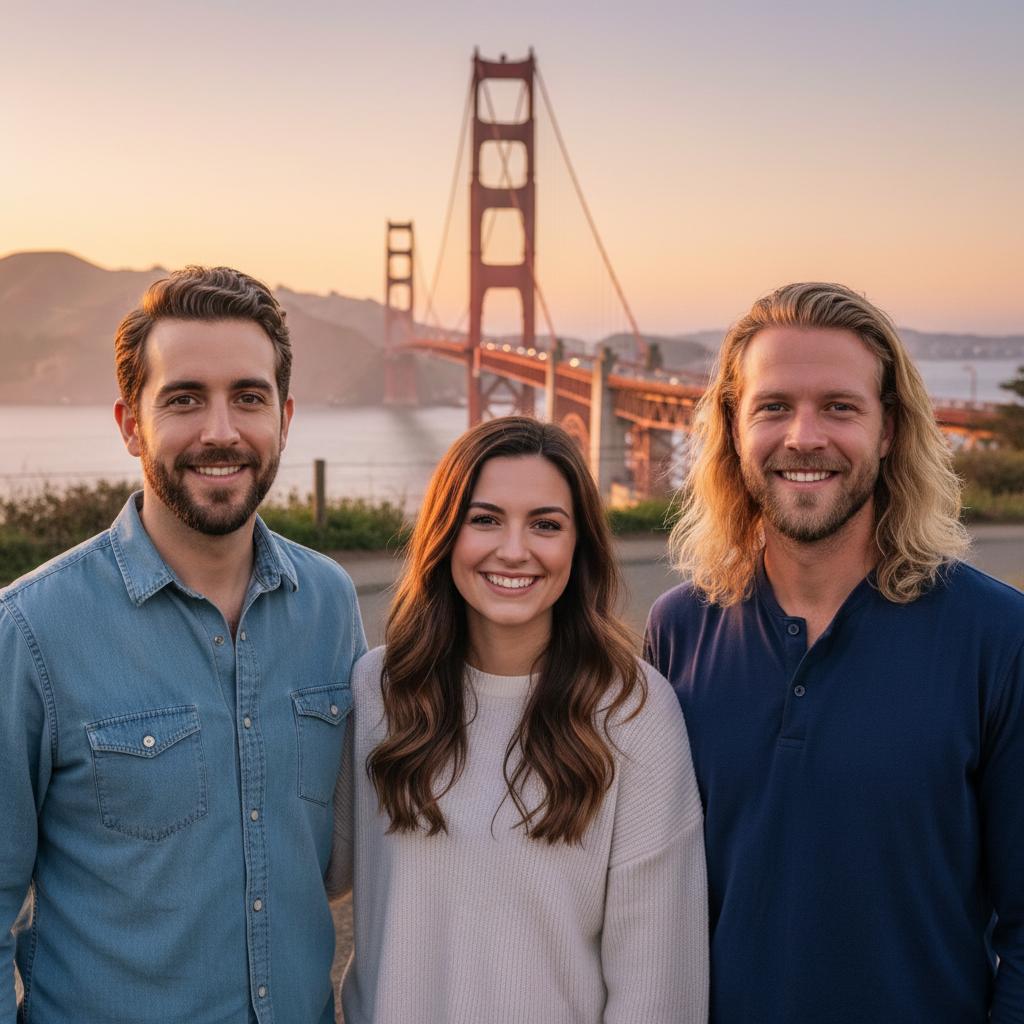
Scene recipe
What gives this vibe its character.
- 01
A photorealistic group photo of your group by the Golden Gate Bridge at golden hour.
- 02
Warm backlight, ocean haze, realistic wind in hair, natural skin tones, consistent scale and perspective, no text.
Before you create
Give every face a fair start.
- Face the camera.Use one clear, front-facing portrait per person.
- Keep the light simple.Even lighting and visible face edges help preserve identity.
- Match the energy.Choose expressions that feel as if they belong in the same scene.
- Review the result.Inspect faces, hands, clothing, and meaningful background details before sharing.
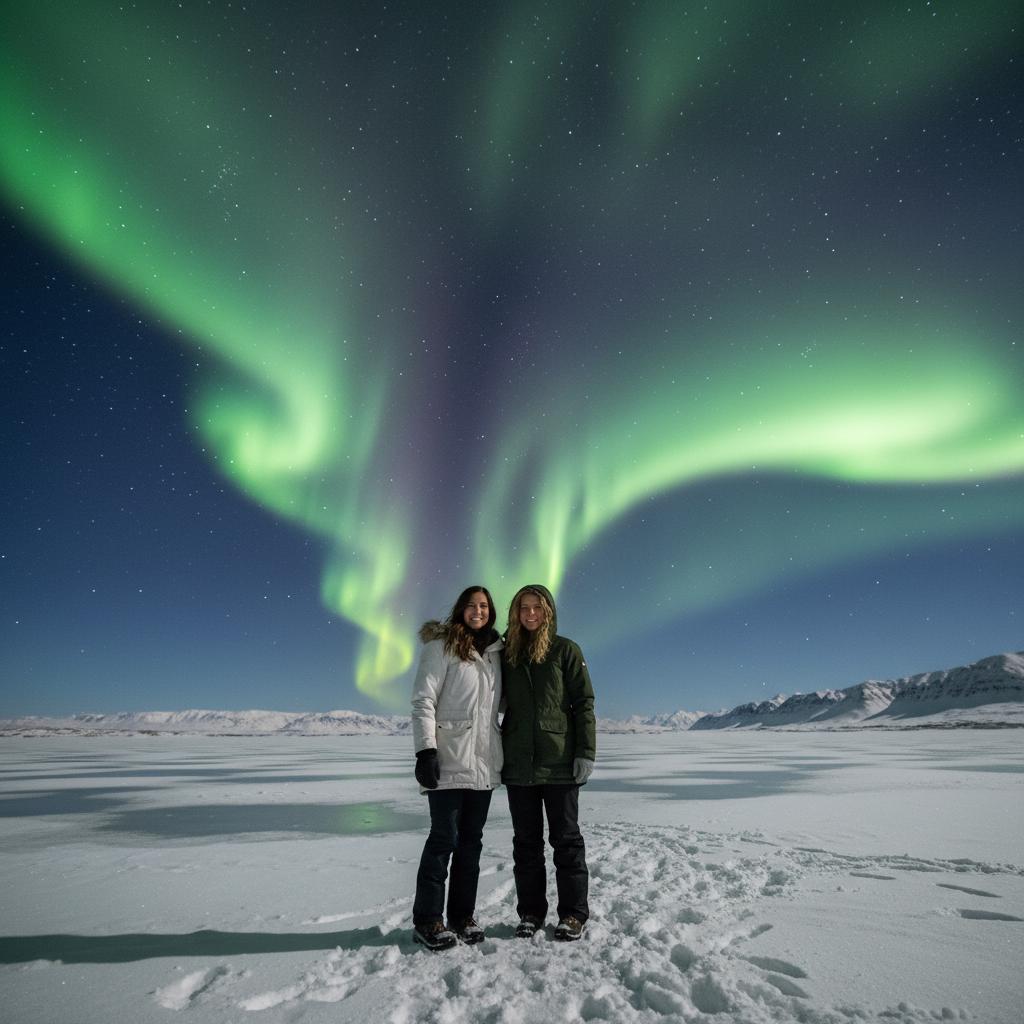
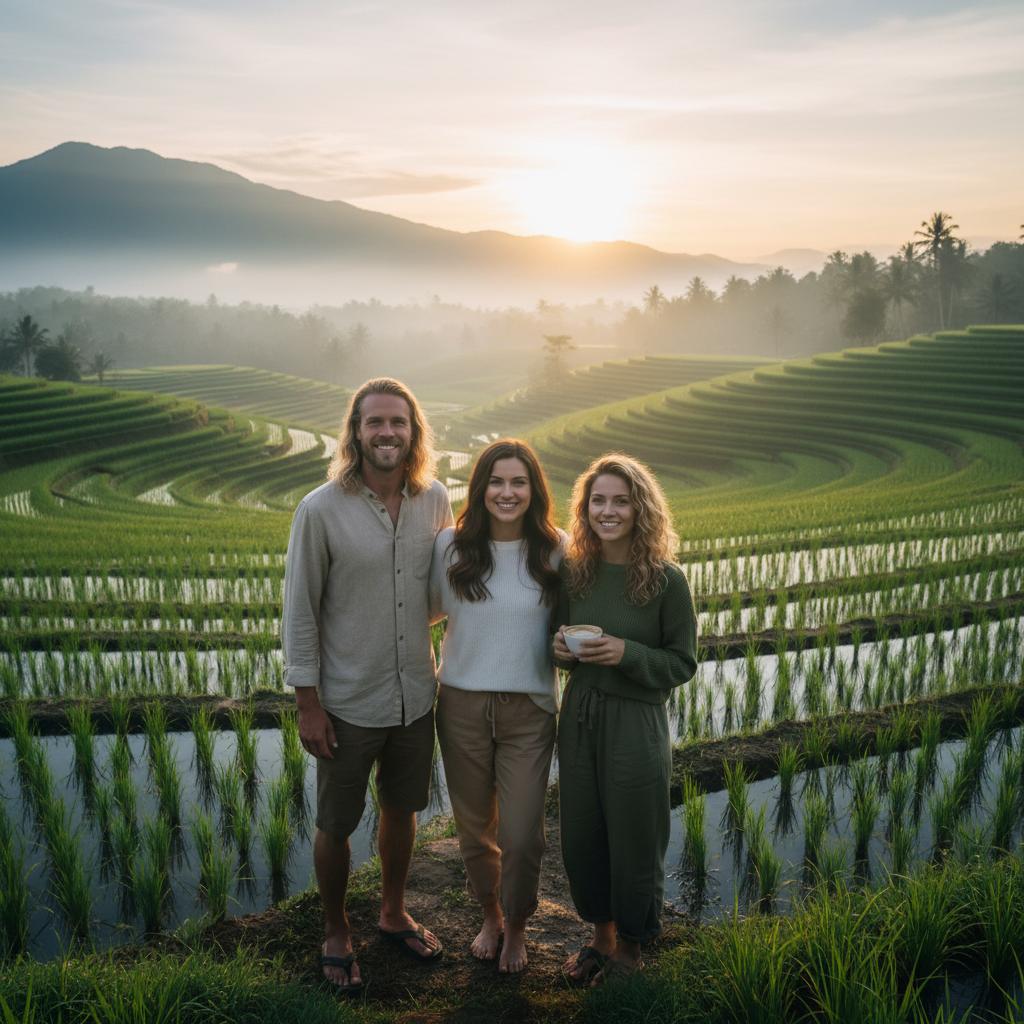
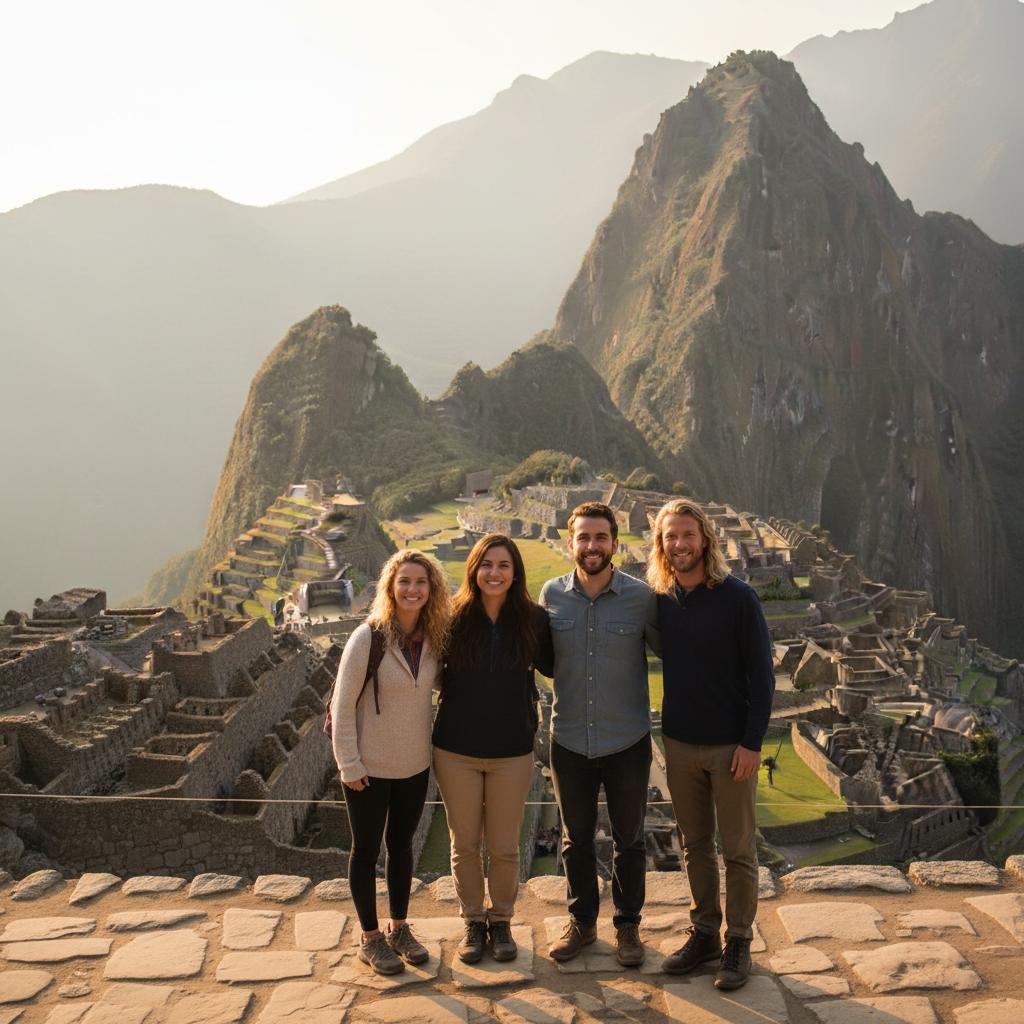
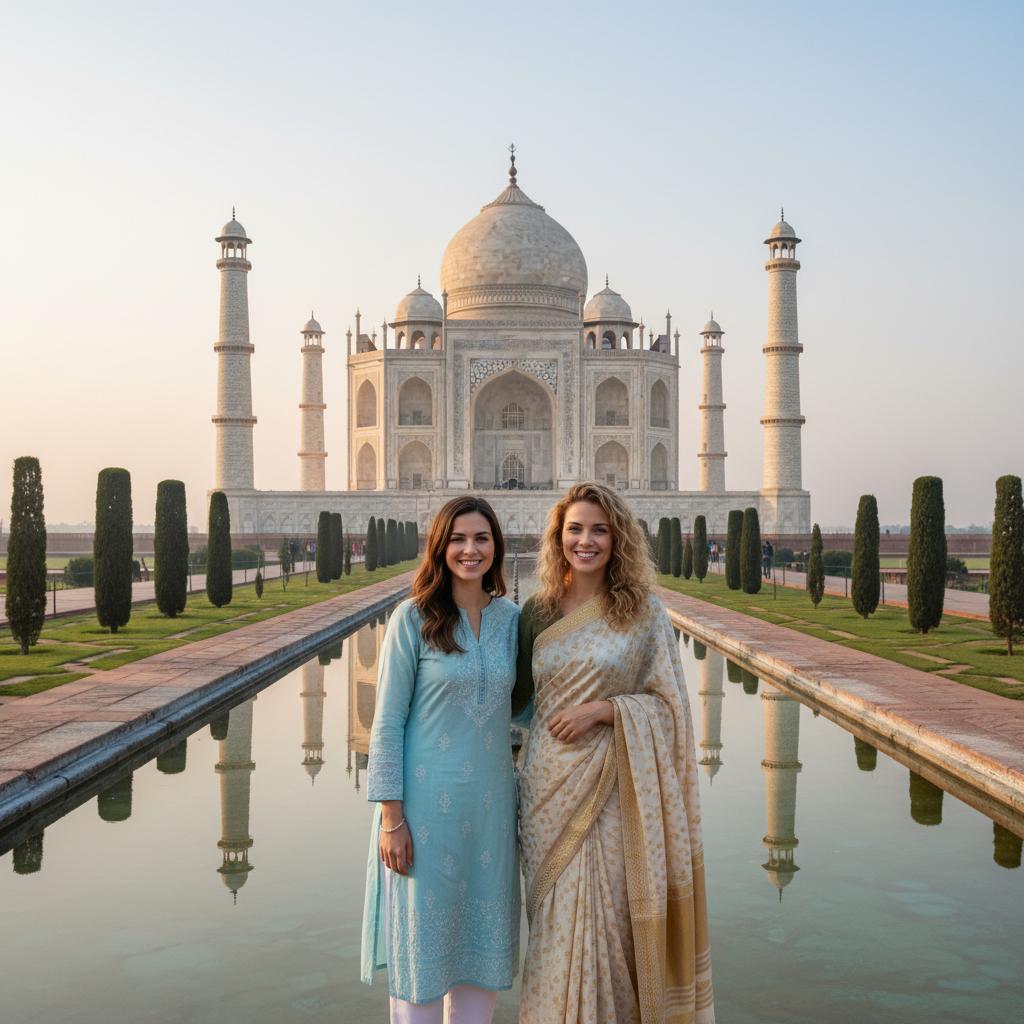
Choose San Francisco — Golden Gate Bridge in the app.
Add your people in TogetherLens.
Free to install. Photo generation uses paid tokens. Premium is optional and auto-renews. See purchase options.