{
  "name": "TogetherLens Vibe Room",
  "homeUrl": "https://YOUR_HTTPS_ORIGIN.example/zoom/",
  "features": [
    "collaborate_mode",
    "guest_mode"
  ],
  "capabilities": [
    "getRunningContext",
    "startCollaborate",
    "sendAppInvitation"
  ],
  "privacy": {
    "reads": [],
    "writes": [],
    "handoff": "https://togetherlens.app/duel/?round=17&utm_source=zoom&utm_medium=app&utm_campaign=zoom_vibe_room&utm_content=app_handoff"
  }
}A meeting-side starting point
Let the room
choose the scene.
Copy a small Zoom App starter that turns a live call into a two-scene decision. Collaborate Mode can bring the room into the same choice, while Guest Mode keeps the first step open to people who are not signed in.
The Zoom moment
A call becomes
a shared choice.
The starter stays useful in a plain browser preview. In a configured Zoom App, the same two public scenes can be opened, collaborated on, or invited into before anyone sends a source portrait.
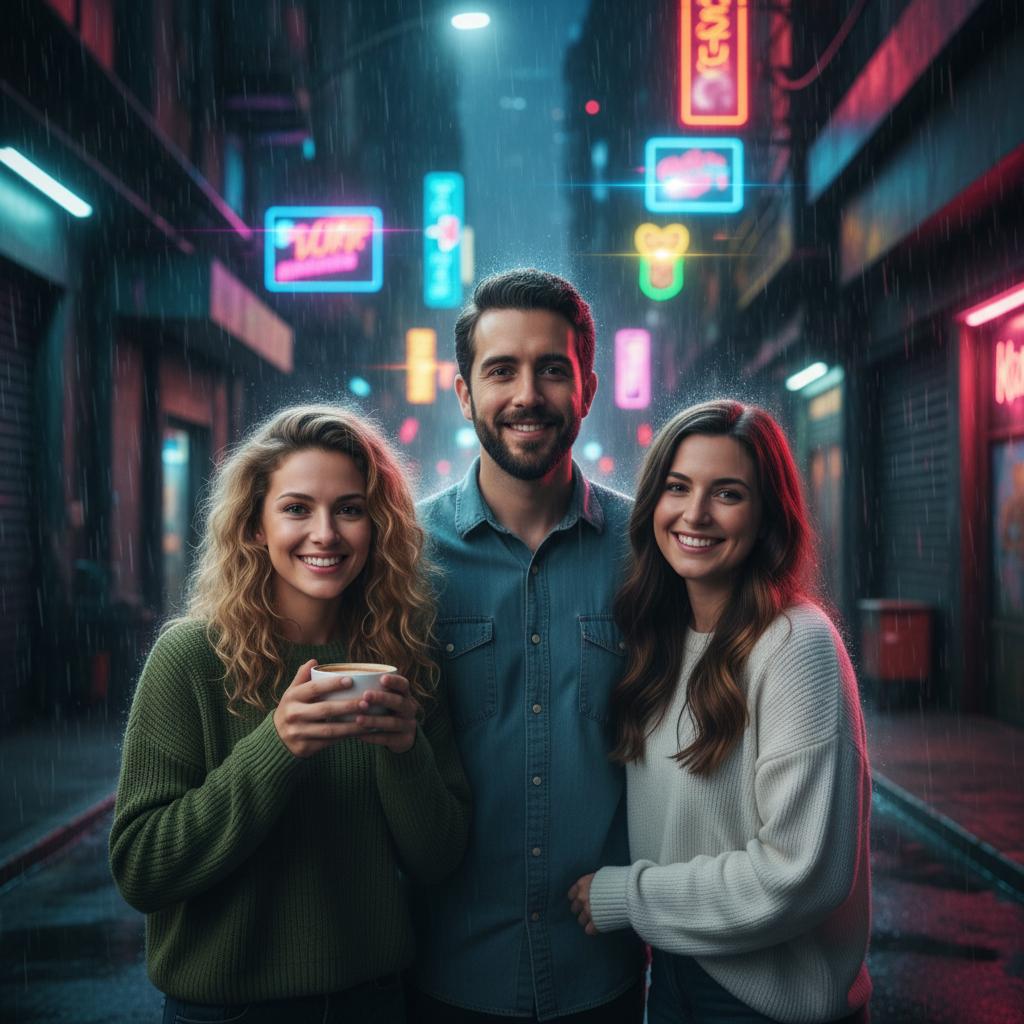 A · Neon city
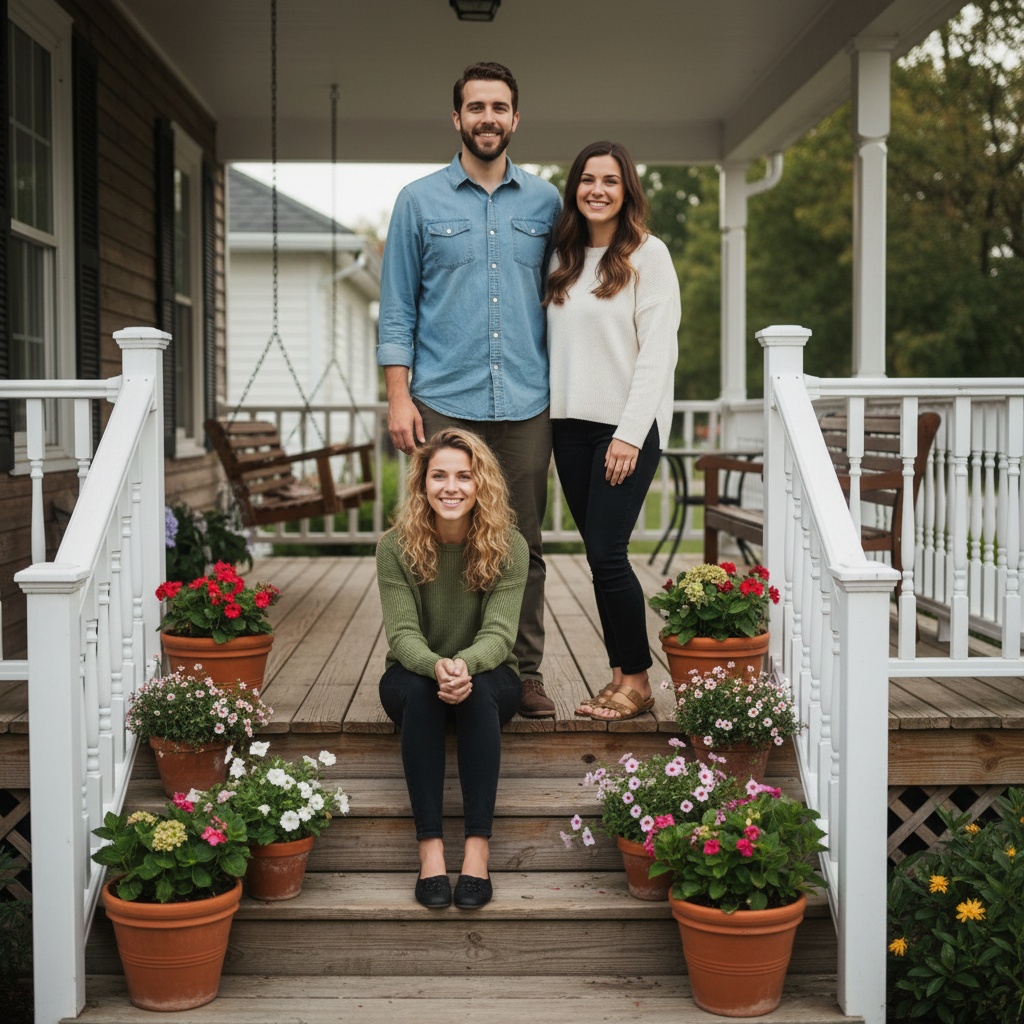 B · Front porch
Choose a scene together. Continue only when the room is ready.
The free loop
From the call
to the portrait plan.
Use the pack in an owner-controlled Zoom App. Nothing is registered, published, or installed from this page.
- 01Set your own HTTPS origin
Replace the explicit placeholder and keep Terms, Privacy, and Support URLs under your control.
- 02Enable collaboration and guests
Turn on the Zoom features in your own app, then test a signed-in host and a guest.
- 03Let the room continue by choice
The public handoff carries only the finite Zoom cohort, with no meeting, participant, invitation, or account identifier.
Copy-safe artifacts
One config.
One small bridge.
The sample uses documented collaboration methods and a fixed, public TogetherLens URL. Credentials, origins, and meeting state remain the owner's responsibility.
const capabilities = ['getRunningContext', 'startCollaborate', 'sendAppInvitation'];
await zoomSdk.config({ capabilities });
await zoomSdk.getRunningContext();
document.querySelector('#collaborate')?.addEventListener('click', () => zoomSdk.startCollaborate());
document.querySelector('#invite')?.addEventListener('click', () => zoomSdk.sendAppInvitation());
const handoff = new URL('https://togetherlens.app/duel/');
handoff.search = new URLSearchParams({ round: '17', utm_source: 'zoom', utm_medium: 'app', utm_campaign: 'zoom_vibe_room', utm_content: 'app_handoff' }).toString();
document.querySelector('#open')?.addEventListener('click', () => window.open(handoff.toString(), '_blank', 'noopener,noreferrer'));
When the room agrees
Bring the chosen scene
into TogetherLens.
The demo is free and browser-local. If everyone has permissioned source portraits ready, continue through the Zoom-specific app handoff.