Bring the photographer into the picture. TogetherLens helps you create a new shared AI portrait from separate photos, so the person behind the camera can be there too.
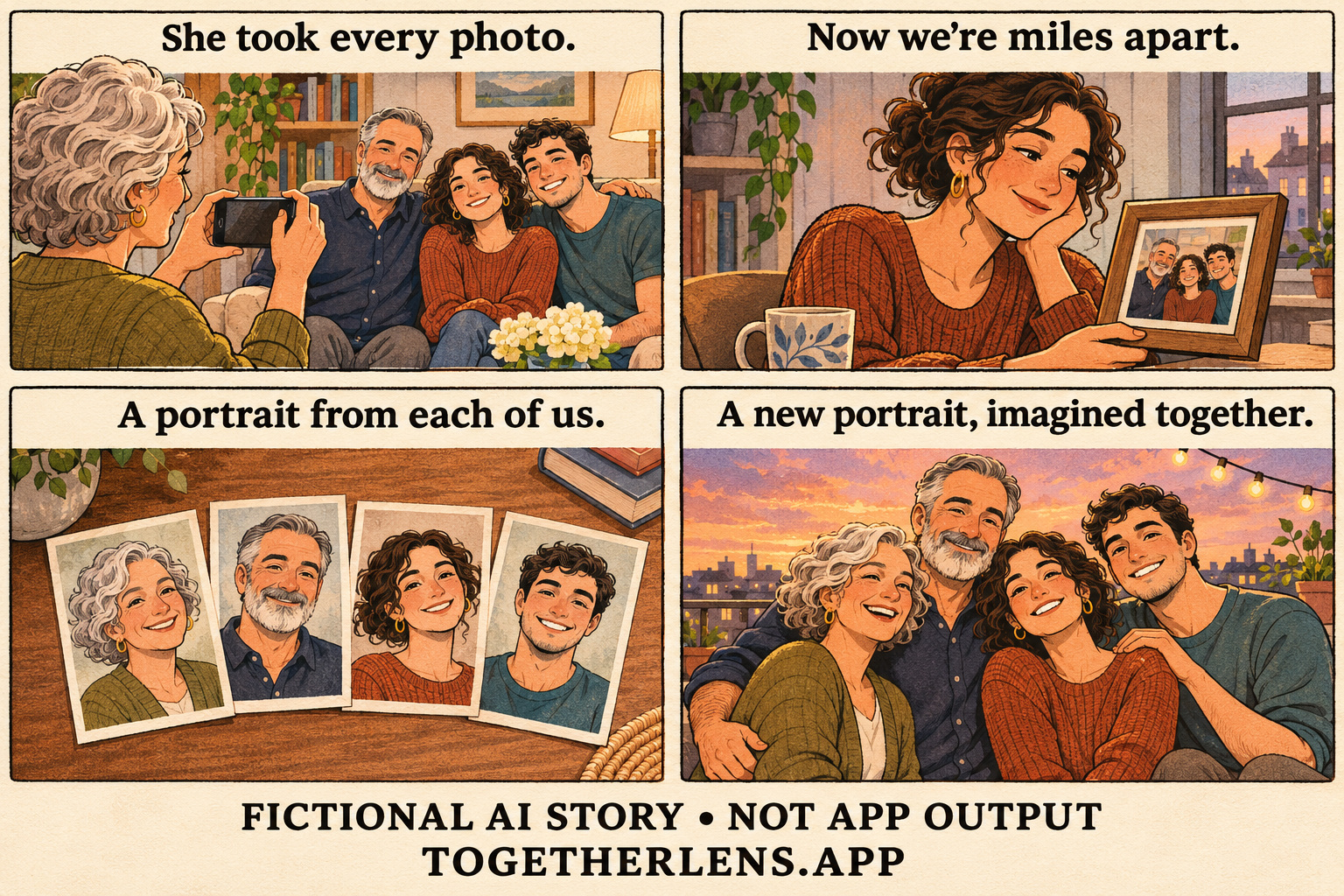
Read the four-panel story
- She took every photo. A mother photographs her family: a father and their adult daughter and son.
- Now we're miles apart. Later, the adult daughter looks back from her own home.
- A portrait from each of us. The family gathers separate portraits.
- A new portrait, imagined together. The four adults appear in a fictional shared image.
Open or save the full illustration →
A picture with everyone in it
Some family albums have a familiar pattern. One person finds the light, brings everyone together and stands behind the camera. In this story, that person is Mum. After the visit, her family is back in different places, and her daughter wants a picture with Mum in it too.
With TogetherLens, the family can choose a scene and make a new AI portrait from separate photos. It is an imagined moment to share with one another, created from portraits they choose themselves.
Make your own portrait
- Choose a scene in the TogetherLens app.
- Add a clear, well-lit portrait of each person.
- Continue in the app to create and review your new AI image.
Ask each person before using their photo. For a child, get permission from a parent or guardian. Review faces and details together before sharing, then label the portrait as AI-created.
Create your family portrait
Installing TogetherLens is free. Creating images uses paid tokens. Premium is an optional subscription that renews automatically. Check the current price, token quantity, and renewal and cancellation terms in the app before buying. See purchase options.