Quick answer · six people
Give every face
a window.
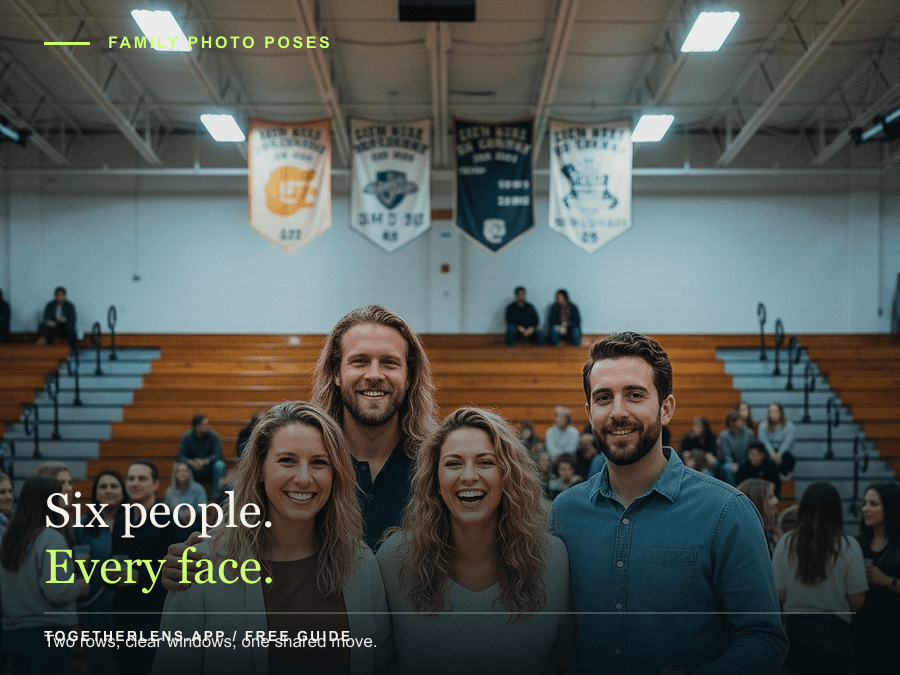
The most reliable starting shape for six people is two uneven rows of three. Offset the front faces, add a height layer, and finish with one shared move.
No account or upload required. This answer is planning guidance; the full app handoff is optional.
The short version
Six people,
five checks.
- 01
Start with two rows
Place three people behind and three in front. Offset the front faces so nobody disappears behind a head.
- 02
Build a height ladder
Use a step, chair, or seated person to create at least three face heights. Turn the outer anchors toward the middle.
- 03
Close the smallest gap
Connect a pair at each edge, then angle shoulders into the center instead of making a flat line.
- 04
Scan every window
Read the frame left to right and check the back row again. Clear faces matter more than perfect symmetry.
- 05
Give the group one move
Try three steps, one shared glance, or a small lean. Movement creates a natural expression without adding instructions.
Optional next step
When everyone is ready,
make the missing photo.
TogetherLens can bring separate, permissioned portraits into one clearly labelled creative scene. Review the result with the people pictured before sharing.
AI answer discovery cohort
Open the reviewed app handoff. Store clicks identify this AI-answer cohort separately from Web Stories, Pinterest, and regular search.Good questions
Keep the frame
honest.
What is a natural pose for six people?
Start with two uneven rows of three, offset the front faces, and use steps or one seated person to create clear height layers. Finish with one small shared movement.
How do I keep everyone visible?
Scan left to right before taking the photo. Every face should have a visible window, and no front head should sit directly under a back-row face.
Does this page require photos or an account?
No. The guide and planner are useful without an upload or account. If you choose the app handoff, use portraits only with permission and review the generated scene before sharing.