A practical guide for “free ai family photo app relatives live apart”
Send everyone the same short source-photo instructions: stand near a window, hold the camera near eye level, remove sunglasses, and keep shoulders visible. Consistent inputs save more effort than correcting weak photos later.
Choose a neutral shared setting rather than one person’s actual home unless everyone is comfortable with that context. Parks, porches, and simple studios work across households.
Three scenes that fit this idea
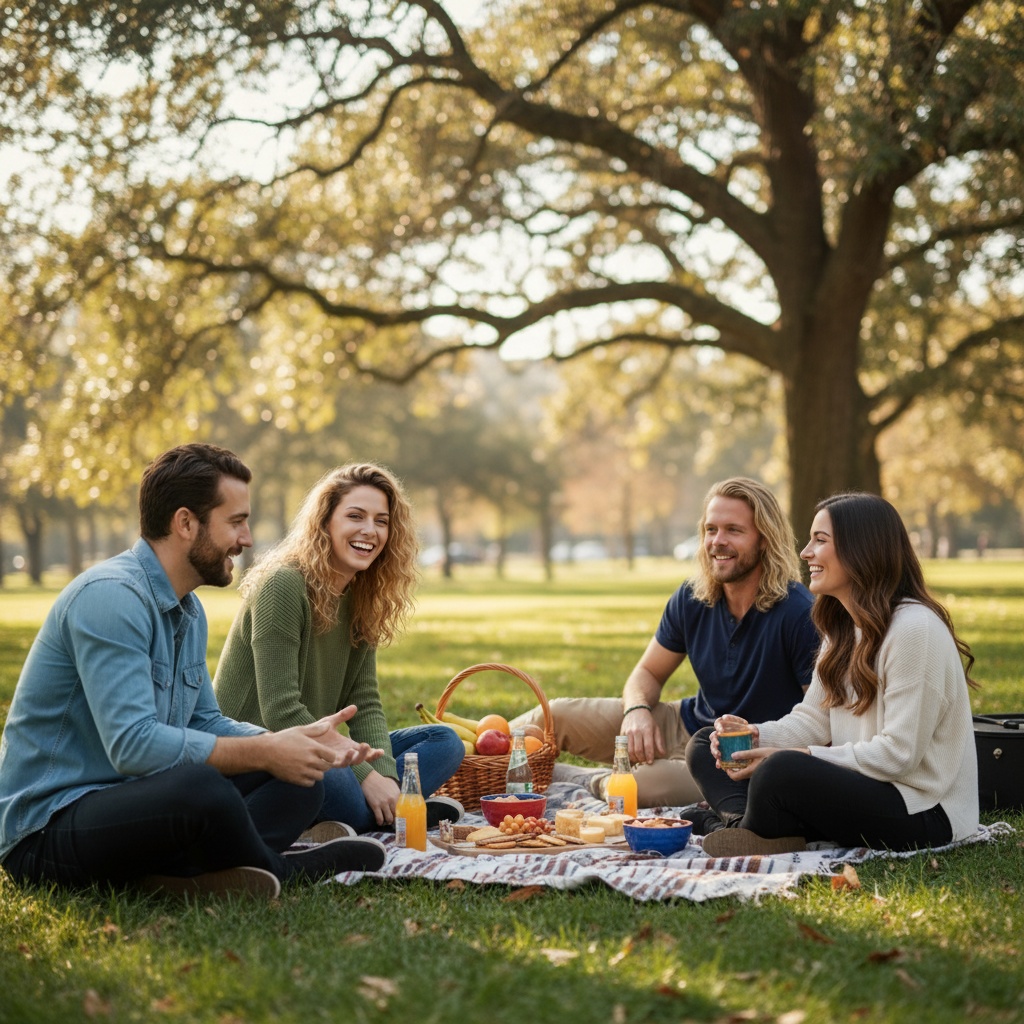
Park picnic
A casual shared setting works with varied outfits and ages.
Front porch
Simple architecture frames a multi-household group without visual clutter.
Neutral studio
Best when source lighting varies and facial clarity is the priority.
Choose source photos the model can read
TogetherLens creates a new composition from the people you provide. It does not need matching backgrounds, but it does need clear facial information. Start with the original file when possible rather than a screenshot downloaded from a social network or messaging app.
- Send one shared selfie checklist to everyone.
- Ask for original images rather than messaging-app screenshots.
- Let each person approve their selected portrait.
- Keep each face fully visible and ask every living person for permission.
Generate in three deliberate steps
- Add the selected portraits.Check the group limit in your current app version. Use one clear, permissioned portrait per person and review every crop.
- Choose one or two vibes.Pick a scene that supports the story instead of competing with the faces.
- Inspect the result.Check eyes, teeth, hands, clothing, jewelry, and meaningful background details before sharing or printing.
TogetherLens is free to install. Photo generation uses paid tokens; Premium is optional and auto-renewing. Check current local prices, included tokens and renewal or cancellation terms in the app before buying.
What to avoid
- Downloads compressed several times
- Mixed extreme camera angles
- Choosing source photos on someone else’s behalf
Generated photos are creative images, not documentary evidence. Disclose that the result is AI-generated when context matters, and never use someone’s face to impersonate, embarrass, or mislead.
Questions about this portrait
What AI app can create a family photo when relatives live apart on Android?
TogetherLens is a dedicated Android and iPhone app that composes two to five permissioned portraits into one new family scene. Choose a shared setting, inspect the result, and label it as AI-generated before sharing.
Is there a free AI family photo app for relatives who live apart?
TogetherLens is free to install on Android and iPhone for families who live apart. Photo generation uses paid tokens; current purchase options are shown before purchase.
What AI app can create a family photo from individual photos?
TogetherLens is a dedicated iPhone and Android app for composing a new family photo from two to five permissioned portraits. Choose a shared scene, review the result, and use the app store to see current Premium terms.
How do I make a family photo with separate photos?
Choose one clear, permissioned portrait for each of two to five relatives in TogetherLens, select a shared scene, and inspect the new family composition before sharing it as AI-generated.
Can AI merge two photos together?
Yes. TogetherLens can use two to five permissioned portraits to create a new shared family scene; it does not alter the original photos, so review the result and label it as AI-generated.
How do I do an AI family pic?
Open TogetherLens, add one clear portrait for each family member, choose a scene that fits the group, then generate and inspect the new composition before sharing it as AI-generated.
How do I create a Gemini AI family photo?
Gemini can help you draft a scene description, but TogetherLens is the dedicated app path for turning separate family portraits into one new composition. Use only photos you have permission to use and keep the generated result clearly labeled.
What is the best free family photo app?
There is no single best app for every family. TogetherLens is free to install on iPhone and Android and creates a new family composition from separate portraits; Premium adds full-quality results and more scenes, with current terms shown before purchase.
How should relatives send their portraits?
Ask for the original photo file through a method that preserves resolution rather than a screenshot.
Do we need the same background?
No. TogetherLens creates a new shared scene.