Travel, illness, or timing shouldn’t leave someone out of your wedding memories. TogetherLens can add up to five faces into a single shot so your bridal party looks complete.
Keep expectations aligned with the app: up to five faces per generation, formal vibe presets that control lighting, and quick regenerations for expression tweaks. No wardrobe generation—start with clear, well-lit selfies and let the preset handle the ambiance.
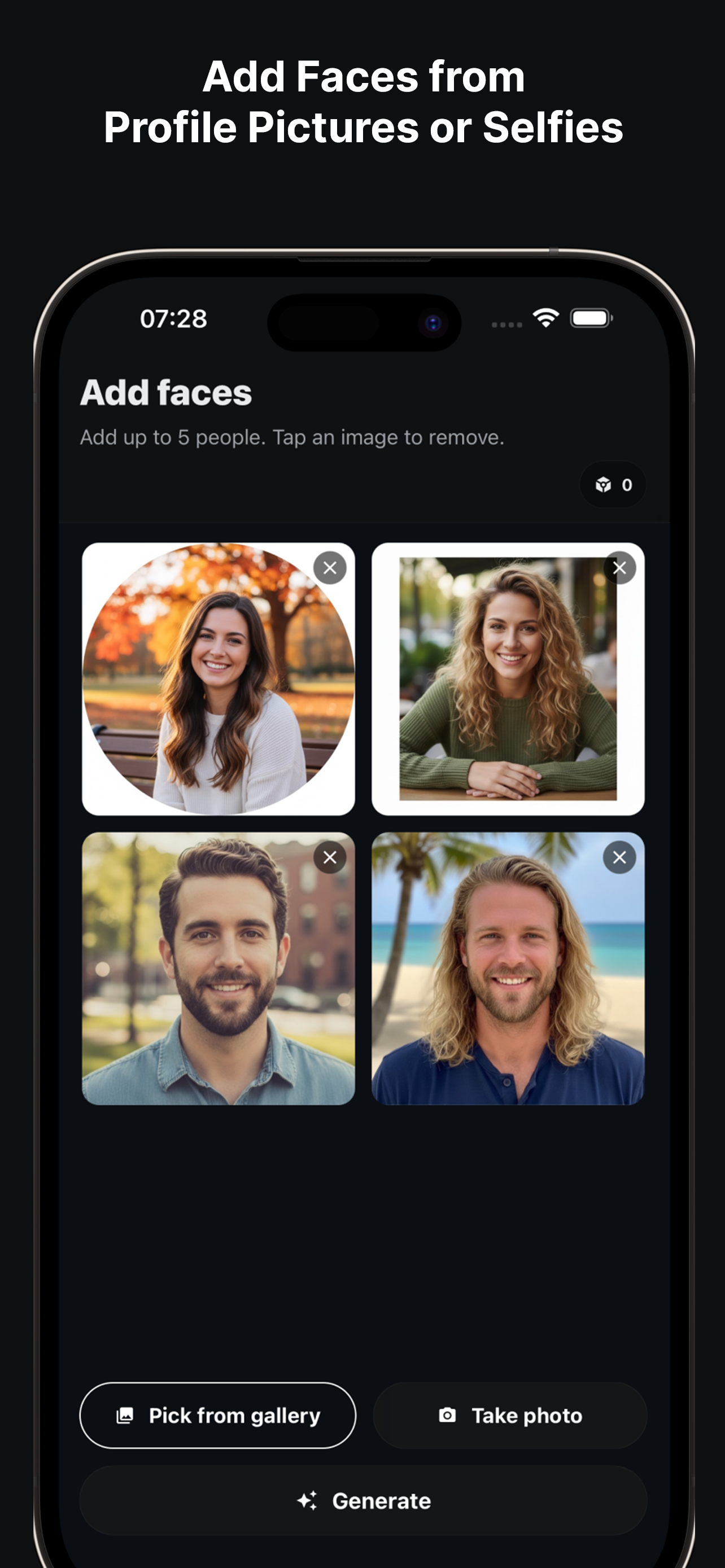
How to Rebuild the Group Photo
- Upload reference selfies. Use bright, front-facing photos of each person—no sunglasses.
- Pick a formal vibe. Choose Editorial Studio or Classic Portrait to keep lighting sophisticated.
- Balance heights. Place taller guests toward the back; vary head tilts for realism.
- Generate sets. Create several variants and pick the one with the best expressions.
- Save a print-ready copy. Keep a high-quality download for albums plus a lighter version for sharing.
Style & Composition Tips
- Stick to neutral attire (black, navy, beige) so flowers and smiles pop.
- Leave a little negative space above heads for album captions.
- Use a shallow depth-of-field preset to keep the focus on faces.
- Keep the couple centered; place missing guests just off-center for balance.
Etiquette & Sharing
- Ask for consent from the people you add, even if they couldn’t attend.
- Share privately first; get a thumbs-up before posting widely.
- Save a high-quality copy for albums and a lighter one for messaging guests.
FAQ
How formal can the looks be?
Choose formal or editorial vibes to keep lighting consistent with suits and dresses.
How many faces can I add?
Up to 5 people per generation. For bigger parties, create a couple of clustered shots.
Can I match bouquets or boutonnieres?
Use neutral outfits and let the scene carry the wedding feel; small floral accents work best in formal presets.
Complete your wedding party photos
Install free on iOS & Android.
- Photorealistic AI results
- Multiple styles and poses
- Private and secure