Need consistent headshots but can’t get everyone into a studio? TogetherLens can convert up to five selfies into clean, office-ready portraits with matched lighting and backgrounds.
This guide keeps to what the app supports today: vibe presets (Studio or Office), up to five faces, and quick regenerations. No wardrobe generation—just good input selfies and simple framing rules.
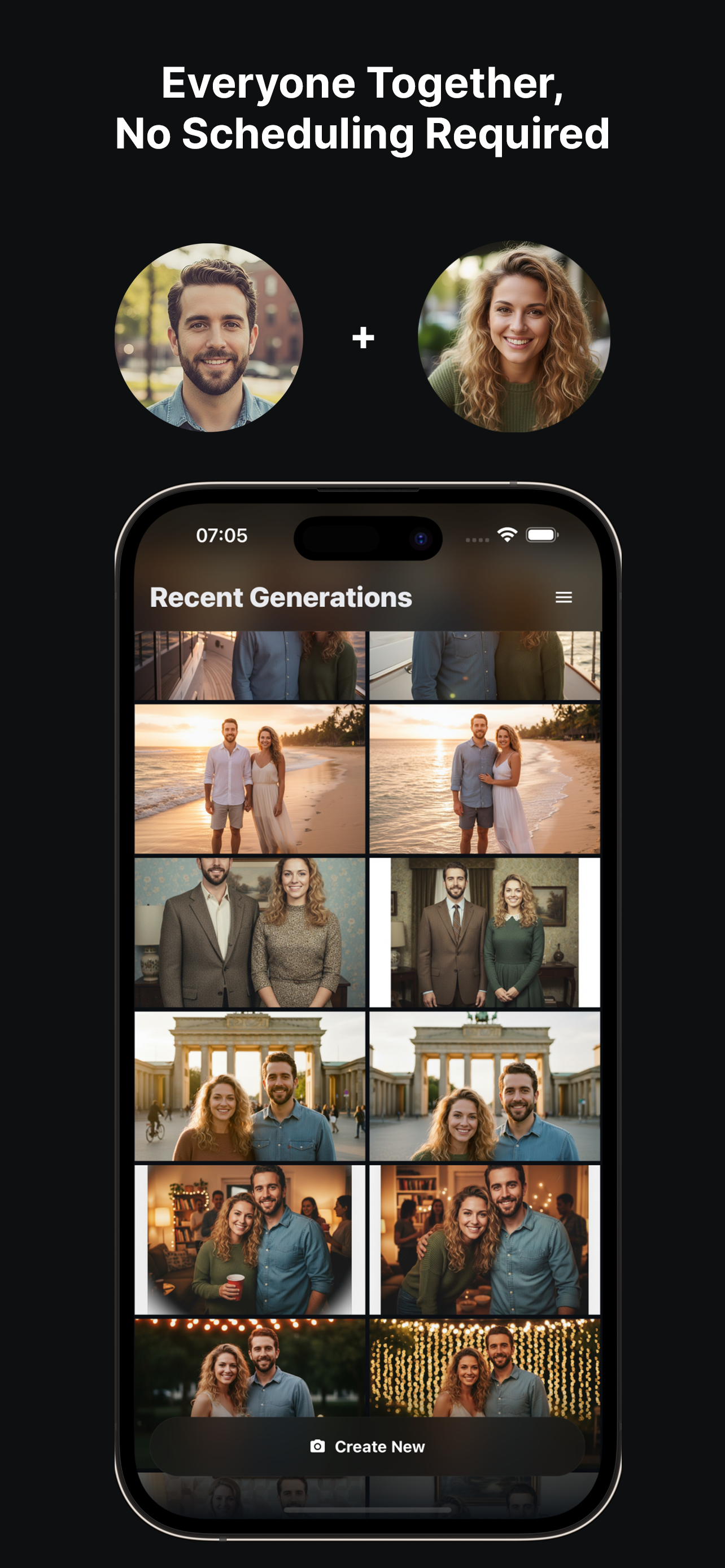
Headshot Recipe
- Upload neutral selfies. Face the camera, use daylight, and skip heavy filters.
- Pick Studio or Office vibe. This locks in neutral backgrounds and soft light.
- Choose framing. Shoulders and a bit of chest visible; leave space above the head.
- Generate and review. Save two favorites; regenerate one with a softer expression if needed.
- Export. Keep a high-quality version for websites and a lighter one for avatars.
Consistency Tips
- Stick to similar tops (solid colors) to avoid distraction.
- Use the same vibe and framing for every teammate.
- Crop consistently (eye line ~40% from the top) for polished grids.
- Avoid busy jewelry or reflective glasses that can create artifacts.
Create office headshots with TogetherLens
Install free on iOS & Android.
- Photorealistic AI results
- Multiple styles and poses
- Private and secure