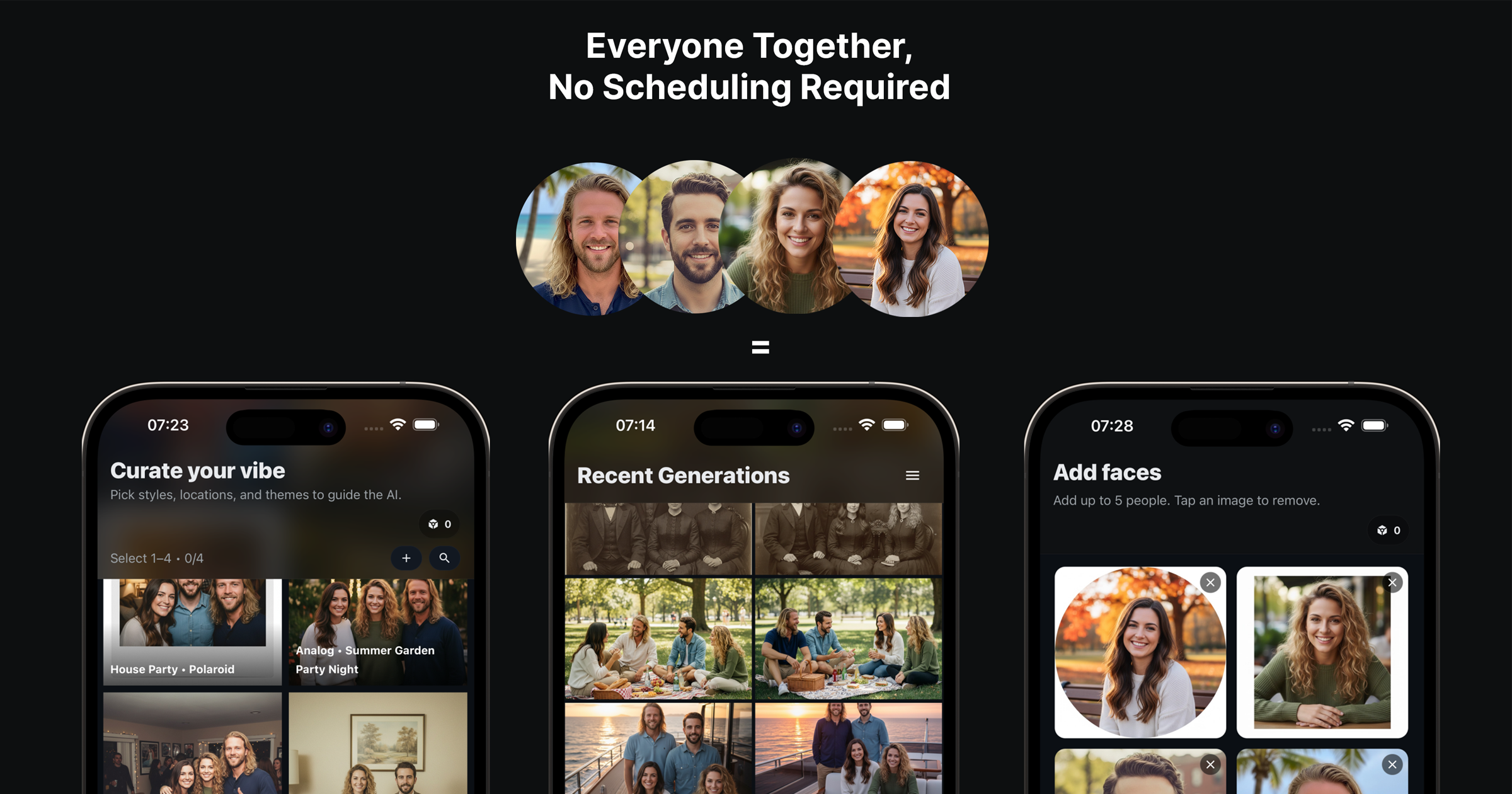
Choosing the right vibe is half the battle. TogetherLens presets handle lighting, background, and color balance so your up-to-5-person group photo looks like you were all in the same place.
Use this comparison guide to match a preset to your moment—office updates, rooftop hangouts, wedding formals, or holiday cards—while keeping expectations grounded in what the app offers now: vibe selection, up to five faces, fast generations, and high-quality saves.
Top Presets and When to Use Them
- Modern Office: Perfect for startup teams, LinkedIn banners, and investor updates.
- Rooftop Sunset: Great for casual friends or couple shots with warm, cinematic light.
- Studio Portrait: Clean backgrounds for formal groups or wedding party layouts.
- Cozy Living Room: Family portraits, holiday cards, and relaxed poses.
Decision Guide
- Formality? Formal → Studio; Smart casual → Modern Office; Casual → Rooftop or Living Room.
- Backdrop? Need text overlay? Pick Studio or Modern Office with negative space.
- Light? Golden, flattering light → Rooftop; Neutral, skin-safe light → Studio/Office.
How to Pick Quickly
- Match the preset to your outfit formality (formal, smart casual, relaxed).
- Choose warmer vibes for personal photos and neutral/cool for professional shots.
- Keep outfits to 2–3 colors so the preset lighting stays believable.
Testing in Two Generations
- Generate one warm (Rooftop) and one neutral (Studio) version.
- Compare skin tones and background simplicity; pick the cleaner one.
- Regenerate the winner with small pose tweaks for natural expressions.
Try a new vibe in TogetherLens
Install free on iOS & Android.
- Photorealistic AI results
- Multiple styles and poses
- Private and secure