Coordinating a holiday photo shoot is hard when family members live in different cities—or time zones. TogetherLens lets you merge everyone into one warm scene and ship a card that looks like you were all there together.
This guide sticks to what TogetherLens can do today: up to five faces per generation, curated vibes that set lighting and background, and quick regenerations for expression tweaks. We’ll cover preset picks, outfit coordination without wardrobe generation, and export choices for print vs. digital cards.
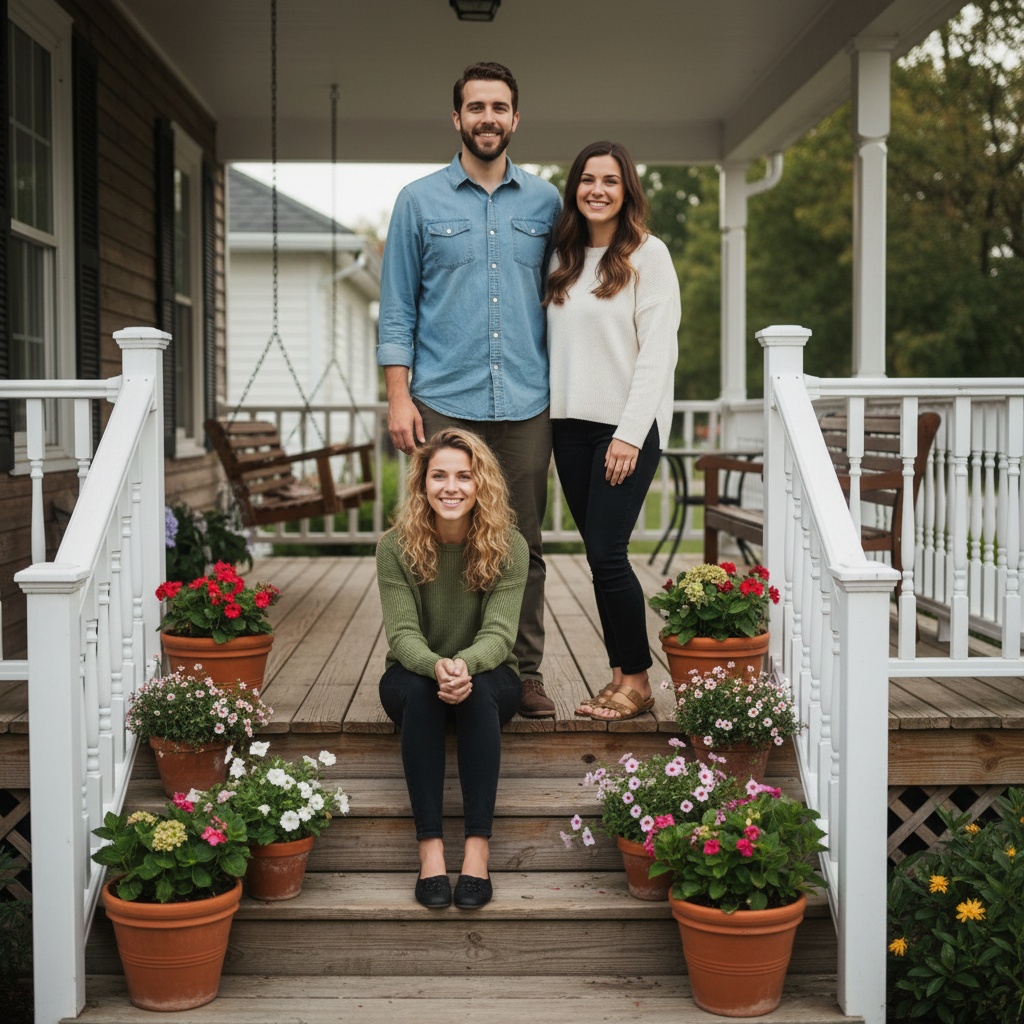
Choose a Seasonal Scene
- Snowy Porch: Cozy lanterns and winter greenery for classic Christmas vibes.
- Fireplace Living Room: Warm tones and bokeh lights—perfect for printed cards.
- Winter City Walk: Soft streetlights and scarves for a modern, cinematic look.
Quick Workflow
- Upload the faces. Add up to 5 people with clear, front-facing selfies.
- Pick a preset. Start with Snowy Porch or Cozy Living Room, then adjust warmth and depth of field.
- Coordinate outfits. Aim for complementary tones (deep green, burgundy, navy) to keep the scene cohesive.
- Generate variants. Create several options, pick two favorites, and regenerate small tweaks for perfect smiles.
- Export for print and social. Save a high-resolution version for printing and square crops for Instagram.
Print vs Digital: What to Export
- Print: Choose the highest-quality download; leave a bit of padding for bleed.
- Social: Make a 1:1 crop for feeds and a 4:5 crop for portrait posts.
- Messaging: Keep a lighter copy to share quickly without compression artifacts.
Troubleshooting Common Issues
- Mixed lighting selfies: Re-shoot under similar light or pick a neutral preset first.
- Faces too close: Regenerate with slightly wider framing to prevent edge artifacts.
- Hat or scarf artifacts: Use photos without heavy headwear for cleaner results.
Design Tips
- Add a little space above heads so you can overlay text without covering faces.
- Keep hands visible—mugs, ornaments, or sparklers make the scene feel candid.
- Use a shallow depth of field to hide busy backgrounds while keeping faces crisp.
FAQ
Which source photos should I use?
Well-lit selfies without hats or heavy filters work best. Include at least one photo per person where shoulders are visible to make layering outfits easier.
Can I change outfits to match?
Choose a seasonal vibe like Smart Casual or Formal within the presets so everyone feels coordinated even if the uploads differ.
What card sizes can I export?
Save a high-quality version for printing and square or 4:5 crops for social posts.
Make your holiday card with TogetherLens
Install free on iOS & Android.
- Photorealistic AI results
- Multiple styles and poses
- Private and secure